




Which Weather Widget Features Matter for Modern Websites?


Each widget plays an important role in different types of websites, and weather widgets do too. However, which weather widget features are more significant when choosing? This post will outline key widget features ideal for blogs, media, and new platforms. Let’s get started!
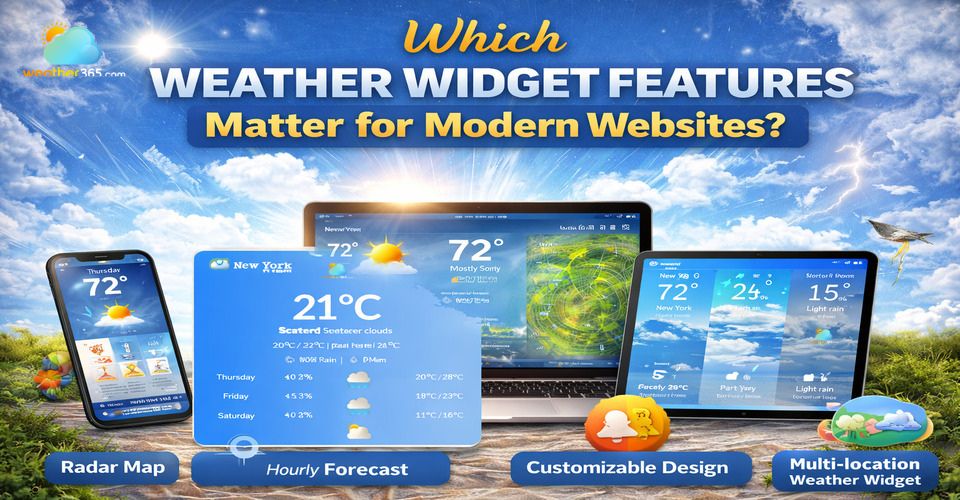
Key weather widget features for modern websites
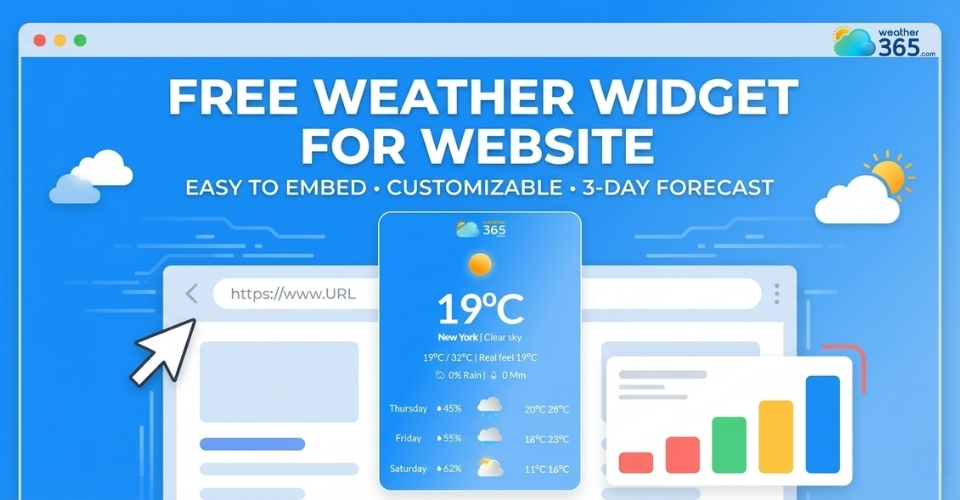
Free Weather Widget For Website
Free features play a crucial role when choosing a free weather widget for website, especially for small businesses, blogs, or startups looking to enhance user experience without additional cost.
Many modern tools already offer essential weather widget features such as real-time weather updates, basic forecasts (hourly or 3–7 days), and simple location detection.
Many popular providers offer free options, such as WeatherWidget.io, Weather365.com, OpenWeather, and Weatherbit.
These solutions demonstrate how free access can lower barriers while still delivering practical value, making it easier for websites to enhance content without financial commitment.
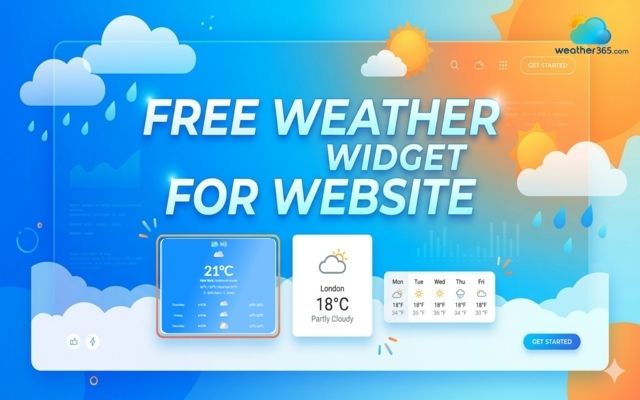
Consider free feature when choosing weather widgets
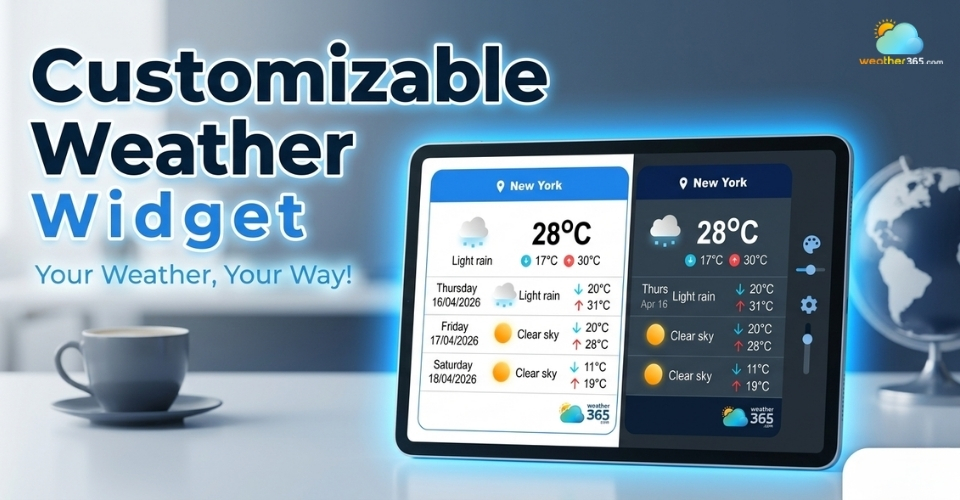
Customizable Weather Widget
Customization stands out as one of the most important features of modern weather widgets for websites.
A customizable weather widget allows site owners to fully control the appearance and display to match their branding and user needs.
For example, the Weather365 widget enables users to configure layout models, select the number of forecast days, choose temperature and precipitation units, adjust date formats, and customize background colors and titles.
Similarly, platforms like WeatherWidget.io also provide flexible styling options. This level of customization ensures a consistent design while enhancing the overall visual experience.
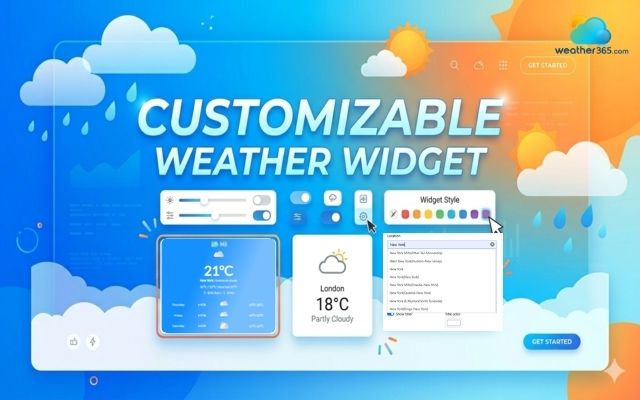
Customize a weather widget to match your site
Responsive Weather Widget for Any Screen Size
A responsive weather widget for any screen size is a critical feature for modern websites, ensuring consistent display across desktops, tablets, and mobile devices.
This capability allows the widget to automatically adapt its layout and proportions based on screen size, improving usability and visual experience.
When learning how to embed weather widget, responsiveness should be a top priority to avoid layout issues on smaller screens.
Solutions like Weather365, WeatherWidget.io, and OpenWeather provide responsive designs that integrate smoothly into any website, ensuring accessibility and a seamless user interface across all devices.
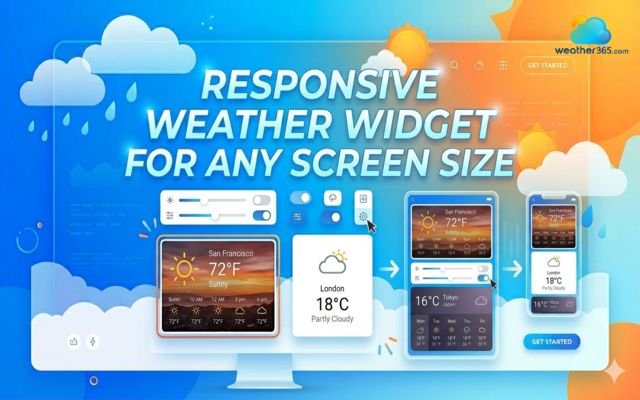
Weather widgets are responsive for any screen size
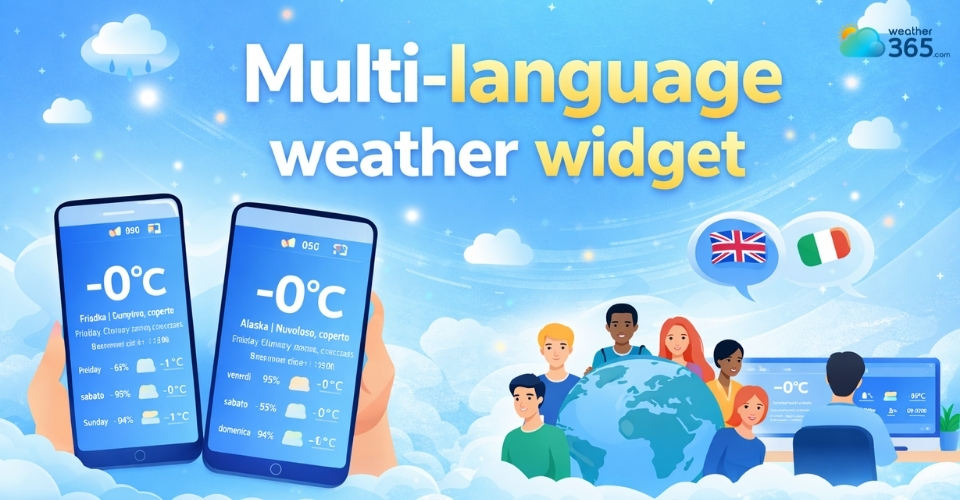
Multi-Language Weather Widget
A multi-language weather widget is an essential feature for websites targeting global audiences.
It allows content to be displayed in multiple languages, ensuring accessibility and a better user experience for visitors from different regions.
For businesses seeking a Weather Underground alternative, this capability becomes even more valuable for effectively reaching international users.
The Weather365 widget, for example, supports multiple languages, enabling seamless localization without additional development effort.
By implementing a Multi-Language Weather Widget, websites can improve engagement, expand reach, and deliver weather information in a way that feels natural to diverse audiences.
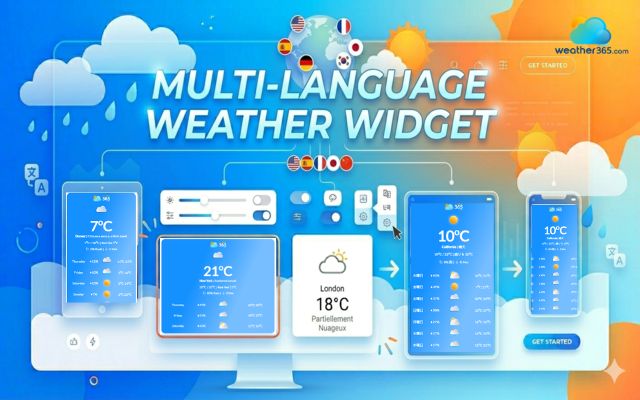
Multi-language weather widget
Multi-Location & Auto-Detect Weather Widget
The multi-location & auto-detect weather widget is a key feature for modern websites aiming to deliver relevant content to diverse users.
This functionality allows the widget to automatically detect a visitor’s location and display accurate weather information without manual input.
It also supports multiple locations, making it ideal for websites serving global audiences.
Platforms like Weather365, OpenWeather, and Weatherbit offer this capability.
By using a Multi-Location & Auto-Detect Weather Widget, websites can provide personalized experiences that align with users' location instantly.
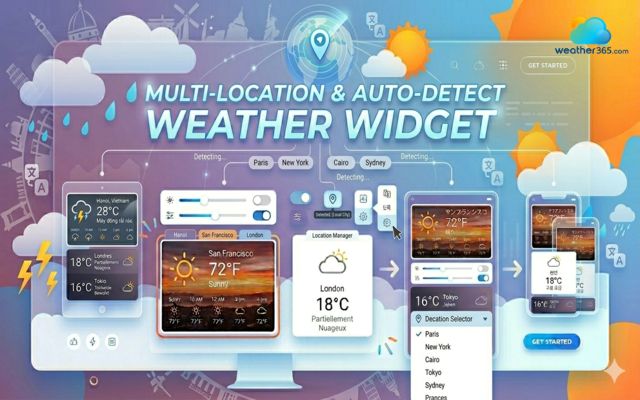
Consider the multi-location and auto-detect feature of weather widgets
Fast loading speed weather widget
Website speed is a critical factor today, and a fast-loading weather widget for lightweight builders can significantly improve overall performance.
A lightweight widget ensures pages load quickly while maintaining smooth user interaction, which is essential for both user experience and SEO rankings.
For those seeking a Weather Channel Alternative, optimized solutions from Weather365, WeatherWidget.io, and OpenWeather provide efficient, low-impact integrations that help websites stay fast and responsive.
Fast loading speed weather widgets
How to choose the right weather widget?
Choosing the right weather widget depends on aligning key weather widget features with your specific website needs.
First, consider your website goals. If your objective is to increase engagement or provide real-time information, select a widget that supports your content strategy and enhances user interaction without overwhelming the design.
Second, evaluate audience needs. A global audience may require location flexibility, while a local audience benefits from more targeted data.
Understanding user behavior helps ensure the widget delivers relevant information effectively.
Finally, assess technical requirements. Your website platform, loading speed expectations, and integration capabilities should guide your decision.
A compatible and optimized widget ensures smooth performance without affecting overall site functionality.
By carefully matching weather widget features with these three factors, you can implement a solution that not only fits your website technically but also improves user experience and long-term performance.
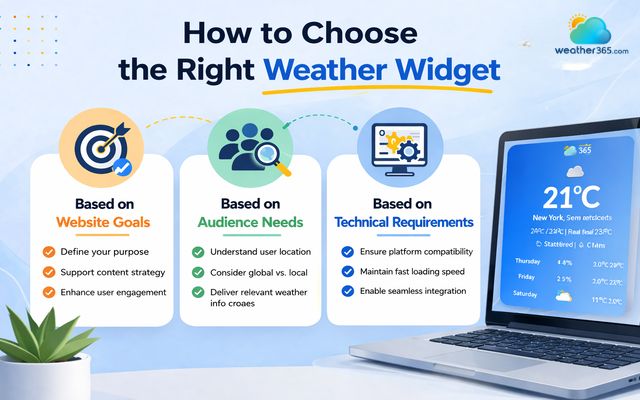
Tips to choose the right weather widget for your site
The Bottom Line
Choosing the right widget comes down to aligning functionality with user needs, performance, and design. By focusing on the right weather widget features, websites can improve engagement, usability, and overall experience while staying competitive in a data-driven digital landscape.
Frequently Asked Questions (FAQs)
Related post
Free Weather Widget For Website: Top Ad-Free Live Weather Tools
 253
253
 8
8
 4.8
4.8
 14/08/2026
Multi-Language Weather Widget: A Simple Way To Go Globalize Your Site
242
8
4.8
17/08/2026
Best Customizable Weather Widget To Add To Your Site
220
8
5.0
13/08/2026

8 Comment
Oscar Briggs
I like the idea of automatically detecting a visitor's location. It saves an extra step, especially for people who just want to check the local forecast quickly.
weather365
Definitely! Automatic location detection can make the experience more convenient, while manual location selection is still useful when visitors want to check the weather somewhere else.
Aaron Cook
Multi-language support is especially useful for websites with international visitors. It makes the experience feel more accessible instead of forcing everyone to use the same language.
weather365
Exactly! Showing weather information in a language visitors understand can make a website easier to use. It's a particularly useful feature for travel, tourism, and other internationally focused websites.
Jameson Wright
Mobile compatibility is a big one for me. I've seen widgets that look great on desktop but become awkward to use on smaller screens.
weather365
That's a good point! It's always worth checking how a widget behaves across different screen sizes before publishing. A clean, readable layout matters just as much on mobile as it does on desktop.
Cayden Wright
I think customization is one of the most important things to look for in a weather widget. Even a useful feature can feel out of place if it doesn't match the rest of the website.
weather365
Absolutely! A widget should feel like a natural part of the website rather than an extra element added at the last minute. Being able to adjust its appearance and layout makes a real difference.
Leave a comment
Your email address will not be published. Required fields are marked *