




Multi-Location & Auto-Detect Weather Widget: A Must-Have for Modern Websites


Ever wondered how to show the right weather to every visitor without asking them to choose a location? A multi-location & auto-detect weather widget might be exactly what your site needs. It automatically detects where users are and displays accurate forecasts instantly. In this guide, you’ll learn how it works, its key benefits, and how to add it step by step.
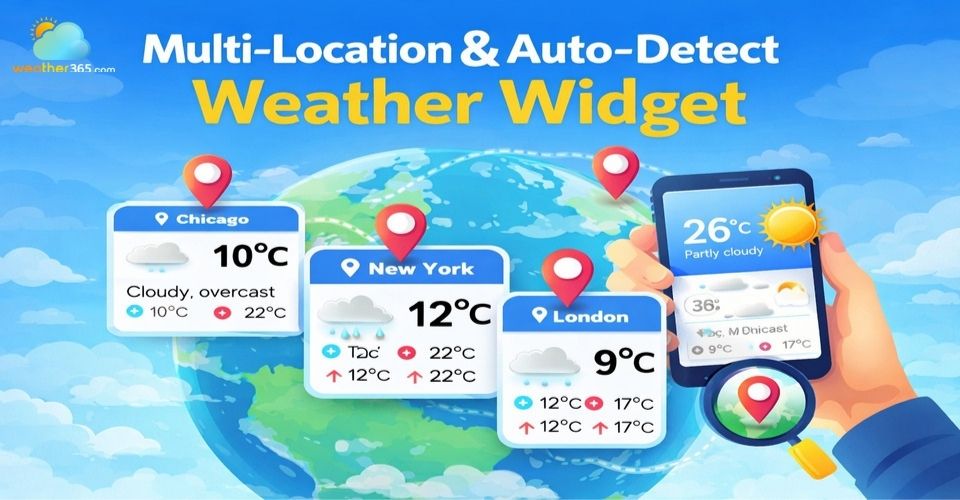
Multi-location & auto-detect weather widget
- Key Features to Look for in a Multi-Location Weather Widget
- Benefits of Using a Multi-Location & Auto-Detect Weather Widget
- How To Add A Multi-Location & Auto-Detect Weather Widget
- Embed via JavaScript snippet (no-framework sites)
- Integration with WordPress, Webflow, and Wix
- API-based integration for developers
- Best Multi-Location & Auto-Detect Weather Widgets
- Location Weather
- Meteoblue Weather Widget
- Weather365 widget
Key Features to Look for in a Multi-Location Weather Widget
Not every widget can deliver a smooth, personalized experience.
If you want your Multi-Location & Auto-Detect Weather Widget to actually add value, these are the features that matter most.
Automatic location detection (IP/GPS)
This is the core of the entire experience. A good widget should automatically detect where your visitors are without asking them to input anything.
IP-based detection works instantly and doesn’t require permission, while GPS offers higher accuracy when users allow access.
The best solutions combine both, so users always see relevant weather right away.
Auto-detecting user geolocation instantly serves relevant updates like US regional local weather.
Ability to display multiple cities at once
Modern users often need more than just their current location.
Someone planning a trip, checking weather for family abroad, or managing work across regions will appreciate being able to view multiple cities.
A strong widget makes it easy to switch between locations or even display several forecasts at the same time, without slowing down the page.
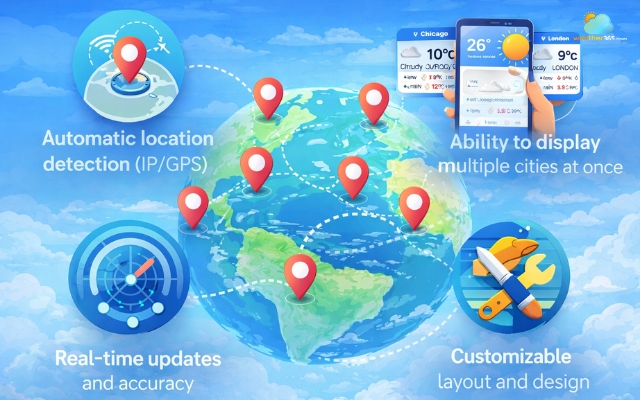
Must have features in a multi-location & auto-detect weather widget
Real-time updates and accuracy
Weather changes quickly, so outdated data can hurt trust. That’s why real-time updates are essential.
A reliable widget should continuously refresh its data and pull from trusted sources to ensure accuracy.
When users see that your site provides up-to-date information, they’re more likely to stay longer and come back.
Customizable layout and design
Even the most powerful widget won’t help if it looks out of place.
Design flexibility allows you to match the widget with your website’s style, from colors and fonts to layout structure.
A well-integrated widget feels like part of the site, not an add-on.
If you want more control over appearance and layout, explore a Customizable Weather Widget to see how far you can tailor the design.
Benefits of Using a Multi-Location & Auto-Detect Weather Widget
Here’s how a multi-location & auto-detect weather widget helps:
Improved user experience & longer session time
Visitors instantly see relevant weather without doing anything.
This kind of personalization can increase engagement and session duration by around 20-30% in many cases.
Personalization without login
Users don’t need to create an account or select their location manually.
The widget automatically adapts, making the experience smooth and effortless.
A travel website can also let visitors explore locations such as Nevada weather alongside other destinations without requiring separate searches.
Stronger SEO signals
When users stay longer and interact more, it sends positive signals like higher dwell time and lower bounce rates - factors that can support better search rankings over time.
Ideal for high-impact use cases
Travel websites can display multiple destinations at once, while outdoor or event-based sites can provide real-time conditions that directly influence user decisions.
Want to go deeper into performance-focused features? Check out Weather Widget Features for more ideas.
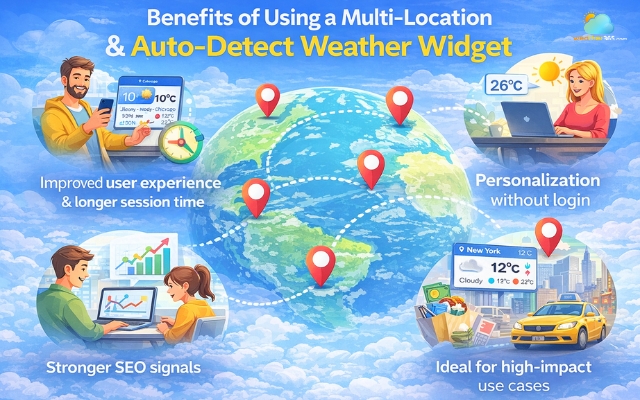
Advantages of using a multi-location & auto-detect weather widget
How To Add A Multi-Location & Auto-Detect Weather Widget
Depending on your website setup, you can choose a simple embed method or go deeper with API integration.
Embed via JavaScript snippet (no-framework sites)
This is the fastest and most beginner-friendly option.
Most weather providers give you a ready-made script that you can copy and paste into your site.
You’ll usually place the widget container inside the body where you want it to appear.
The script can go in the body or head, but adding the async attribute is important, it allows the widget to load without slowing down your page.
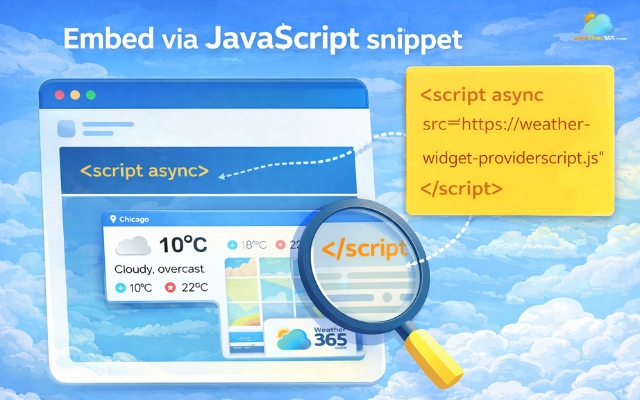
Embed via JavaScript snippet is the simplest method
Integration with WordPress, Webflow, and Wix
If you’re using a CMS, the process becomes even more flexible.
On WordPress, you can either install a plugin or paste the widget code into a Custom HTML block.
Plugins are easier to manage but can sometimes conflict with other tools.
With Webflow and Wix, you’ll typically use an embed element or custom code section to insert the script.
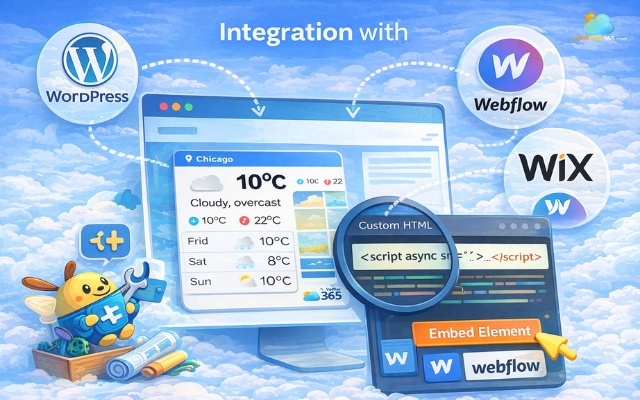
Carefully choosing the placement of the widget
It’s simple, but placement matters, putting the code in the wrong section can cause display issues.
Common mistakes include adding too many plugins, placing scripts incorrectly, or forgetting to enable permissions for location detection.
For better display across devices, you might also want to explore a Responsive Weather Widget for Any Screen Size.
API-based integration for developers
If you need more control, using a weather API is the best approach. This lets you fully customize how data is fetched and displayed.
A typical request might look like:
/weather?lat={latitude}&lon={longitude}
You’ll need an API key for authentication, and it’s important to manage rate limits to avoid hitting usage caps.
To keep data fresh, developers usually choose between:
Polling: fetching data at regular intervals
Webhooks: receiving updates when changes occur
This method takes more effort but gives you complete flexibility, especially if you’re building a complex or scalable platform.

Using a weather API to add a weather widget
Best Multi-Location & Auto-Detect Weather Widgets
Choosing the right widget depends on how much control, accuracy, and flexibility you need.
Some tools are simple and easy to embed, while others offer deeper customization and data options.
Below are three reliable options worth considering.
Location Weather
This type of widget focuses on simplicity and automatic detection.
It’s designed to quickly display weather based on the user’s current location, often using IP or GPS.
It’s a good fit if you want something lightweight and fast to implement, especially for blogs or small websites.
However, customization and multi-location display can be limited compared to more advanced tools.
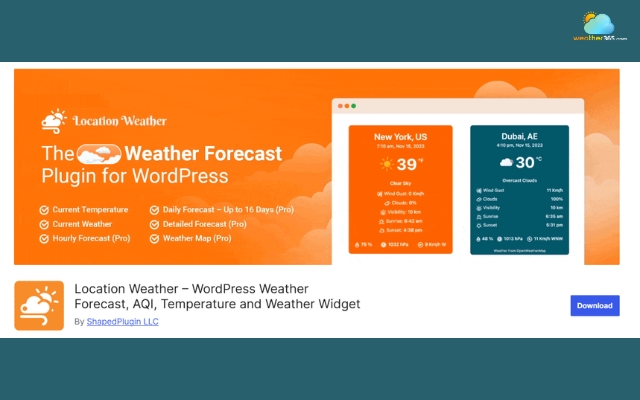
Location Weather focuses on simplicity
Meteoblue Weather Widget
Meteoblue weather widget stands out for its depth and flexibility.
It allows you to either set a fixed location or automatically detect the user’s location, while also offering detailed forecasts and weather maps.
What makes it different is the level of customization; you can control forecast range, units, layout, and even choose between different visualization types like maps or hourly forecasts.
It’s especially useful for travel, data-heavy, or professional websites that need more than just basic weather info.
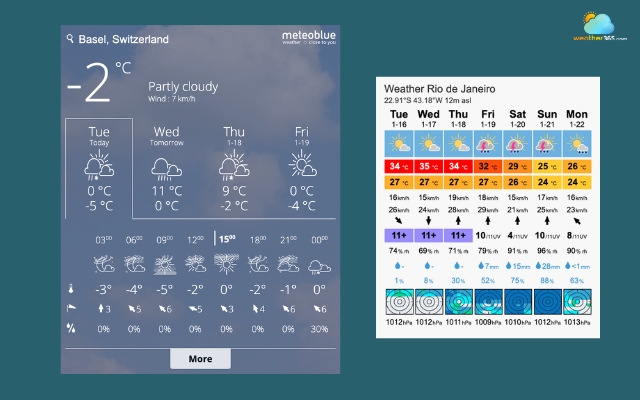
Meteoblue is useful for professional websites
Weather365 widget
Weather365 widget is a strong choice if your priority is multi-location support combined with auto-detect capability.
The widget can automatically detect a user’s location and display local weather instantly, while still allowing them to add and track multiple cities at the same time.
This makes it especially useful for websites with diverse or global audiences. Visitors can quickly view their current weather and compare it with other locations without extra steps.
The switching between locations is smooth, and in some layouts, multiple cities can even be displayed simultaneously.
Another advantage is that all of this comes with a simple setup process.
You don’t need advanced technical skills to enable both auto-detection and multi-location features, which makes Weather365 a practical option for most modern websites.
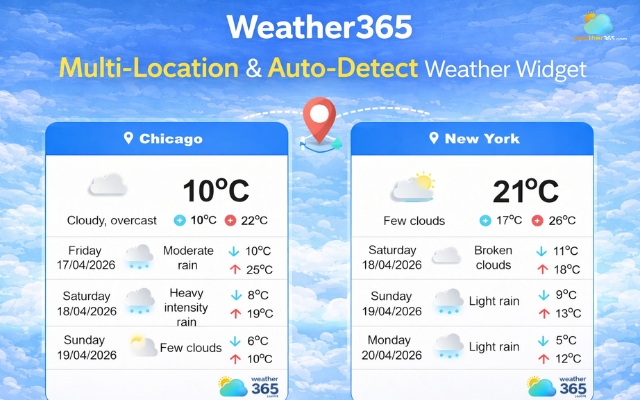
Weather365 detects and displays local weather instantly
For quick comparison, let’s take a look at the table below:
Feature | Location Weather | meteoblue | Weather365 |
Auto-detect location | ✅ | ✅ | ✅ |
Multi-location support | Limited | ✅ | ✅ |
Customization level | Low | High | Medium–High |
Ease of setup | Very easy | Medium | Easy |
Data depth (maps, charts) | Basic | Advanced | Standard |
Best for | Simple websites | Data-rich / travel sites | General-purpose websites |
Sum up
In conclusion, a multi-location & auto-detect weather widget helps you deliver personalized, real-time information without extra effort from users. Whether you use a simple embed or a full API integration, it’s a smart way to boost engagement, improve SEO signals, and enhance overall user experience.
Frequently Asked Questions (FAQs)
Related post
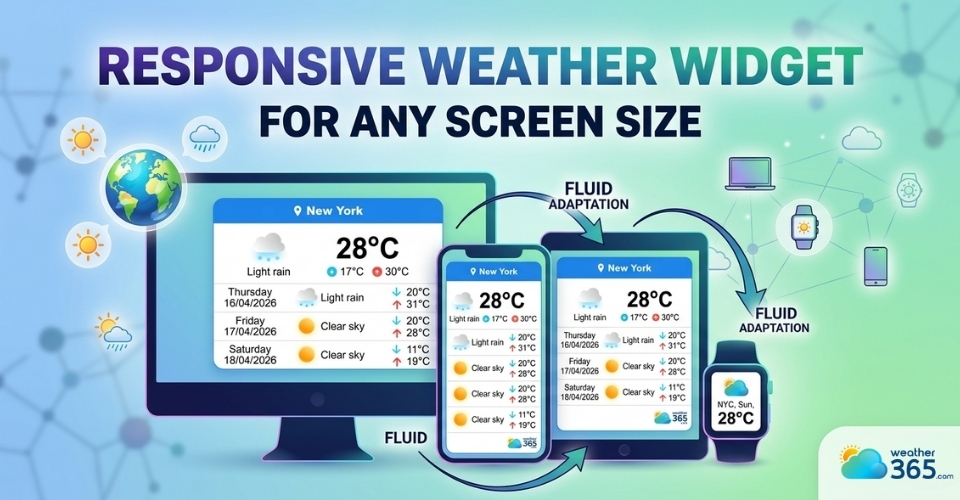
Discover Responsive Weather Widget for Any Screen Size
 229
229
 0
0
 5.0
5.0
 24/07/2026
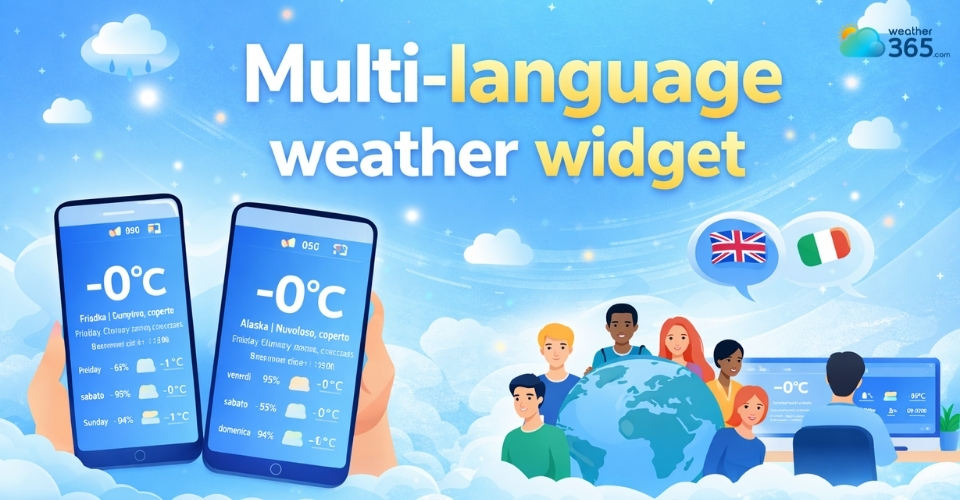
Multi-Language Weather Widget: A Simple Way To Go Globalize Your Site
227
0
4.8
17/08/2026
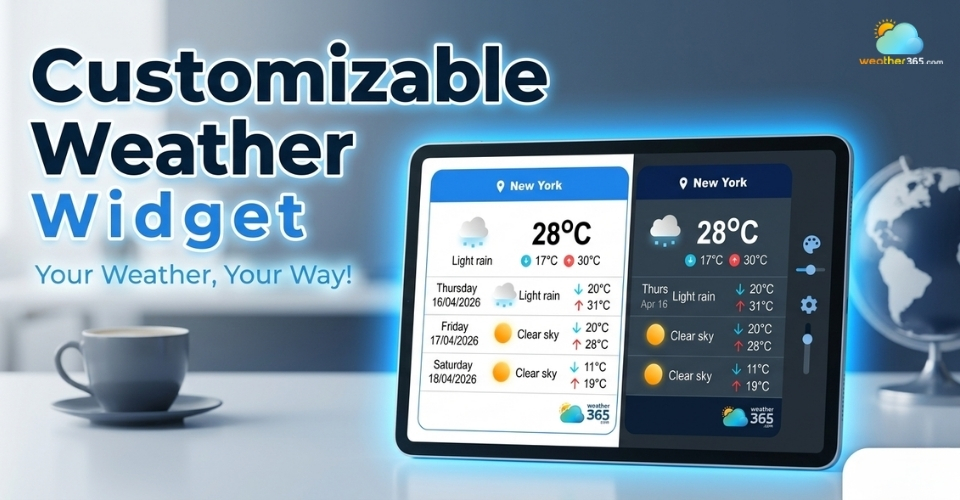
Best Customizable Weather Widget To Add To Your Site
208
0
5.0
13/08/2026

0 Comment
Leave a comment
Your email address will not be published. Required fields are marked *