




Weekend Weather Widget: The Ultimate Tool For Smart Event Planning


Weekend weather widget tools make it easier than ever to plan trips, outdoor events, and relaxing weekends without constantly checking full weekly forecasts. But which features actually matter, and which widget works best for your website Works best? In this guide, you’ll discover the top solutions, key benefits, and simple installation tips to get started quickly.
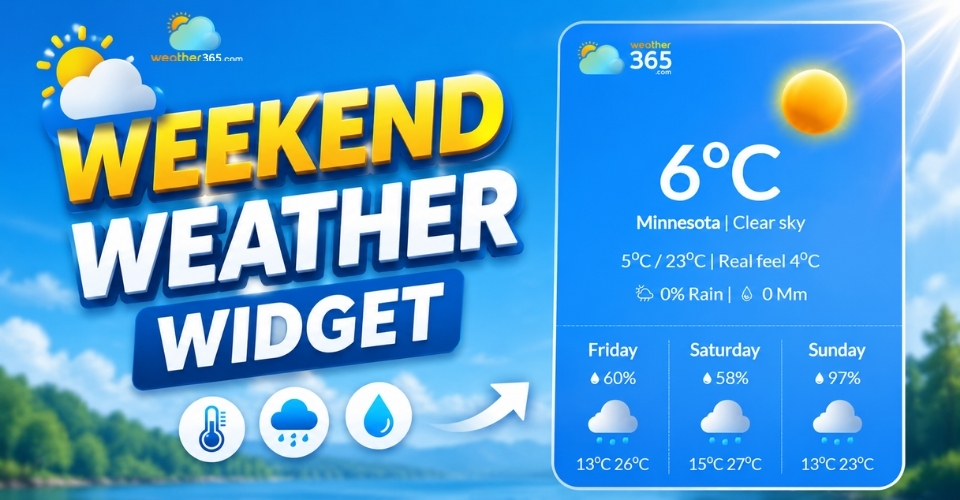
Weekend weather widget
What is Weekend Weather Widget?
A weekend weather widget is a compact weather tool designed to show forecast information specifically for the weekend, usually covering Friday through Sunday or just Saturday and Sunday.
Unlike a current weather widget that focuses on the days people are most likely to plan activities, travel, or outdoor events.
Most weekend weather widgets typically include:
Temperature widget highs and lows
Rain probability
Wind conditions
Weather icons
You’ll often see these widgets on travel and tourism websites, event websites, hotel platforms, and local business sites where weather can influence user decisions.
The weekend weather widget is useful due to its simplicity.
Rather than overwhelming visitors with too much forecast data like 10-day weather widget, it highlights the information they care about most before the weekend arrives.
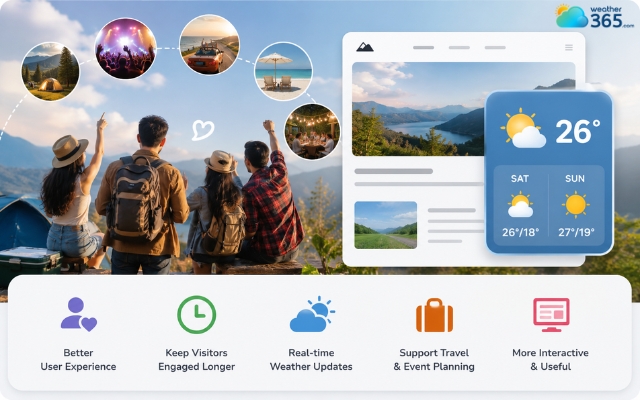
Weekend weather widget is useful for trip planning
Why use a weekend weather widget?
Weekends are when people usually make short-term plans.
They check the weather before going camping, attending concerts, planning road trips, visiting beaches, or organizing outdoor gatherings.
That is why a weather widget for event websites or a weather widget for travel and tourism websites can be especially useful when visitors need quick planning information.
A weekend weather widget helps users get this information instantly without needing to open a separate weather app or search engine.
For website owners, this offers several benefits:
Improves user experience
Keeps visitors on the page longer
Adds useful real-time content
Supports travel and event planning
Makes websites feel more interactive and practical
For example, a tourism website can show visitors whether the upcoming weekend will be sunny or rainy, while an event organizer can help attendees prepare ahead of time.
Compared to 7-day weather widget, a weekend-focused widget is also cleaner and easier to scan quickly, especially on mobile devices.
Key features of a weekend weather widget
A good weekend weather widget help users quickly understand weekend conditions and plan activities more easily.
Weekend focus
Unlike full weekly forecasts, a weekend weather widget highlights the most important days for planning, usually Friday through Sunday.
This makes it easier for users to check weather conditions for trips, outdoor events, or relaxing weekend plans without scanning unnecessary weekday data.
Some widgets also show weather trends like rainy weekends, sunny conditions, or sudden temperature changes.
Real-time updates
Weather can change quickly, so real-time updates are an essential feature.
A reliable widget automatically refreshes forecast information such as temperature, rain chances, wind speed, and alerts, helping users make more accurate decisions.
Customization
Most modern widgets allow you to customize colors, layouts, fonts, and temperature units to better match your website design.
This helps the widget look more professional and blend naturally with your overall branding.
Multi-location support
Multi-location support is especially useful for travel websites, tourism blogs, or hotel platforms.
It allows users to check weekend forecasts for different cities or destinations without leaving the page, making the experience more convenient and interactive.
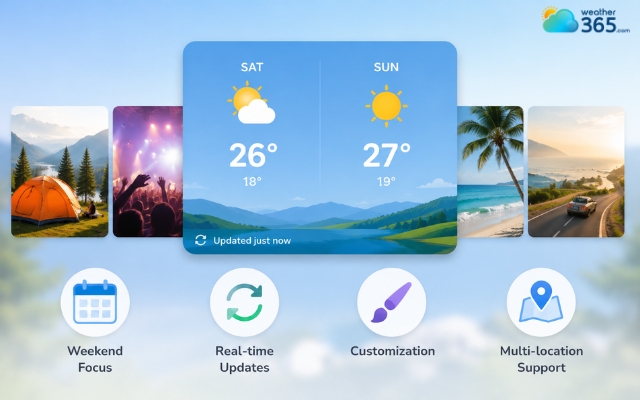
Unique features of a weekend weather widget
Best weekend weather widget for website
There are many weather tools available online, but some platforms stand out because they are easy to use, responsive, and customizable.
Choosing the right widget depends on your website style, the level of forecast detail you want, and how much customization you need.
Weather365 widget
Weather365 widget is a practical option for websites that want to display clear and useful weekend forecasts without making the page feel cluttered.
One of its biggest advantages is the way it presents weather information in a simple, easy-to-read format.
Instead of overwhelming users with too much data, the widget focuses on essential details like temperature, rain chances, and weather conditions that matter most for weekend activities.
This makes it especially useful for:
Travel websites
Tourism blogs
Event pages
Hotel websites
Outdoor activity platforms
Another strong point is its responsive design.
The widget works smoothly on both desktop and mobile devices, which is important since many users check weekend forecasts directly from their phones.
Weather365 also supports customization features such as location settings, layout adjustments, and forecast displays, allowing website owners to match the widget more naturally with their site design.
For websites focused on travel planning or local events, Weather365 offers a nice balance between functionality, readability, and user experience.
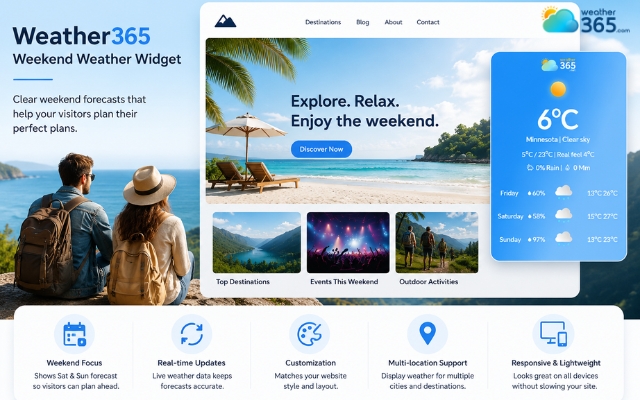
Weather365 is suitable for travel websites
WeatherWidget.io
WeatherWidget.io is one of the most popular options for simple and lightweight weather widgets.
The platform is beginner-friendly and allows users to generate an embed code within minutes without technical knowledge.
One reason many website owners like this tool is its clean design. The widget looks modern, loads quickly, and works well on both desktop and mobile devices.
It also offers useful customization options such as different layout styles, transparent backgrounds, multiple languages,....
This makes it a great choice for blogs, travel websites, and small business pages that want a weather widget without adding too much complexity.
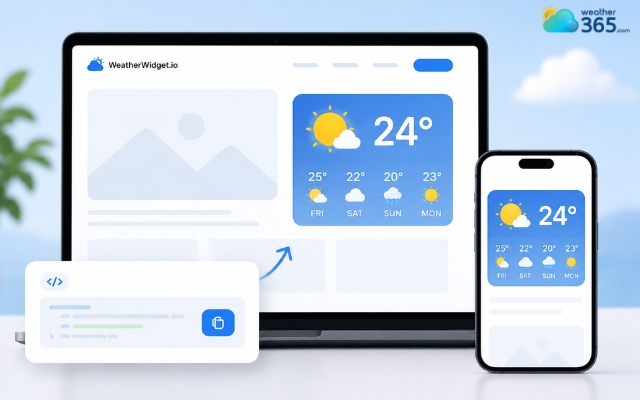
WeatherWidget.io is a beginner-friendly widget
Elfsight weather widget
Elfsight is known for offering highly customizable widgets with a more polished visual style.
This option is ideal for businesses that care strongly about website branding and user experience. Users can customize colors, layouts, fonts, animations, and display settings to better match their website design.
Another advantage is its flexibility. Elfsight supports multiple website builders and works well for modern business sites, hotel pages, online stores, and event platforms.
While it may feel more advanced than some simpler tools, it offers a professional look that many brands prefer for customer-facing websites.
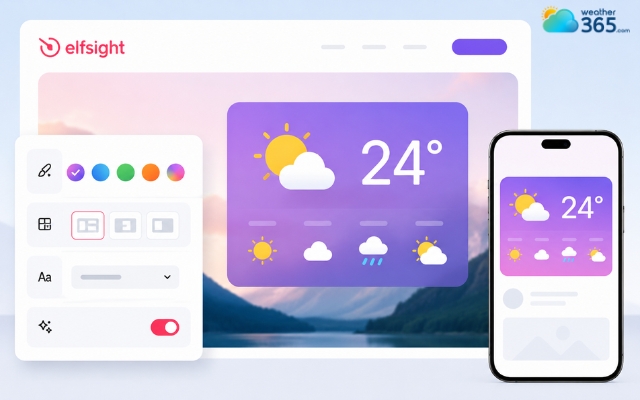
Elfsight is known for offering highly customizable widgets
How to add a weekend weather widget?
Adding a weekend weather widget to your website is much easier than many people expect.
Most weather platforms already provide ready-to-use embed codes, so you usually don’t need advanced coding knowledge.
One of the simplest options is the Weather365 widget, which allows users to create customizable weather displays in just a few minutes.
Step 1: Visit the Weather365 widget page
Start by opening the Weather365 widget generator page.
Weather365 offers different widget styles depending on how much forecast information you want to display on your website.
You can choose layouts that are compact and minimal or more detailed for travel and event pages.
Step 2: Select your preferred location
Next, enter the city or destination you want the widget to display.
This is especially useful for tourism websites, hotel pages, travel blogs, or local business sites where visitors often check weekend conditions before making plans.
Some widget setups also support multiple locations if your website covers several destinations.
Step 3: Customize the widget appearance
After choosing the location, you can adjust the widget design to better match your website. Most settings include language options, temperature units, colors, and layout styles.
A clean design helps the widget blend naturally into your website instead of looking like a separate element.
Step 4: Copy and paste the embed code
Once the setup is complete, Weather365 automatically generates an HTML embed code.
Simply copy the code and paste it into your website where you want the widget to appear.
Many website owners place weather widgets on homepages, travel guides, event pages, or blog sidebars to make the forecast easy for visitors to access.
Step 5: Test the widget on different devices
Before publishing, it’s important to check how the widget looks on both desktop and mobile screens.
Since many users search for weekend forecasts on their phones, responsive design plays a major role in user experience.
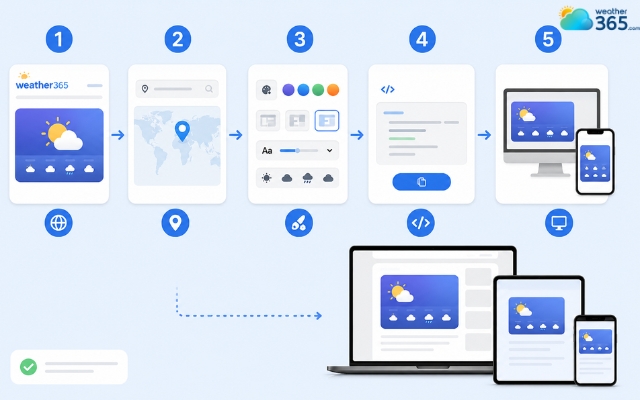
Weather365 is the simplest option to add a weather widget
Sum up
Installing a weekend weather widget is a simple way to add useful real-time content to your website. With tools like Weather365, even beginners can quickly create a responsive and customizable weather display that improves user experience and supports weekend planning.
Frequently Asked Questions (FAQs)
Weather365 is a strong choice for clear forecasts and easy setup, while WeatherWidget.io is ideal for lightweight and simple designs. If you want advanced customization, Elfsight is another popular option.
Related post
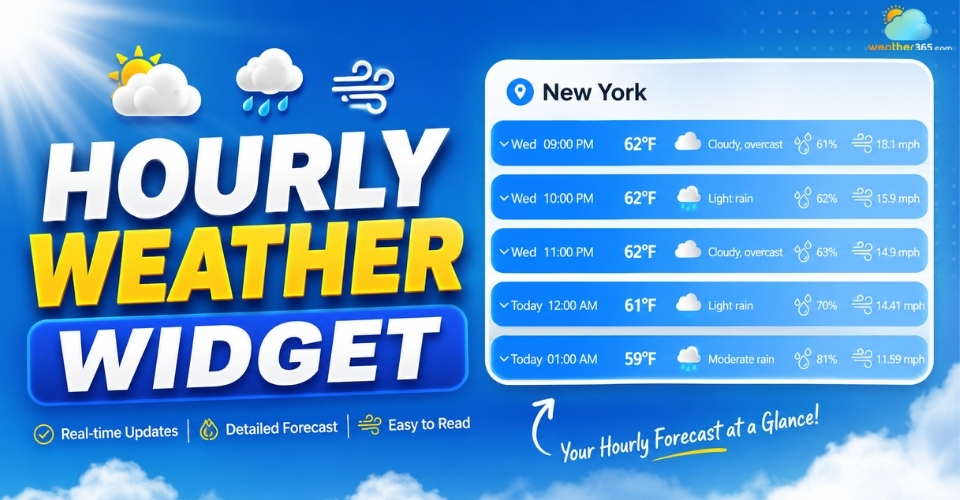
Hourly Weather Widget: Stay Updated With Real-Time Local Forecasts
 243
243
 0
0
 4.8
4.8
 20/08/2026
The Ultimate Guide to 5-Day Weather Widget for Your Website
217
0
4.9
20/08/2026
3-day Weather Widget: Accuracy, Customization, and Top Solutions
212
0
4.7
11/08/2026

0 Comment
Leave a comment
Your email address will not be published. Required fields are marked *