




Best Weather Widget for Event Websites: Live & Responsive


Planning an outdoor wedding or music festival without live forecast updates can quickly turn stressful. A weather widget for event pages gives guests instant access to accurate conditions, helping reduce confusion and last-minute support requests. Let’s discover the key features, benefits, top providers and simple setup steps to add a responsive weather widget to your event website in minutes.
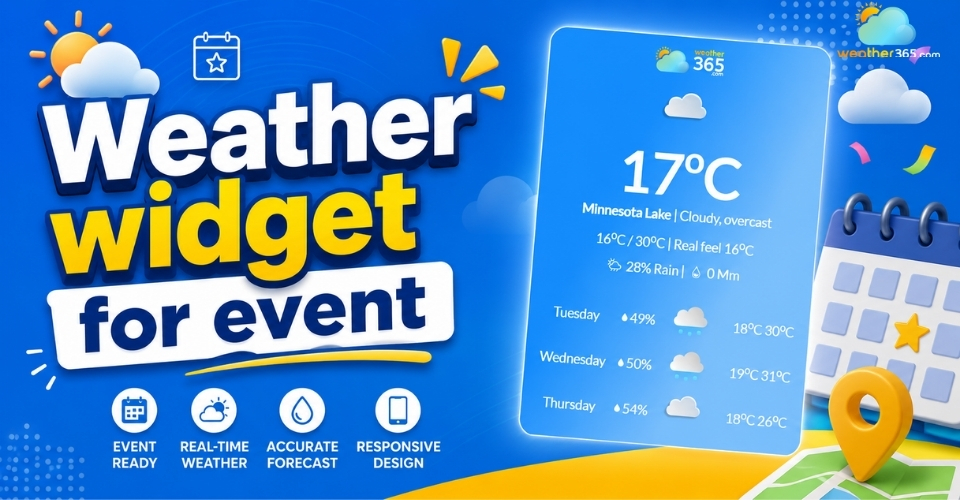
Weather widget for event
Crucial features to look for in an event weather widget
When selecting a weather widget for your event platform, generic data won't cut it.
While different sectors require tailored solutions, which you can explore in our guide to weather widgets by industry event planning has its own unique, strict demands.
To truly safeguard your logistics, ensure your widget includes these four foundational pillars:
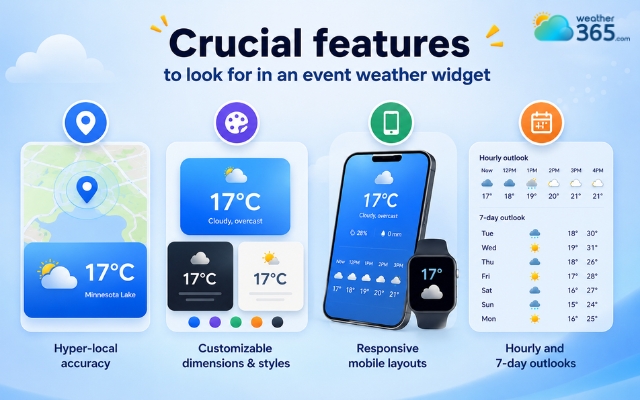
Hyper-local accuracy: Look for widgets powered by multi-source radar networks that offer pinpoint tracking to exact venue coordinates, rather than generic citywide or regional forecasts.
Customizable dimensions & styles: Your event page has a unique aesthetic. The ideal widget should offer fully customizable CSS or design settings, allowing you to tweak background transparency, fonts, and icon styles to match your wedding theme or corporate brand guidelines perfectly.
Responsive mobile layouts: Over 70% of event attendees check schedule details on their smartphones while on the go. The widget must automatically adjust its grid layout to look flawless on iOS and Android devices without breaking your page layout.
Hourly and 7-day outlooks: Dual-layer forecasting is vital. A 7-day outlook assists out-of-town guests with travel packing, while a detailed hourly timeline allows coordinators to manage the precise moments of outdoor cocktail hours, photo sessions, or main-stage festival acts.
Features in a weather widget for event
Benefits of Embedding a Weather Widget for Event
Integrating a dedicated weather widget for event websites brings measurable operational advantages, turning your landing page into a proactive planning hub.
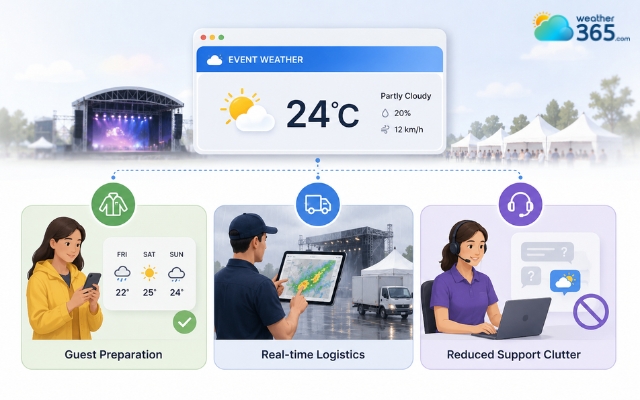
Guest preparation
By viewing a live forecast natively on your site, attendees can plan ahead - knowing exactly whether to dress for high summer heat, bring heavy coats, or pack umbrellas for sudden showers.
Real-time logistics
Weather heavily impacts vendor setups, catering arrangements, and stage lighting. This is a challenge shared by any weather widget for outdoor business operations.
Having an identical, live data source ensures coordinators, catering teams, and decorators stay perfectly aligned if an outdoor itinerary needs to shift indoors due to precipitation.
Reduced support clutter
When dark clouds gather on the morning of a big festival or wedding, support channels usually get flooded.
A prominent, live weather tracker drastically cuts down on frantic "Is the event still on?" emails and texts, shifting guest focus back to the celebration.
Advantages of adding a weather widget for event websites
Top Free Weather Widget for Event Websites
Finding the right free tool means balancing accurate data with clean design so your landing page remains look sharp and professional.
The four best free weather widgets for event organizers depend heavily on your website platform, design flexibility requirements, and tracking specific venue data:
Weather365 Widget
For event planners building dedicated, weather-dependent tracking pages, Weather365 stands out as a highly reliable, plug-and-play choice.
It lets you generate responsive iframe layouts without messing with API setups, making it incredibly popular for standalone event landing pages.
The free tier automatically tracks multi-day shifts and handles mobile auto-scaling smoothly, ensuring guests browsing on their smartphones don't see a broken or cut-off layout.
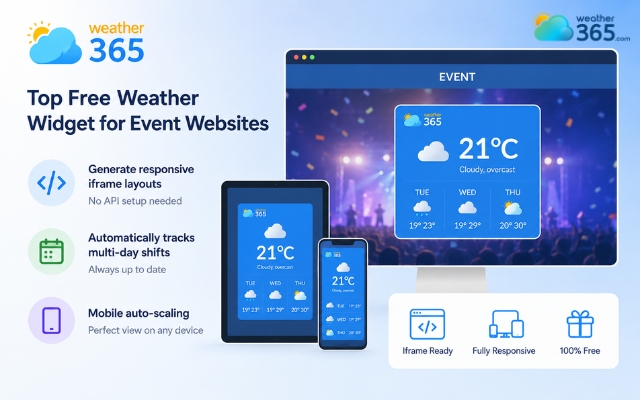
Weather365 is plug-and-play choice
Elfsight
If your goal is a modern, highly polished aesthetic, Elfsight offers one of the most customizable weather widgets on the market.
It allows you to build clean layouts with dynamic backgrounds that shift automatically based on the actual local conditions (like soft rain animations or clear sunny gradients).
While its free tier has a monthly view limit, it is ideal for short-term events like corporate weekend retreats or local community gatherings where you need a beautiful, stylized presentation without complex CSS coding.
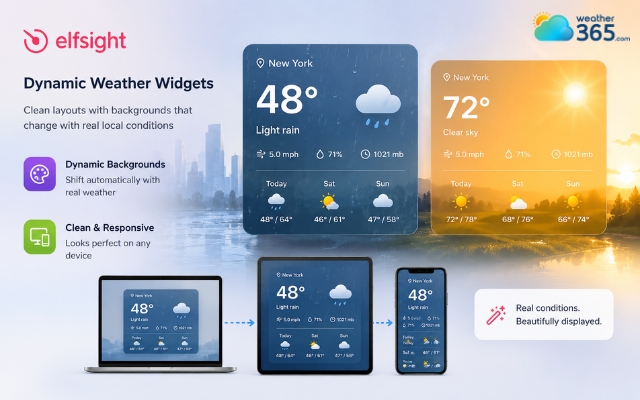
The Elfsight weather widget is a modern widget
WeatherWidget.io
For pure, unrestricted customization with absolutely zero cost, hidden catch, or sign-up walls, WeatherWidget.io is the gold standard.
This flat-design widget is completely free for both personal and commercial use and scales responsively to the exact size of its website container block.
It allows you to customize the color of every single element, down to high/low temperatures, backgrounds, and specific cloud fills, so you can match the embed perfectly to your site theme.
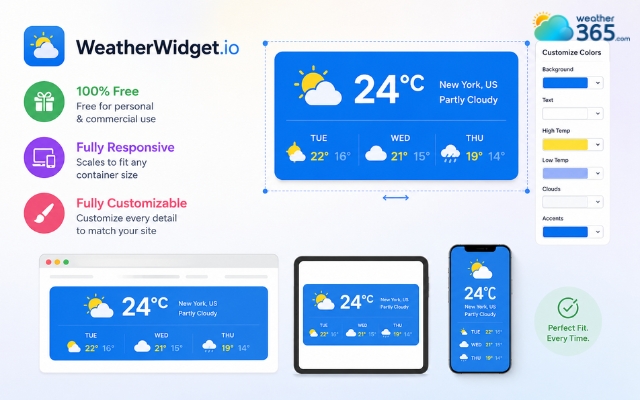
WeatherWidget.io offers unrestricted customization
Location Weather
If you manage an event hub or a multi-page venue site built on WordPress, Location Weather is the native plugin option to beat.
The free (Lite) version handles multiple locations seamlessly, making it perfect for venues that coordinate events across different local areas or separate outdoor pavilions.
It’s also a perfect choice if you want to set up a dedicated weather widget for hotels or resorts. The minimalist layout pulls data seamlessly without dragging down your website's loading speed.
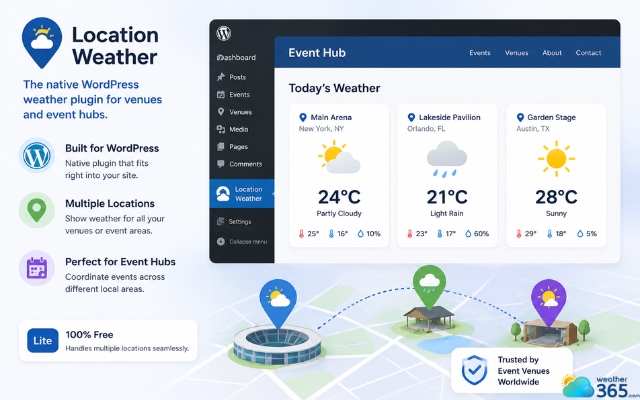
Location weather offers minimal layouts
How to integrate a weather widget on your page
Deploying a live weather tracker requires zero advanced coding skills.
You can add a fully functional, responsive element to your site by following these four straightforward steps:
Step 1: Select your target event location and preferred display style
Enter your venue’s specific address or zip code into the widget generator.
Choose a layout matching your page real estate, such as a compact horizontal banner for headers, or a detailed vertical layout for sidebars.
Step 2: Generate the custom HTML/iFrame embed code
Once you configure your theme colors and features, click the "Generate Code" button.
The platform will automatically produce an optimized HTML or iframe snippet tailored to your specifications.
Step 3: Paste the code snippet into your CMS
Open your website editor (WordPress, Wix, Squarespace, or a custom HTML block).
Insert a custom HTML or raw code element into your desired section, and paste the copied snippet directly into it.
Step 4: Preview on both desktop and mobile devices
Save your changes and use your CMS preview tool.
Test how the widget scales across different screen sizes to confirm that icons, text, and daily grids adjust seamlessly before officially hitting publish.
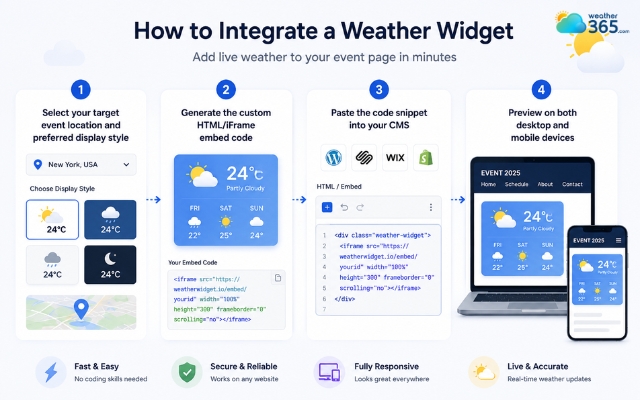
Easily add a weather widget for event
Sum up
A weather widget for event pages is a vital utility for modern event management. By providing hyper-local, real-time data directly on your site, you enhance guest comfort, streamline vendor operations, and project an elite level of professional planning. With simple iframe embedding, you can elevate your event page layout and protect your schedule against unexpected weather shifts in under five minutes.
Frequently Asked Questions (FAQs)
Related post
Weather Widget for News Sites: The Ultimate Setup Guide for Publishers
 184
184
 8
8
 4.7
4.7
 02/06/2026
The Ultimate Weather Widget for Travel & Tourism Websites Guide
152
8
4.6
01/06/2026
Weather Widget for Hotels on Website: Secret to Increasing Direct Bookings
129
8
4.8
01/06/2026

8 Comment
Gia Meyer
Does the widget work for events held in rural areas or outside major cities?
weather365
Location selection is important for outdoor events, especially in rural areas where conditions may differ from those in nearby cities. Choose the most specific location supported by your weather widget.
Quinn Moore
I never thought about adding weather information directly to an event website. It could save guests from having to check several different apps.
weather365
That's one of the main advantages! Visitors can check the forecast while viewing event details, making it easier to prepare without leaving your website.
Elise Gross
Can I use a weather widget for a music festival that lasts three days?
weather365
Yes! A multi-day forecast can help attendees prepare for changing conditions throughout the festival. An hourly forecast is also useful for planning outdoor performances and other activities.
Scarlett Barrett
We organize outdoor weddings, and the weather is always one of our biggest concerns. A forecast widget could be really useful for our guests.
weather365
Absolutely! Displaying a local weather forecast on your event website can help guests prepare their outfits, bring umbrellas, and plan their travel more comfortably.
Leave a comment
Your email address will not be published. Required fields are marked *