




The Ultimate Weather Widget for Travel & Tourism Websites Guide


Planning a trip often starts with one simple question: What’s the weather like there right now? A reliable weather widget for travel & tourism websites can increase engagement, improve booking confidence, and reduce bounce rates instantly. In this guide, you’ll discover the best free tools, must-have features, and simple integration methods to upgrade your travel website experience.
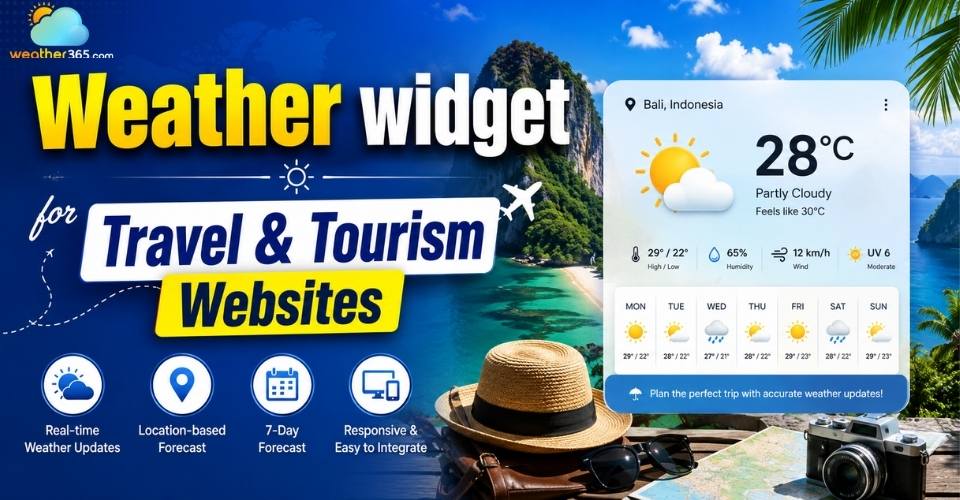
Weather widget for travel & tourism websites
- Why Your Site Needs a Weather Widget for Travel & Tourism Websites
- Essential Features of a Travel Weather Widget
- Hyper-Localized and Real-Time Forecasting Data
- Fully Responsive Design and Custom Styling
- Dynamic Backgrounds and Weather-Triggered Visuals
- Multi-Language and Unit Toggle Options
- Best Free Weather Widget for Travel & Tourism Websites
- Weather365 Widget
- WeatherWidget.io
- Elfsight
- How to Embed a Weather Widget for Travel & Tourism Websites
Why Your Site Needs a Weather Widget for Travel & Tourism Websites
Integrating a weather widget is a powerful conversion tool that keeps users on your site and drives them to book instantly.
Weather dictates every travel decision.
By placing real-time forecasts directly on your website, you provide immediate commercial value and boost your ROI through three key benefits (similar to how specialized weather widgets by industry optimize user experience across different sectors):
Reducing Bounce Rates and Increasing Dwell Time
Many travelers leave a website to check weather forecasts on Google or weather apps.
By displaying weather directly on your pages, users can continue exploring destinations, hotels, or tours without interruption.
This creates a smoother experience and helps reduce bounce rates.
Driving Booking Conversions with Real-Time Context
Weather can strongly influence booking decisions. Sunny beach forecasts or fresh ski conditions make destinations feel more appealing and can encourage faster bookings.
Real-time weather also helps travelers feel more confident about their plans.
Enhancing Customer Trust and Travel Preparedness
A weather widget gives visitors useful information for trip planning, from choosing travel dates to packing properly.
It makes your website feel more reliable and helpful, not just focused on selling travel services.
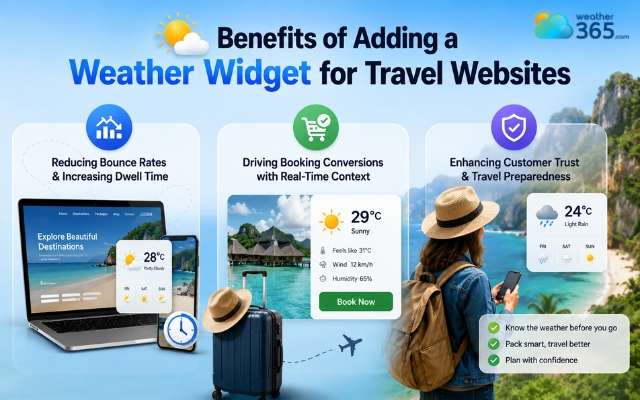
Huge advantages of a weather widget for a travel website
Essential Features of a Travel Weather Widget
A good travel weather widget should be accurate, mobile-friendly, visually engaging, and easy for global travelers to use.
Choosing the right features matters because travelers rely on weather information when deciding where to go, what to book, and how to plan their trips.
A well-designed widget improves both user experience and booking confidence.
Hyper-Localized and Real-Time Forecasting Data
Accuracy is the most important feature of any travel weather widget. Travelers want real-time forecasts for specific destinations, not just general city-wide conditions.
A reliable widget should provide up-to-date information such as temperature, rainfall, wind, and hourly forecasts using trusted weather APIs.
Strong global coverage is also important, especially for tourism websites targeting international destinations.
The more accurate the forecast feels, the more users will trust your website.
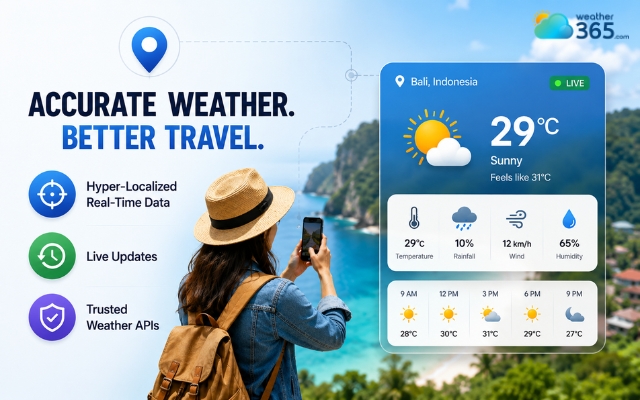
A reliable weather widget provides accurate data
Fully Responsive Design and Custom Styling
Most travelers browse on mobile devices, so your weather widget should automatically adapt to different screen sizes without breaking the layout.
A responsive design ensures the widget looks clean on desktop pages, mobile booking screens, tablets, and sidebars.
Custom styling options are also useful because they help the widget match your website’s branding and overall design.
Simple, clean layouts usually work best for travel websites.
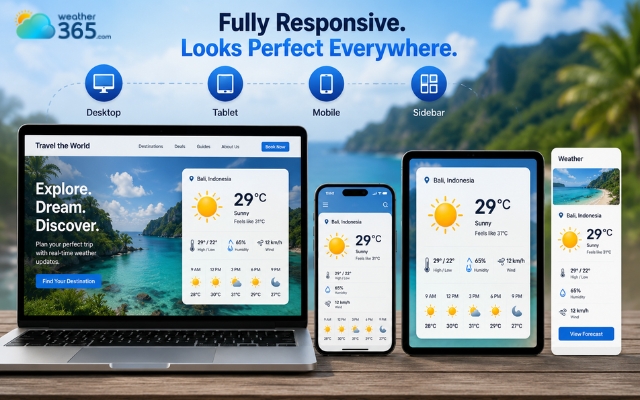
Travel websites need a responsive weather widget
Dynamic Backgrounds and Weather-Triggered Visuals
Weather widgets feel more engaging when they include visuals that match current conditions.
Animated sunshine, snowfall, rain effects, or cloudy skies can make destination pages feel more immersive and emotionally appealing.
These small visual details help travelers imagine the experience more clearly, especially for beaches, ski resorts, cruises, and outdoor tours.
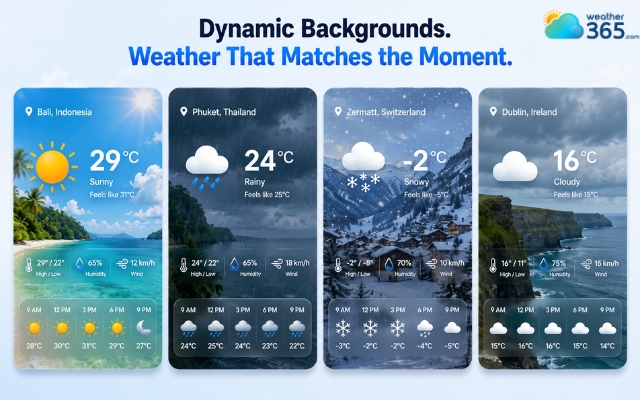
Visual details elevate user experience
Multi-Language and Unit Toggle Options
Travel websites often serve international visitors, so localization features are important.
A good widget should support multiple languages and allow users to quickly switch between Celsius and Fahrenheit.
This creates a smoother experience for global audiences and makes your website more accessible to travelers from different regions.
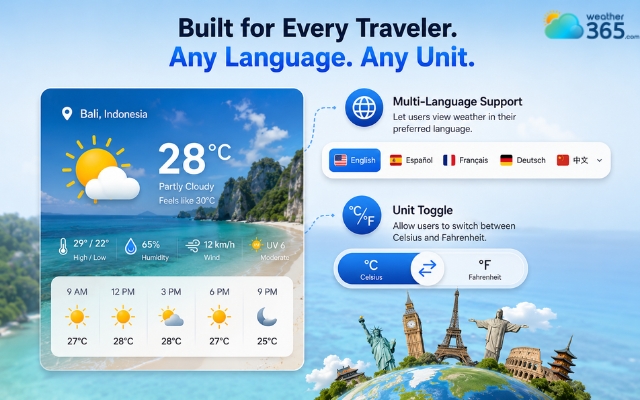
Good widget supports multiple languages
Best Free Weather Widget for Travel & Tourism Websites
The best weather widget for travel websites should be accurate, responsive, visually appealing, and easy to embed without slowing down your pages.
While many free tools are available, a few stand out for tourism websites because they combine real-time forecasting with traveler-friendly design and customization features.
Weather365 Widget
Weather365 widget is one of the strongest choices for travel and tourism websites, especially if you want a modern-looking widget that is simple to integrate.
The platform offers real-time forecasts, responsive layouts, and customizable designs that work well on destination pages, hotel listings, travel blogs, and booking websites.
Its clean interface fits naturally into tourism-focused designs without feeling overly technical.
Another advantage is its lightweight embed system, which helps maintain fast loading speeds - an important factor for both SEO and user experience.
Weather365 is particularly suitable for:
Travel agencies
Hotel websites
Resort landing pages
Event websites
Vacation booking platforms
The setup process is also beginner-friendly, making it a good option for users without advanced coding skills.
You may also like
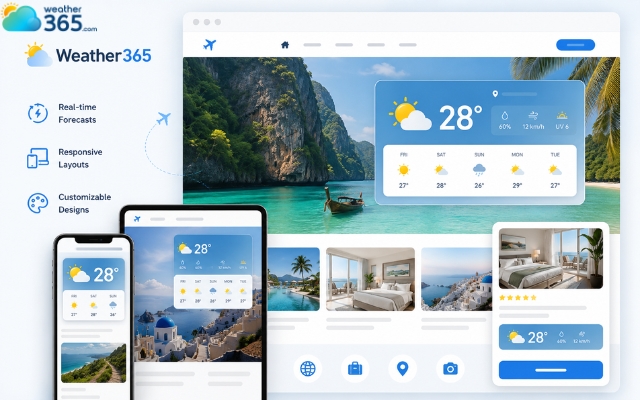
Weather365 is the most reliable weather widget
WeatherWidget.io
WeatherWidget.io is popular for its minimalist style and simple setup process. It allows users to quickly generate responsive weather widgets with different themes and layouts.
This platform works well for smaller travel blogs or websites that prefer a clean and lightweight design. However, customization options are more limited compared to some modern travel-focused widgets.
Still, if simplicity and fast integration are your priority, it remains a solid free option.
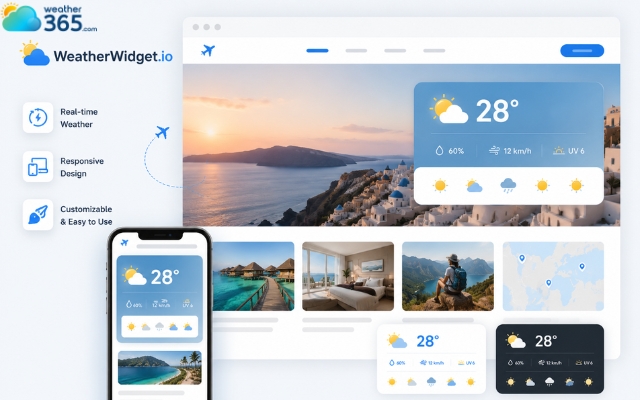
WeatherWidget.io is known for its minimalist style
Elfsight
Elfsight focuses heavily on visual customization and polished design. Its widgets are modern, interactive, and suitable for premium tourism websites that want a more branded experience.
Elfsight supports responsive layouts, multiple languages, and flexible styling options. The interface is especially attractive for travel businesses that rely on visual presentation to engage visitors.
The free version may include branding limitations, but it still provides useful features for small to medium travel websites.
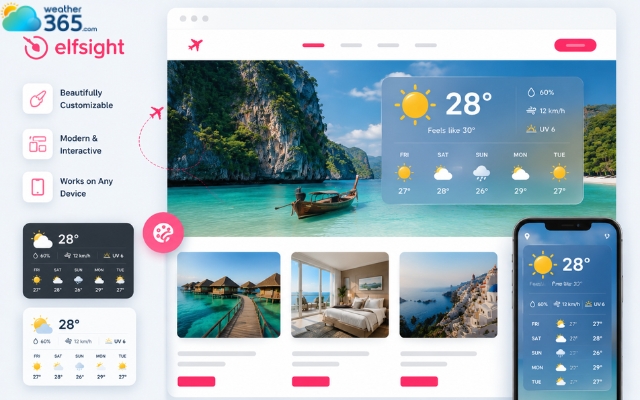
The Elfsight weather widget is modern and interactive
Feature | Weather365 | WeatherWidget.io | Elfsight |
Free Plan | Yes | Yes | Yes |
Real-Time Forecasts | Yes | Yes | Yes |
Responsive Design | Yes | Yes | Yes |
Custom Styling | Strong | Basic | Strong |
Visual Appeal | Modern & travel-friendly | Minimalist | Highly polished |
Mobile Optimization | Excellent | Good | Excellent |
Multi-Language Support | Yes | Limited | Yes |
Ease of Setup | Very easy | Very easy | Easy |
Best For | Travel & tourism websites | Simple travel blogs | Premium branded sites |
How to Embed a Weather Widget for Travel & Tourism Websites
Embedding a weather widget for travel & tourism websites is usually quick and requires only a simple copy-and-paste code snippet.
Most modern weather widget providers, including Weather365 Widget, are designed for easy integration, even if you have limited coding experience.
Step 1: Choose Your Weather Widget
Start by selecting a widget provider that matches your website style and travel audience. For tourism websites, responsive design, real-time forecasts, and visual appeal are especially important.
Weather365 is a strong option because it offers customizable layouts, mobile-friendly design, and simple embedding for travel pages, hotel websites, and destination blogs.
Step 2: Customize the Widget Settings
After choosing your widget, you can usually adjust location, widget size, color theme, temperature units, and so on…
For travel websites, it’s best to keep the design clean and easy to read so visitors can quickly check weather conditions while browsing tours or accommodations.
Step 3: Copy the Embed Code
Once customization is complete, the platform will generate an HTML or JavaScript embed code. Most providers make this process automatic.
The code is typically lightweight and designed to work without affecting website performance.
Step 4: Add the Code to Your Website
Paste the embed code into the section where you want the widget to appear. Common placements include:
Destination pages
Hotel booking pages
Travel blogs
Homepage banners
Tour package sections
If you use WordPress, you can insert the code using a Custom HTML block. Platforms like Wix, Squarespace, Shopify, and Webflow also support simple embed sections.
Step 5: Test Mobile Responsiveness
Before publishing, check how the widget looks on desktop and mobile devices.
Many travelers browse and book trips from smartphones, so the widget should load smoothly and fit smaller screens properly.
A responsive weather widget improves user experience and helps your travel website feel more modern and professional.
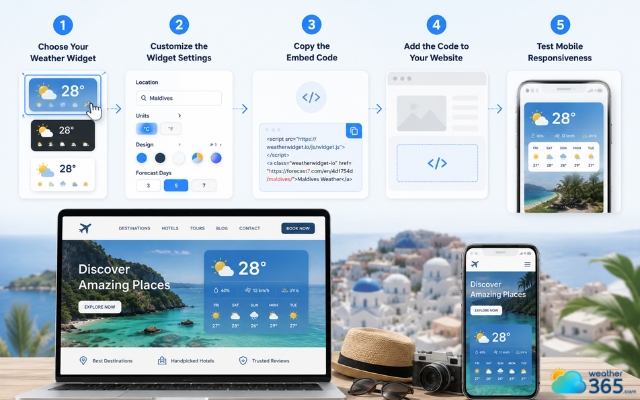
Add the Weather365 weather widget to your site
Sum up
Planning a trip almost always starts with checking the forecast, which is why a weather widget for travel & tourism websites can make such a big difference. It keeps useful information in front of visitors, helps travelers feel more confident about booking, and creates a smoother browsing experience overall.
Frequently Asked Questions (FAQs)
Related post
Best Weather Widget for Event Websites: Live & Responsive
 216
216
 8
8
 5.0
5.0
 01/06/2026
Weather Widget for Hotels on Website: Secret to Increasing Direct Bookings
129
8
4.8
01/06/2026
Weather Widget for Business: Enhance Your Website with a Live Weather
129
8
4.7
02/06/2026

8 Comment
Adrian Ward
Can I display different weather forecasts for each destination page on my travel website?
weather365
That depends on the widget provider and its location settings. If you can configure a specific location for each widget, you can display destination-specific forecasts across different pages. Check the available embedding options before setting everything up.
Albert King
I run a tour company that organizes hiking and boat trips. Which weather information should I prioritize on the booking page?
weather365
Start with temperature, precipitation, and wind, as these can be relevant to many outdoor activities. Depending on the type of tour, radar imagery and official weather alerts may also be useful. Always follow local safety guidance when conditions become hazardous.
Ayden Cooper
Would a current weather widget or a 7-day forecast be more useful for a hotel website?
weather365
Both can be useful for different purposes. Current conditions give guests a quick snapshot of the weather, while a 7-day forecast helps them plan activities for the coming days. Your choice should depend on what your guests need most.
Hunter Perez
I manage a small travel website, and visitors often ask about the weather before booking a trip. Adding a local forecast directly to destination pages could save them some time.
weather365
That’s a great use case! Displaying local weather information alongside destination guides can help travelers plan ahead without leaving your website to check another source.
Leave a comment
Your email address will not be published. Required fields are marked *