




Hourly Weather Widget: Stay Updated With Real-Time Local Forecasts


If you run a website, app, or digital platform where timing matters, weather is one of those details users expect to see instantly. A hourly weather widget helps you deliver exactly that: real-time, hyperlocal forecasts broken down hour by hour so users can plan their day with confidence. Try integrating one today to enhance user experience!
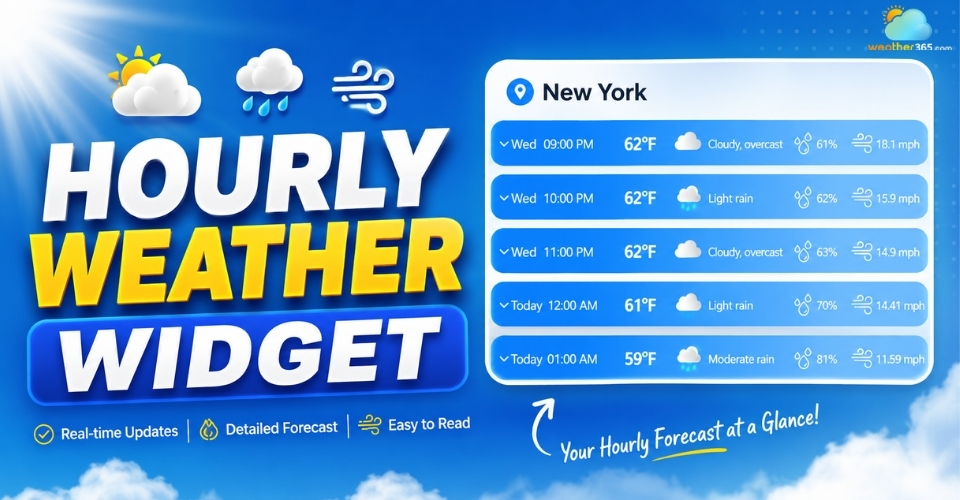
Hourly weather widget
What is hourly weather widget?
An hourly weather widget is a small, embeddable tool that shows weather forecasts broken down by each hour for a specific location.
Instead of only giving a general “today’s weather” summary, it provides a more detailed timeline so users can see how conditions change throughout the day.
In simple terms, it helps answer questions like: “Will it rain this afternoon?” or “When will the temperature drop in the evening?”
This makes it much more useful than traditional daily forecast widgets, especially for websites where timing matters.
Typically, an hourly weather widget displays key information such as temperature changes, chance of rain, wind speed, and humidity for the next 24 to 48 hours.
The data is updated automatically using real-time weather sources, so users always see the latest forecast without refreshing or checking another app.
From an SEO and user experience perspective, adding an hourly weather widget can also increase engagement on your site.
Visitors tend to stay longer when they can quickly access practical, local information in a clear and visual format.
Want a longer-range weather widget? Check our guide on Forecast range widgets!
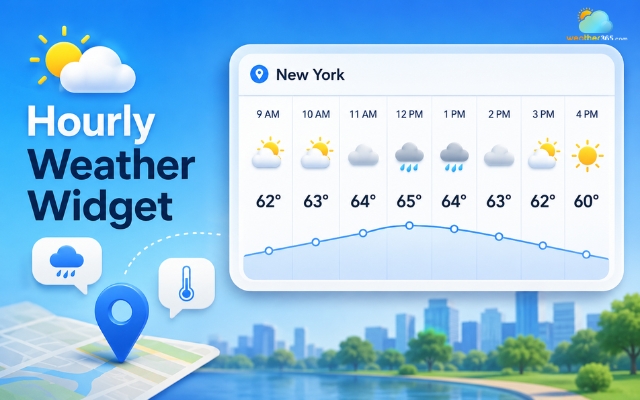
An hourly weather widget is broken down by each hour
Key features to look for in a hourly weather widget
When selecting an hourly weather widget, the most important thing to consider is how well it balances detail, usability, and design.
A good widget should not only display weather data but also make it easy for users to quickly understand what the next few hours will look like.
Detailed hourly forecasting
One of the core features is detailed hourly forecasting.
Instead of showing only a general daily outlook, the widget should break conditions down hour by hour for at least the next 24 to 48 hours.
For example, users may want to check the Illinois hourly weather forecast before planning a beach trip or view a New York weather forecast before commuting or attending an outdoor event.
Learn more about current weather widget here!
This level of detail allows users to better plan their activities, whether it’s commuting, traveling, or scheduling outdoor events.
Dynamic visuals
Visual presentation is equally important. Many modern widgets use dynamic visuals that change based on real conditions, such as time of day, cloud coverage, or rain.
This makes the information easier to absorb and also improves the overall user experience by making the interface feel more alive and intuitive.
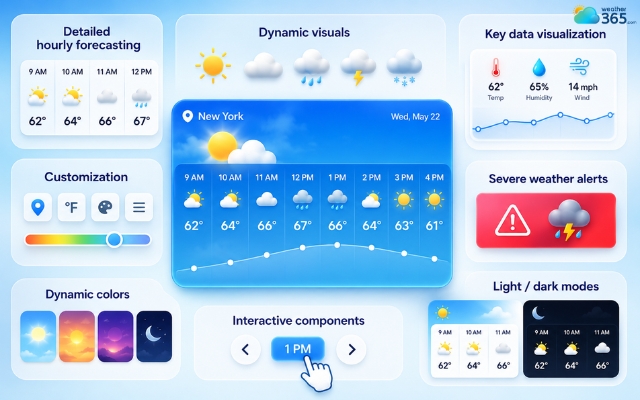
Features of a good hourly weather widget
Key data visualization
Beyond visuals, a good widget should focus on clear data representation. Information like temperature trends, rainfall probability, wind speed, and humidity should be presented in a simple way, often through icons or small graphs.
The goal is to reduce complexity so users can understand the forecast within seconds.
Customization
Another key factor is customization. Websites and apps often have different design requirements, so the widget should allow adjustments in size, layout, theme, and location settings.
For example, a website can display a Texas weather forecast for local visitors or an Alabama 3-day forecast for a shorter forecast period.
This ensures it blends naturally into the overall interface without feeling out of place.
Severe weather alerts
Many advanced widgets also include real-time weather alerts, which notify users about important changes such as storms, extreme heat, or high UV levels.
This turns the widget into more than just an informational tool, it becomes a practical system for awareness and safety.
Curious about a real-time weather widget? Drop here!
Dynamic colors
Some widgets go a step further with adaptive design elements, such as dynamic color schemes that adjust to system themes or weather conditions.
This helps create a consistent visual experience across devices and improves readability in different environments.
Interactive components
Interactivity is another feature worth paying attention to.
Instead of passively displaying data, a strong hourly weather widget allows users to explore forecasts more deeply, such as scrolling through hourly timelines or expanding specific weather details when needed.
Light/dark modes
Finally, modern widgets should support both light and dark modes. This ensures the interface remains comfortable to view regardless of the user’s device settings or the time of day, improving overall accessibility and user satisfaction.
How to add Weather365 hourly weather widget
Adding the Weather365 hourly weather widget to your website is straightforward. You just need to follow a few clear steps to get it running smoothly and ensure it displays correctly on all devices.
Step 1: Open the Weather365 widget builder
First, go to the Weather365 widget setup page and access the hourly weather widget tool. This is where you start creating your custom widget.
Step 2: Choose your location
Select the location you want the widget to display. It can be a specific city, your target audience’s region, or a location your website focuses on.
For example, you can choose a California 5-day weather forecast, a Florida weather forecast, an Arizona 7-day weather forecast, or a Washington weather forecast.
Choosing the right location ensures that the hourly forecast is accurate and relevant to your visitors.
Step 3: Customize the widget design
Next, adjust the appearance and settings. You can change layout style, choose light or dark theme, and decide what data to show such as temperature, rain probability, wind, or humidity.
This step helps the widget match your website design.
Step 4: Generate the embed code
Once you finish customization, Weather365 will automatically create an embed code. This code contains all the settings you selected and is ready to use.
Step 5: Copy and paste into your website
Copy the generated code and paste it into your website’s HTML section, WordPress block, or page builder.
After saving, the widget will appear on your site immediately.
Step 6: Test on different devices
Finally, check how the widget looks on mobile, tablet, and desktop. Make sure it loads properly, fits the layout, and remains easy to read in all screen sizes.
Following these steps helps you quickly integrate a fully functional hourly weather widget and improve the overall user experience on your website.
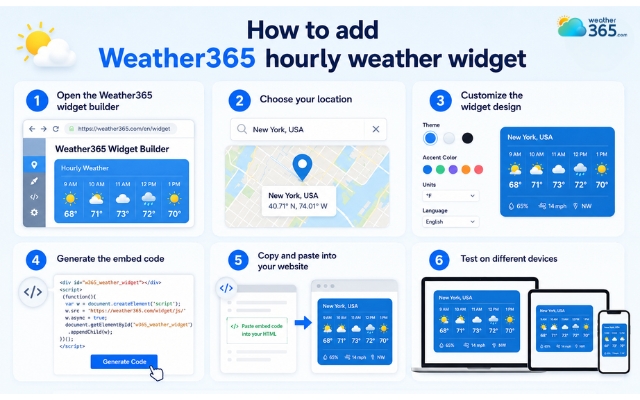
Weather365 provides ready-to-use weather widget code
Common mistakes to avoid
When adding an hourly weather widget, small setup mistakes can easily reduce its performance and user experience.
To make sure your widget works effectively and adds real value to your website, avoid the following issues:
Overloading the widget with too much information makes it cluttered and harder for users to quickly read key weather data.
Ignoring mobile responsiveness leads to broken layouts or poor usability on smartphones and tablets, where most users access content.
Choosing incorrect or irrelevant location settings, which results in inaccurate forecasts that do not match your target audience.
Placing the widget in low-visibility areas of the website causes users to miss it or not interact with it at all.
Failing to ensure real-time updates, which can make the weather data outdated and reduce user trust in your website.
Avoiding these mistakes helps your hourly weather widget stay clean, accurate, and user-friendly, ultimately improving engagement and overall site experience.
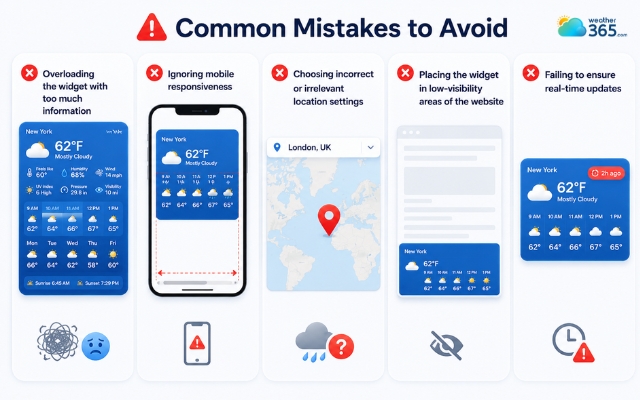
Some mistakes can reduce weather widget’s performance
Sum up
An hourly weather widget plays an important role in delivering fast, detailed weather updates that users can rely on. It simplifies decision-making by showing hour-by-hour changes in conditions. When used correctly, it boosts engagement and adds real value to your website, making it more informative and responsive to user needs.
Frequently Asked Questions (FAQs)
Related post
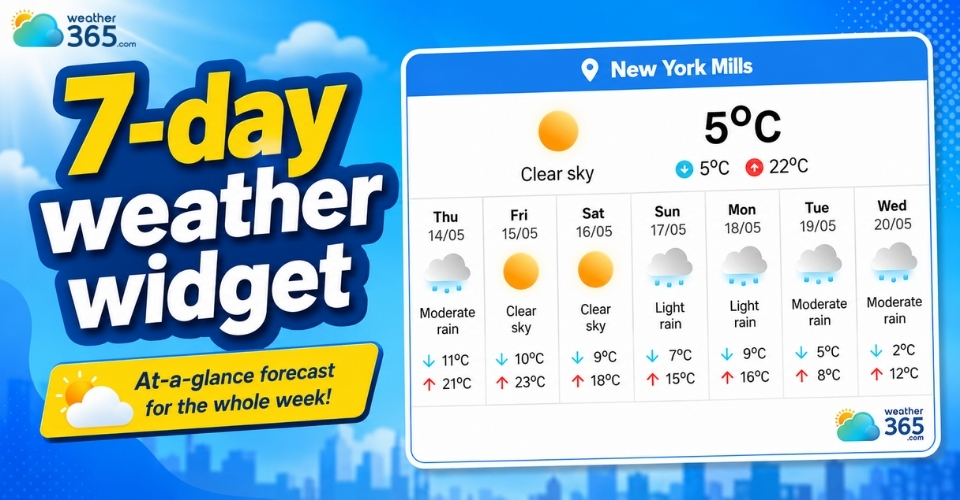
Top 7-Day Weather Widgets: Enhance Your Site with Weekly Forecasts
 245
245
 0
0
 4.7
4.7
 20/08/2026
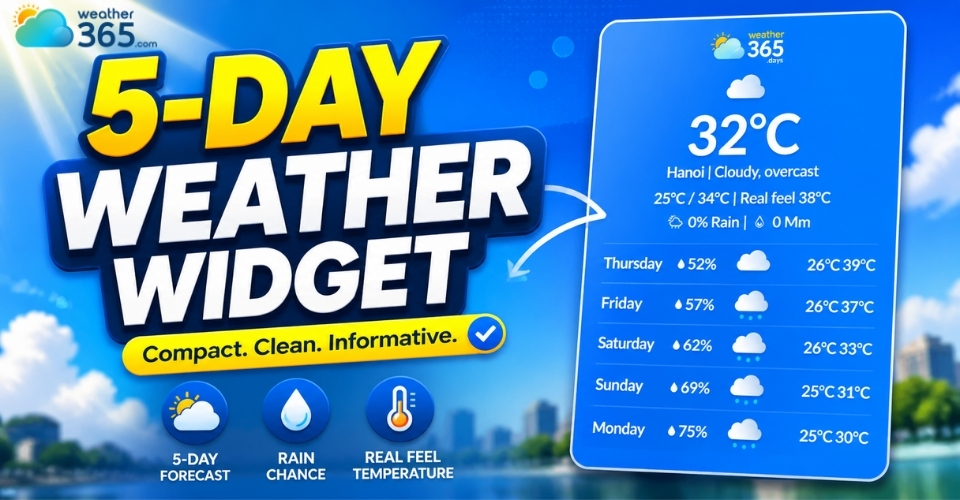
The Ultimate Guide to 5-Day Weather Widget for Your Website
217
0
4.9
20/08/2026
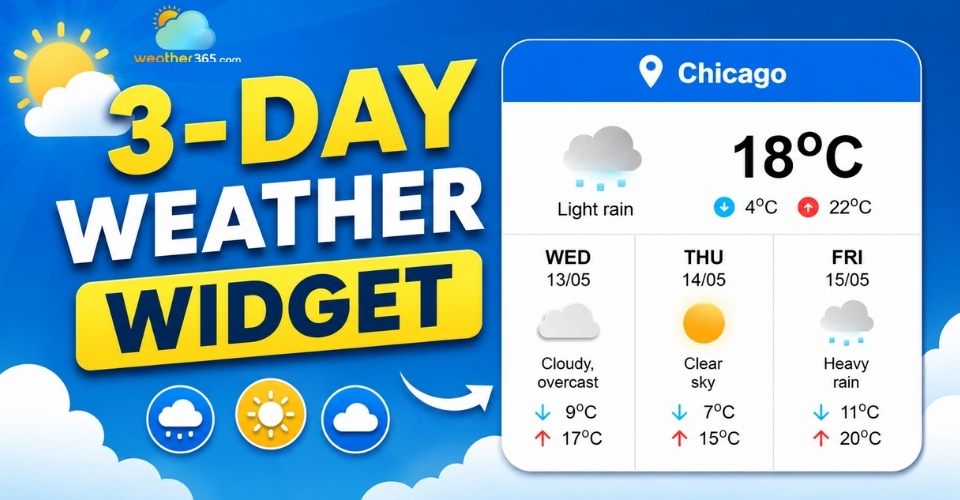
3-day Weather Widget: Accuracy, Customization, and Top Solutions
212
0
4.7
11/08/2026

0 Comment
Leave a comment
Your email address will not be published. Required fields are marked *