




Real-time Weather Widget: Definition, Features, and Setup


Real-time Weather Widget tools are becoming essential for modern websites that want to keep visitors engaged with live, useful information. Curious how these widgets work, what features matter most, and which platforms are worth trying? Keep reading to discover the easiest ways to add real-time weather updates to your site!
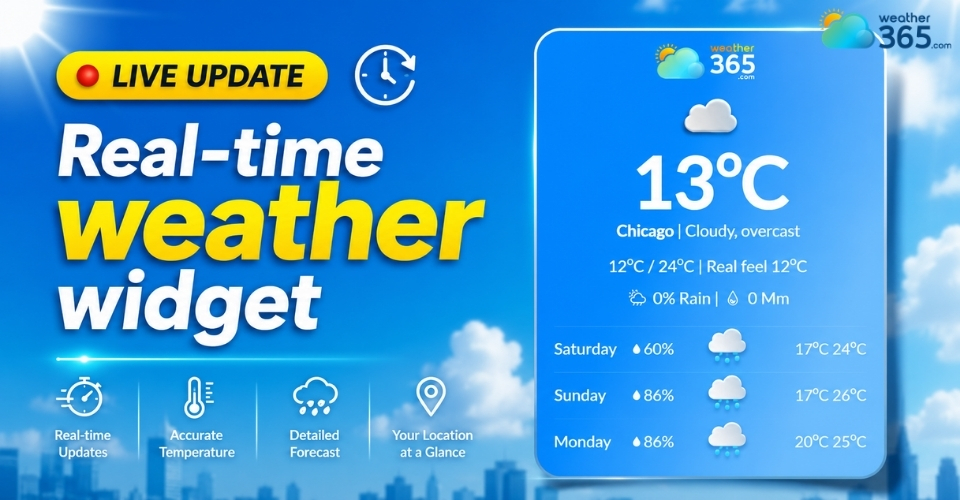
Real-time weather widget
What is a real-time weather widget?
A real-time weather widget is a live weather display that brings constantly updated forecast information directly onto a website, app, or digital platform.
It acts like a mini weather station for your visitors, showing current conditions the moment they open the page.
Unlike static weather sections that require manual updates, these widgets refresh automatically throughout the day using live meteorological data.
Users can instantly check temperature changes, rain chances, wind conditions, humidity, or severe weather warnings without interrupting their browsing experience.
Why is a real-time weather widget needed?
Weather directly affects daily decisions. People check forecasts before commuting, traveling, exercising outdoors, planning events, or even shopping.
A real-time weather widget improves user experience by giving visitors instant access to relevant local conditions.
For website owners, adding a live weather widget also provides several practical benefits:
Keeps users engaged longer because the content updates continuously
Makes local or travel-related websites more useful
Helps users prepare for changing weather conditions immediately
Adds dynamic content to otherwise static pages
Improves mobile user experience with quick-access weather details
For businesses in tourism, transportation, hospitality, or outdoor services, real-time weather information can become an important part of customer decision-making.
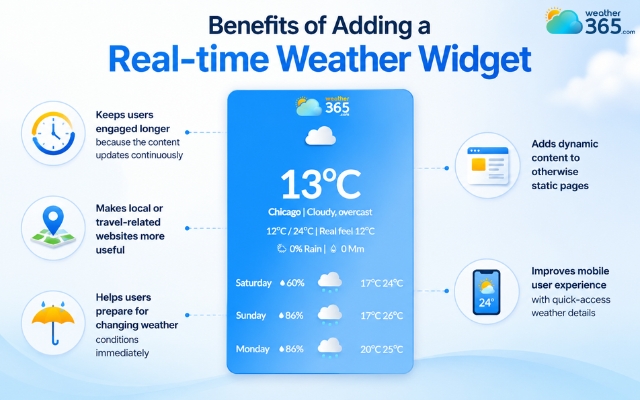
Benefits of having a real-time weather widget
Key features in a real-time weather widget
A modern real-time weather widget is designed to deliver fast and useful weather updates in a simple format.
Here are the most important features users usually look for:
Current conditions
Shows live temperature, wind speed and direction, humidity, and atmospheric pressure. Many widgets also provide hyperlocal updates for better accuracy.
Live forecasts
Offers hourly and daily forecasts so users can plan ahead more easily. Some widgets support extended ranges like a 10-day weather widget, while others focus on short-term updates similar to an hourly weather widget.
Advanced platforms may also use AI forecasting models for more accurate predictions.
You may also like
Severe weather alerts
Sends real-time notifications for storms, floods, strong winds, extreme heat, or high UV levels. This helps users react quickly to dangerous weather conditions.
Location customization
Allows automatic GPS detection or manual location selection. Some widgets even support multiple saved locations for travel or international websites.
Precipitation updates
Tracks rain, snow, and cloud coverage in real time. This feature helps users prepare for outdoor activities, commuting, or sudden weather changes.
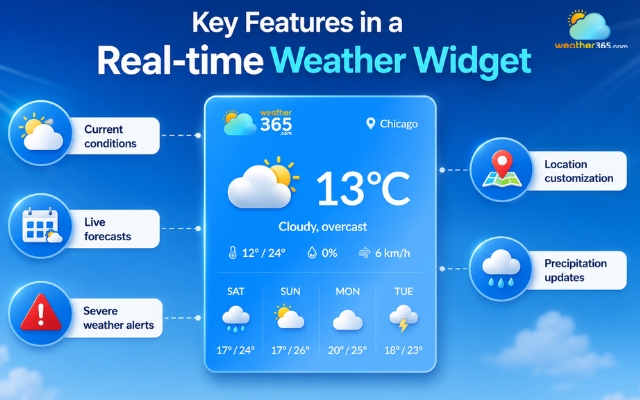
Common features in a real-time weather widget
Top real-time weather widget
There are many weather widgets available today, but some platforms stand out because they are easy to use, customizable, and reliable for live weather updates.
Here are three popular options worth considering.
Weather365
Weather365 is one of the most beginner-friendly platforms for adding a real-time weather widget to a website.
The setup process is simple, and users can generate an embed code within minutes without needing advanced technical skills.
One of its biggest advantages is customization. You can adjust location settings, temperature/precipiation units, widget size, even colors and layout.
Depending on the provider, users can also choose different forecast display formats, from short-term hourly updates to extended forecast range widgets for long-term planning.
The widgets also update automatically with live weather data, making them useful for travel websites, blogs, local businesses, and tourism platforms.
Another plus is the clean and modern design, which works well on both desktop and mobile devices.
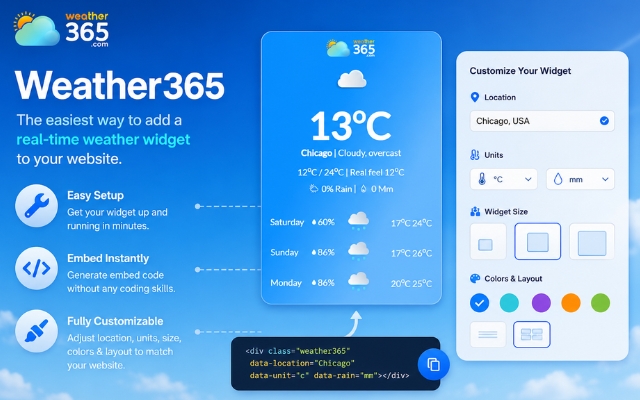
Weather365 is a well-known weather widget
Location Weather
Location Weather focuses heavily on local forecasting and location-based weather updates.
The platform supports automatic GPS detection, which helps websites display weather conditions based on a visitor’s real-time location.
This widget is especially useful for travel blogs, hotel websites, local news platforms, and event pages.
It also offers flexible integration options for WordPress users, making installation easier for non-technical website owners.

Location Weather is a famous weather plugin
Elfsight Weather Widget
Elfsight is known for highly customizable website widgets, including its weather widget solution.
The platform offers a wide range of layouts and styling options, allowing website owners to match the widget with their site’s branding.
Users can customize colors and fonts, forecast display style, animation effects, and widget layouts.
Elfsight also supports multiple website builders like WordPress, Shopify, Wix, and Squarespace, making it a flexible option for many types of websites.
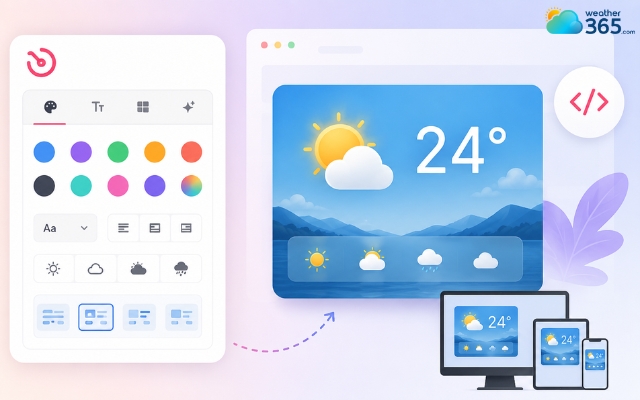
Elsight weather widget offers many layout options
How to add a real-time weather widget
Want to add a real-time weather widget to your site? We’ve got you covered!
Adding a real-time weather widget to a website is usually quick and beginner-friendly.
Most weather platforms provide either a simple embed code or a WordPress plugin, so you do not need advanced coding knowledge to get started.
HTML/JS Embed (Any website)
This method works for almost any type of website, including custom HTML sites, blogs, and landing pages.
Start by visiting a weather widget provider such as Weather365.
Most platforms allow you to customize the widget before generating the code.
You can usually choose:
The location you want to display
Celsius or Fahrenheit units
Widget colors and appearance
Forecast style and layout
After customization, click the “Get code” button to generate the HTML or JavaScript snippet. Then simply copy the code and paste it into your website’s HTML editor where you want the weather widget to appear.
Once published, the widget will automatically display live weather updates on your page.
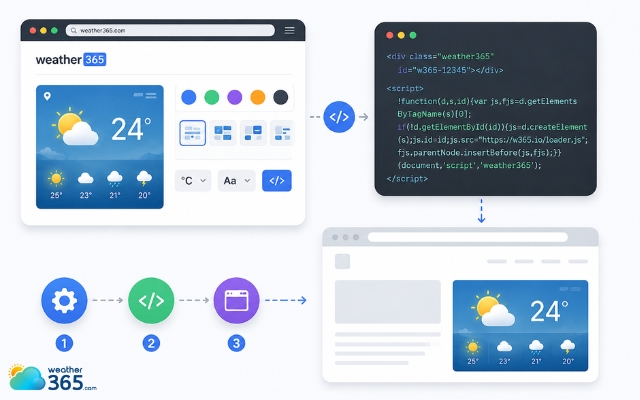
Most platforms allow you to customize the widget
WordPress plugins
For WordPress users, plugins are often the easiest option because they require very little manual setup.
Inside your WordPress dashboard, go to Plugins → Add New and search for weather plugins such as Location Weather or Weather Atlas.
After installing and activating the plugin, you can configure the widget settings directly inside WordPress.
Most plugins let you customize the location, temperature units, widget style, and forecast display.
Finally, use the provided shortcode, block, or widget area to place the real-time weather widget on your website.
This method is especially convenient for beginners who want live weather features without editing code manually.
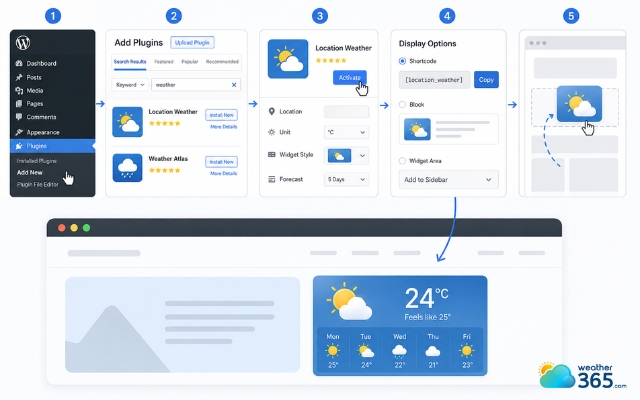
Add a real-time weather widget using a weather plugin
Sum up
Adding a real-time weather widget is one of the easiest ways to improve your website’s user experience. It provides live weather updates, helps visitors plan ahead, and keeps your pages feeling active and relevant. The best part is that most widgets can be installed quickly without needing advanced coding skills.
Frequently Asked Questions (FAQs)
Related post
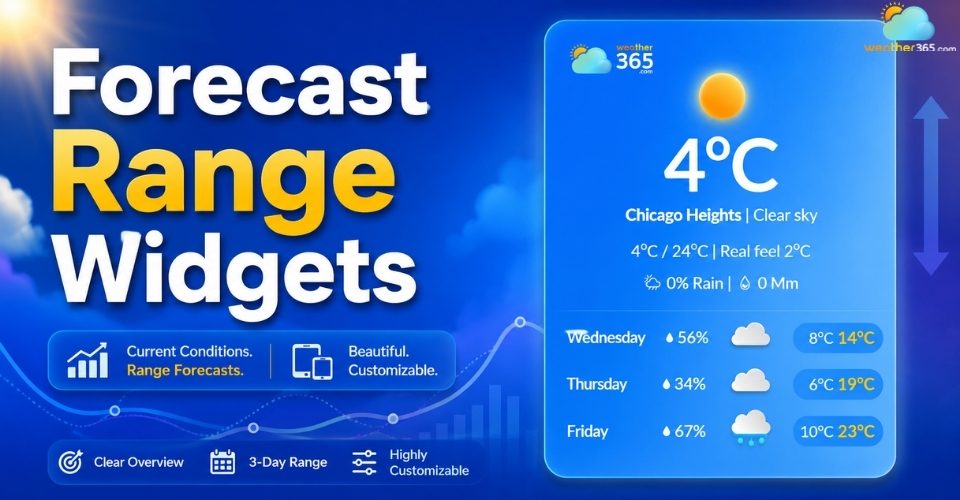
Forecast Range Widgets: Key features, Benefits, How to Add & Best tools
 245
245
 8
8
 4.6
4.6
 11/08/2026
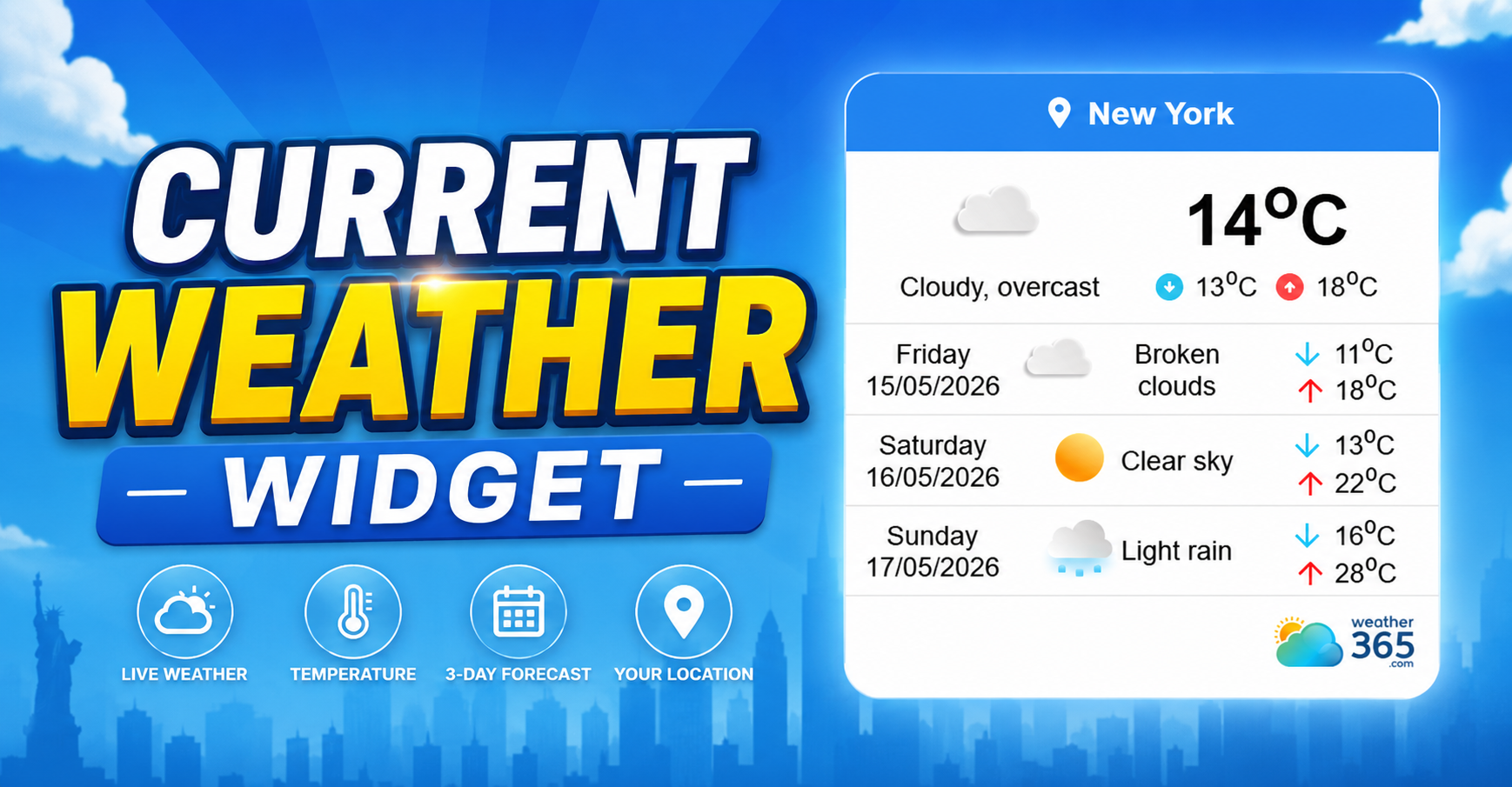
Current Weather Widget: Add The Best Live Weather for Your Website
211
8
4.8
13/08/2026
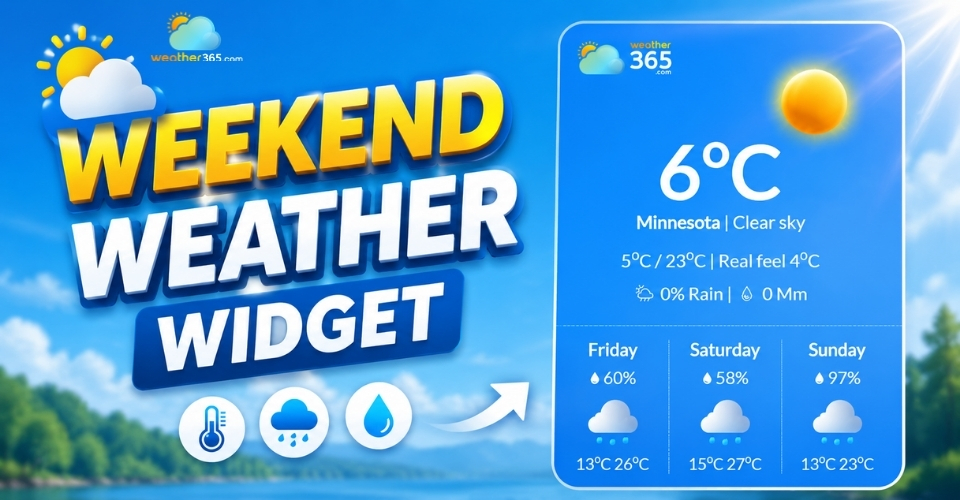
Weekend Weather Widget: The Ultimate Tool For Smart Event Planning
141
8
4.9
29/06/2026

8 Comment
Jayson Briggs
Would this work on a WordPress website? I'm not very technical, so I'm hoping the setup isn't too complicated.
weather365
Yes, you can add the widget to WordPress using a Custom HTML block. Check out our full guide here: https://weather365.com/en/widget-guide/how-to-add-weather-widget-to-wordpress
Walter Floyd
I'm thinking of adding this to my small business website. Can I choose which city the widget shows?
weather365
Yes! You can select a specific location when configuring the widget, so the weather information is relevant to your business and its visitors.
Leon Floyd
Does the real-time weather widget update on its own, or do I have to update the information manually?
weather365
The widget is designed to display updated weather data automatically, so you don't have to change the information yourself whenever conditions change.
Everett Fleming
I've been looking for a way to show live weather on my travel blog. It would be nice if readers could check the conditions without leaving the page.
weather365
That sounds like a great use for a weather widget! Having local conditions right next to travel information can make planning a trip much more convenient for readers.
Leave a comment
Your email address will not be published. Required fields are marked *