




3-day Weather Widget: Accuracy, Customization, and Top Solutions


A 3-day Weather Widget gives users the perfect balance between quick forecasts and clean website design. But which widget is actually accurate, responsive, and easy to customize? In this guide, you’ll discover the best solutions, compare forecast formats, and learn how to choose the right weather widget for your site.
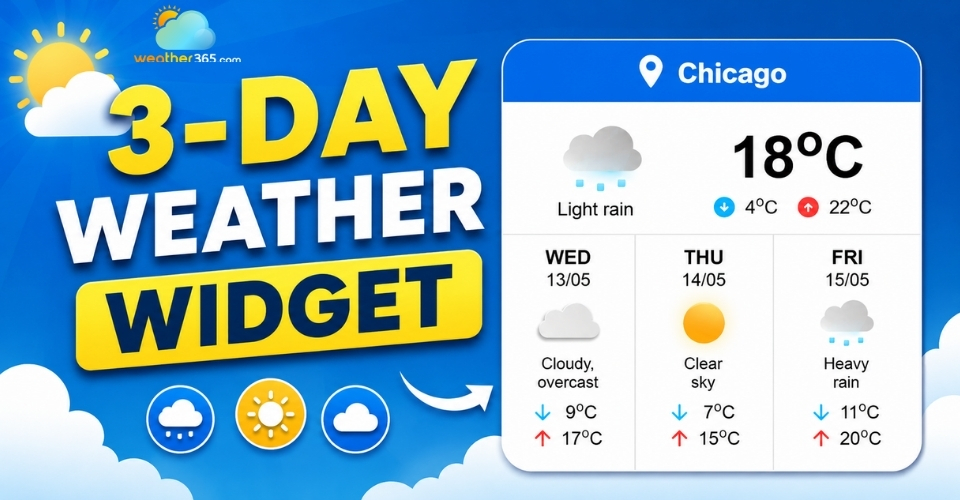
3-day weather widget
3-day weather widget: Key features to look for
A good 3-day weather widget should do more than simply display temperatures. It needs to be accurate, easy to use, visually consistent with your website, and lightweight enough to avoid slowing down your pages.
Since weather widgets are often placed in visible areas like headers, sidebars, or homepages, choosing the right one can make a noticeable difference in both user experience and website performance.
If you’re comparing forecast lengths (hourly, 3‑day, 5‑day, 7‑day, 10‑day), see our Forecast Range Widgets guide for a full overview.
Real-Time Accuracy
Forecast accuracy is one of the first things users notice. If the weather information feels outdated or unreliable, visitors are less likely to trust the widget, or your website.
That’s why reliable data sources matter.
For a 3-day weather widget, accuracy is especially important because users often check it for immediate plans like commuting, travel, outdoor activities, or upcoming events.
Compared to longer forecasts, short-term predictions are usually more dependable, which is one reason the 3-day format remains so popular.
For live conditions, a current weather widget is often enough. If your audience needs fast-changing updates (events, outdoor timing), consider a real-time weather widget.
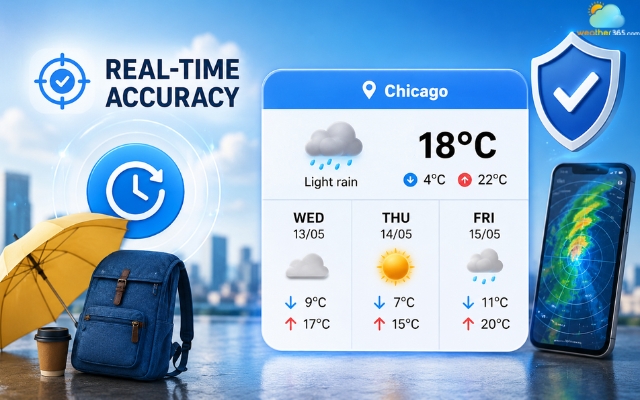
Forecast accuracy is crucial for a 3-day weather widget
Customization
A weather widget should feel like part of your website instead of a random third-party element added at the last minute.
Most modern widgets allow you to customize colors, sizing, layouts, and temperature units to better match your design. This helps create a cleaner and more professional user experience.
For example, some websites may prefer a minimal dark theme, while others use colorful forecast cards that stand out visually.
The ability to switch between Celsius and Fahrenheit is also useful, especially for international audiences.
Small details like font styles, icon sets, or transparent backgrounds can make the widget blend much more naturally into your layout.
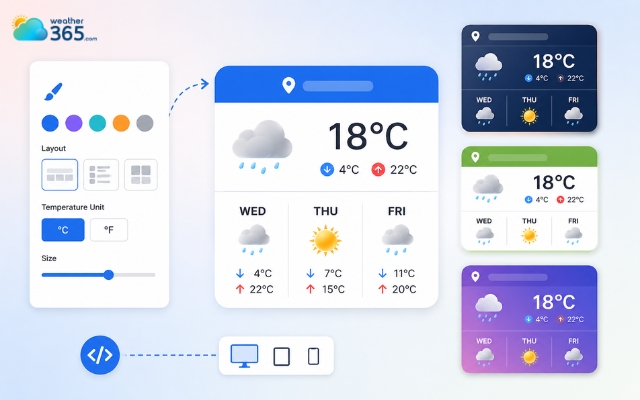
Most modern widgets allow you to customize the weather widget
Responsiveness
Since mobile traffic now dominates most websites, responsiveness is no longer optional. A weather widget that looks perfect on a desktop but breaks on mobile can quickly hurt the overall user experience.
A responsive 3-day weather widget should automatically adjust to different screen sizes without affecting readability or layout structure.
This is one reason compact forecast widgets work so well for mobile footers, blog sidebars, and smaller homepage sections.
The shorter 3-day format also helps reduce clutter.
Instead of forcing users to scroll through an oversized weekly forecast, it delivers the most important information in a cleaner and more manageable space.
If your users need hour‑by‑hour planning instead of a daily snapshot, an hourly weather widget may be a better fit.
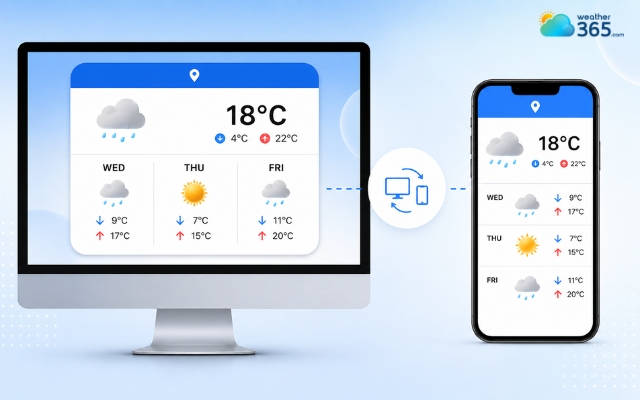
Shorter 3-day format also helps reduce clutter
Lightweight Code
Website speed plays a major role in SEO and user retention.
Unfortunately, some weather widgets rely on heavy scripts, large animations, or excessive external requests that slow pages down significantly.
A lightweight widget helps avoid those problems.
Faster-loading embeds improve user experience, support better PageSpeed Insights scores, and reduce bounce rates, especially on mobile connections.
Simple embed-based solutions are often the best choice because they load quickly while still providing useful forecast data.
You can generate a lightweight embed in minutes using the Weather365 widget builder.
If your website already contains multiple plugins, ads, or interactive elements, keeping your weather widget lightweight becomes even more important.
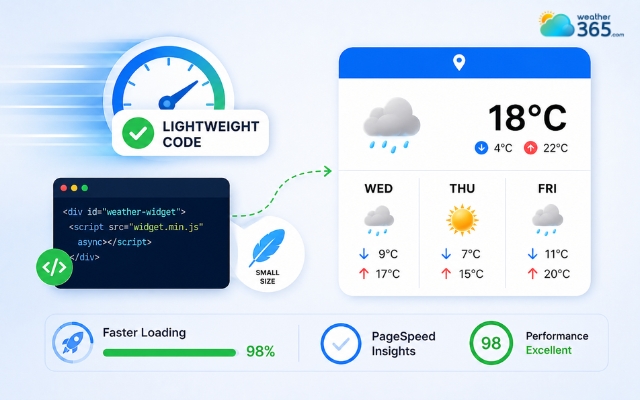
The weather widget can affect website speed
3-day vs 5-day vs 7-day weather widget: Detailed comparison
Not every website needs the same type of weather forecast.
Some visitors only want a quick snapshot of the next few days, while others may need a full weekly outlook for travel or event planning.
That’s why choosing between a 3-day, 5-day, or 7-day weather widget depends heavily on your website layout and user intent.
Before deciding, it helps to compare how each forecast format performs in terms of space, usability, and forecast accuracy.
The 3-Day View: Best for quick decisions
A 3-day weather widget is ideal for websites that want a clean, compact layout while still providing accurate short-term forecasts.
Since it focuses only on the next few days, users can quickly scan the information for daily planning.
Compact widgets are ideal for quick travel plans, such as checking the Florida 3-day weather forecast before a weekend trip.
It works especially well on news sites, mobile layouts, sidebars, and smaller homepage sections where space is limited.
The 5-Day View: The balanced option
The 5-day weather widget offers a good balance between compact design and extended planning.
It gives users enough forecast detail for work weeks, short trips, or upcoming events without making the interface feel crowded.
This format is commonly used on lifestyle blogs, travel websites, and homepage sidebars.
For more examples and layout ideas, check 5-day weather widget guide!
The 7-Day View: Best for long-range planning
A 7-day weather widget is better suited for users planning vacations, outdoor activities, or week-long schedules.
While it requires more screen space and long-range forecasts may be slightly less accurate, it provides a broader weather overview that works well for travel pages and dedicated forecast sections.
For more inspiration, visit 7-day weather widget guide!
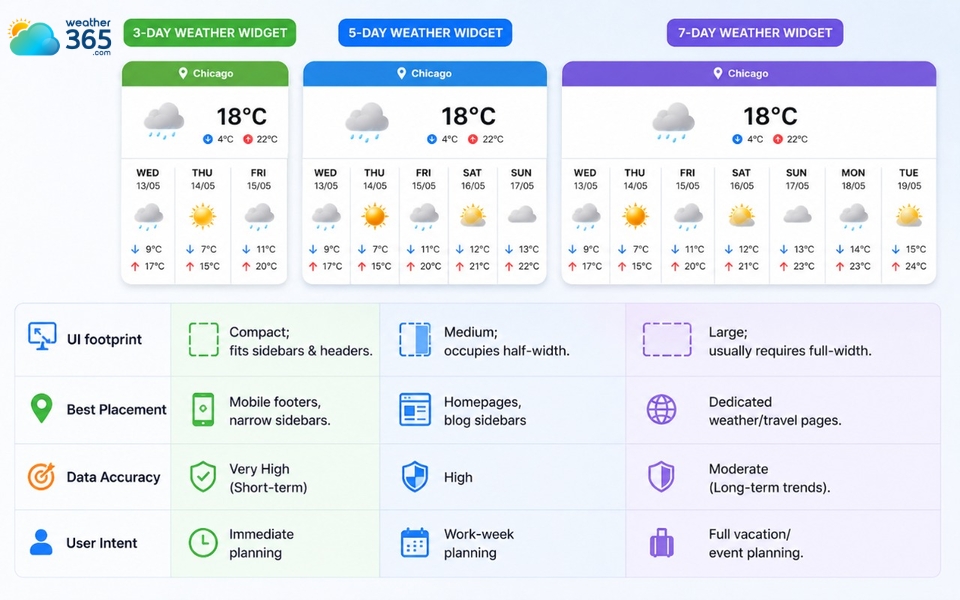
3-day vs 5-day vs 7-day weather widget comparison
Which weather widget should you choose?
If your goal is a clean interface and fast “at-a-glance” forecasts, a 3-day weather widget is usually the smartest choice. It’s compact, mobile-friendly, and highly accurate for short-term use.
If your audience needs a bit more planning flexibility, the 5-day version offers a strong middle ground without taking up too much space.
For short trips and Fri–Sun planning pages, a weekend weather widget can be even more focused than a 3‑day layout.
If you're still unsure which forecast length fits your website best, this detailed guide about forecast range widgets will help you out!
Meanwhile, a 7-day weather widget makes the most sense for travel-focused websites or pages where visitors naturally expect longer forecast coverage.
Top 3-day weather widget solutions
There are many weather widget providers available today, but only a few offer a strong balance between usability, customization, performance, and reliable forecast data.
Below are some of the most popular solutions for adding a 3-day weather widget to your website.
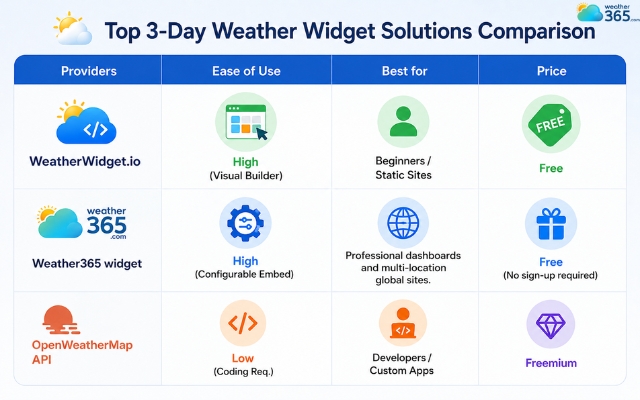
Top 3-day weather widget comparison
Quick tips
Choose WeatherWidget.io if you want a fast and beginner-friendly setup for a blog, portfolio, or small website.
Go with Weather365 widget if you need a more flexible and responsive solution for modern websites, dashboards, or multi-location platforms.
Choose OpenWeatherMap API if you’re building a custom app or need full control over weather data, design, and functionality.
Sum up
Did you opt for a suitable 3-day weather widget that actually fits your website? Choosing the right forecast layout can help users plan faster while keeping your pages lightweight, responsive, and visually consistent across all devices. Ready to try Weather365 widget?
Frequently Asked Questions (FAQs)
Related post
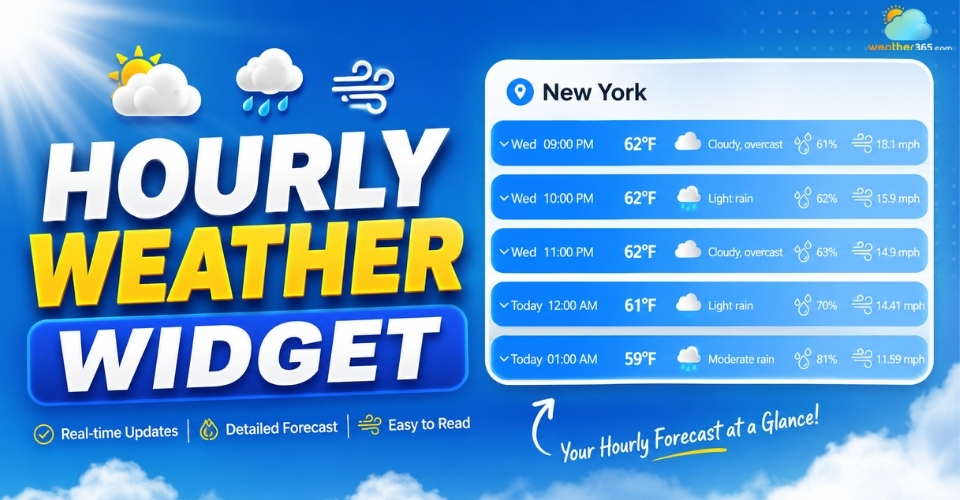
Hourly Weather Widget: Stay Updated With Real-Time Local Forecasts
 243
243
 0
0
 4.8
4.8
 20/08/2026
Forecast Range Widgets: Key features, Benefits, How to Add & Best tools
229
0
4.6
11/08/2026
The Ultimate Guide to 5-Day Weather Widget for Your Website
216
0
4.9
20/08/2026

0 Comment
Leave a comment
Your email address will not be published. Required fields are marked *