




The Ultimate Guide to 5-Day Weather Widget for Your Website


Ever wondered how some websites always feel more dynamic and helpful? A 5-day weather widget is one of the easiest ways to add real-time value for visitors. Keep reading as this guide will explore the top features, customization options, and simple setup steps you should know.
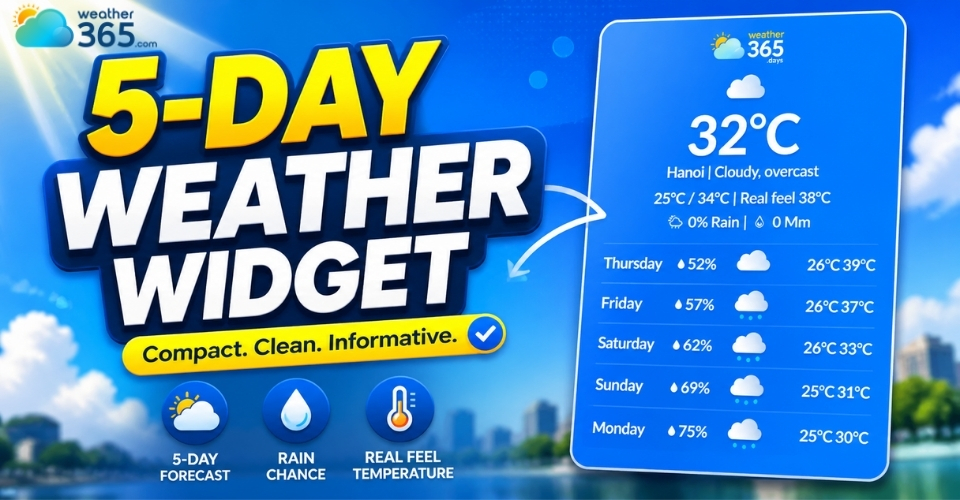
5-day weather widget
- Why use a 5-day weather widget?
- Features of 5-day weather widget
- Detailed forecasts: Daily high/low temperatures and precipitation chances
- Customization: Adjustable sizes, transparent backgrounds, and font options
- Location accuracy: Automatic detection via GPS or manual zip code
- Add Weather365 5-day weather widget
- Common mistakes to avoid
Why use a 5-day weather widget?
Weather information has become something users expect to access quickly online.
If your visitors need hour-by-hour timing for the next 24–48 hours (events, outdoor activities), an hourly weather widget can be a better match.
Instead of opening another app or searching on a different website, many people prefer checking forecasts directly where they already are.
That’s exactly why a 5-day weather widget has become a useful feature for modern websites.
A 5-day weather widget is an embedded weather tool that displays forecast information for the next five days directly on a website.
Depending on the provider, it may include daily temperature, rain or snow chances, or wind and humidity data,....
A 5-day forecast works well for users who want a broader weekly overview without checking weather updates every day.
For websites that only need shorter forecast coverage, a 3-day weather widget can be a cleaner and more compact alternative.
Believe it or not, a 5-day weather widget can improve the overall experience of your website in several ways!
Better user experience
People appreciate websites that provide useful information quickly.
A weather widget adds practical value because visitors can instantly check upcoming conditions without needing another tab or app.
For travel blogs, tourism sites, hotel pages, or local business websites, this convenience feels especially helpful.
Keep visitors on your site longer
Interactive elements naturally encourage users to stay longer and explore more pages.
Since weather forecasts update regularly, visitors may return multiple times throughout the week to check conditions again.
This can help improve engagement metrics like session duration and repeat visits.
Makes your website feel more dynamic
Static pages can sometimes feel outdated. Adding live weather information creates a more interactive and real-time experience, making your site appear more modern and active.
Even a small weather section can make a page look more polished and useful.
Need a different format than a 5-day forecast?
- Use a current weather widget for a quick “right now” snapshot.
- Use a real-time weather widget for live updates when conditions change fast.
- Use a weekend weather widget if your users mainly plan for Fri–Sun.
Helpful across many industries
A 5-day weather widget works well for more than just weather websites. It’s commonly used on:
→ Travel and tourism websites
→ Event pages
→ Hotel and resort websites
→ Outdoor activity blogs
→ News platforms
→ Local business sites
Basically, if weather can affect your visitors’ plans, a forecast widget becomes a valuable addition.
If you want to compare different forecast lengths and choose the best option for your website, you can also explore our guide about forecast range widgets.
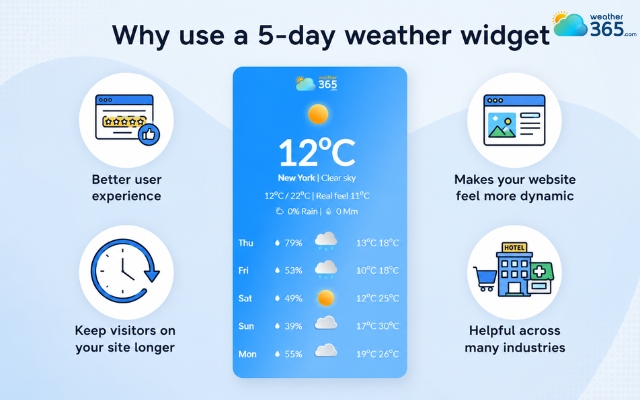
Benefits of using a 5-day weather widget
Features of 5-day weather widget
A good 5-day weather widget combine accurate forecasts, flexible customization, and smooth user experience to make your website more useful and engaging.
Detailed forecasts: Daily high/low temperatures and precipitation chances
One of the most important features is forecast detail.
Most 5-day weather widgets display daily high and low temperatures, weather conditions, and precipitation chances so users can plan ahead more easily.
This gives visitors a clearer overview of the week instead of only showing the current weather. Some widgets also include humidity, wind speed, and weather icons for quicker visual understanding.
A 5-day view gives users a mid-week outlook, helping locals monitor changing conditions like the Texas 7-day weather outlook for extended planning.
For longer-range trend planning (travel itineraries, hiking, logistics), you can also explore a 10-day weather widget—just note accuracy usually drops after day 7.
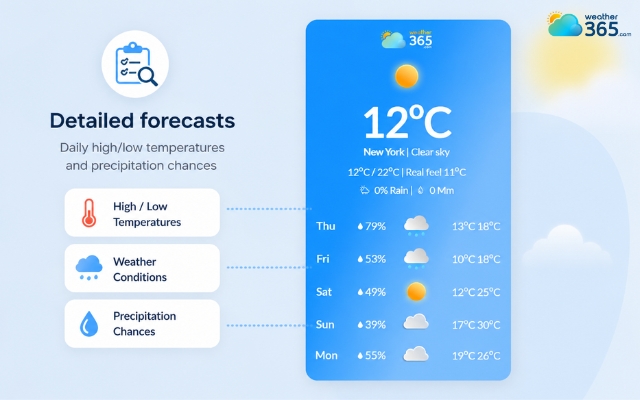
5-day weather widget offers detailed forecast
Customization: Adjustable sizes, transparent backgrounds, and font options
Modern weather widgets are designed to blend naturally with different website styles. Many allow you to adjust the size, colors, fonts, and background settings to match your branding.
Transparent backgrounds are especially useful because they help the widget fit smoothly into custom website layouts without looking distracting.
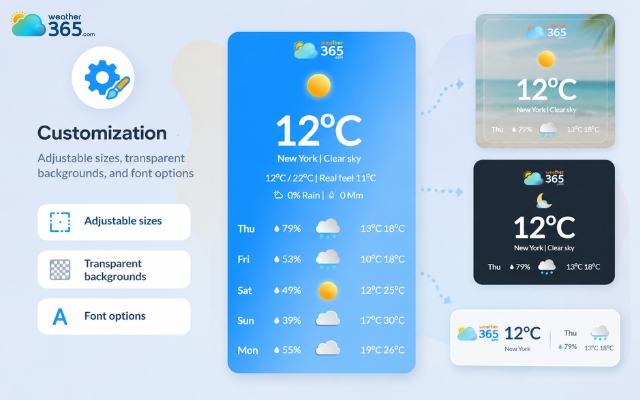
Weather365 allows you to freely customize
Location accuracy: Automatic detection via GPS or manual zip code
Accurate forecasts depend on accurate locations. Many widgets support automatic GPS or IP-based detection so visitors instantly see local weather conditions.
At the same time, manual city or zip code settings are useful for websites focused on specific locations, such as hotels, travel blogs, or local businesses.
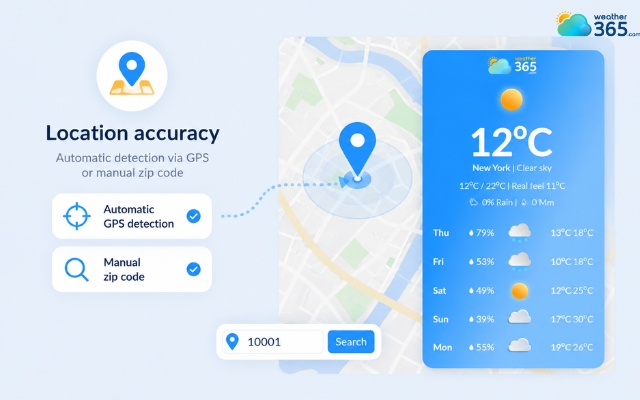
Accurate forecasts depend on accurate locations
Add Weather365 5-day weather widget
Adding a Weather365 5-day weather widget is simple and doesn’t require advanced coding skills.
The platform allows you to customize the widget design, choose your preferred forecast layout, and generate an embed code in just a few steps.
You can create your widget directly on Weather365 Widget.
Step 1: Choose your forecast location
First, enter the city or area you want the widget to display.
This is especially useful for travel blogs, hotel websites, local business pages, or event platforms where weather conditions matter to visitors.
For example, you can add a Texas weather forecast, an Alabama forecast, or a weather forecast for Austin.
Weather365 also lets you select how many forecast days you want to show, including a 5-day forecast format.
Step 2: Customize the widget appearance
Once the location is selected, you can adjust the widget style to better match your website design.
Weather365 supports options like widget sizing, temperature units, font colors, date formats, and transparent backgrounds.
These customization settings help the widget blend naturally into your layout instead of looking like a separate element added afterward.
Step 3: Generate the embed code
After finishing the setup, click the create button to generate the widget code. Weather365 will automatically provide an HTML embed snippet that you can copy directly from the platform.
Step 4: Add the code to your website
Paste the embed code into the section where you want the widget to appear.
Many website builders and CMS platforms support this through Custom HTML or Embed blocks, making the installation process quick and beginner-friendly.
Step 5: Test the widget on different devices
Before publishing, check how the widget appears on desktop, tablet, and mobile screens.
A responsive weather widget should resize properly and remain easy to read across all devices.
This final step helps ensure a smoother user experience and prevents layout issues after going live.
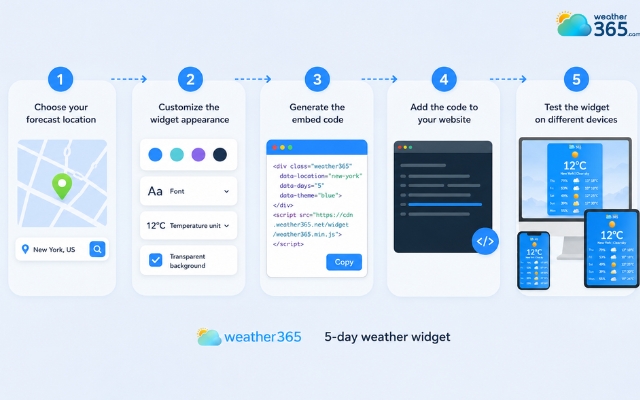
Easily add a 5-day weather widget
Common mistakes to avoid
Even a good 5-day weather widget can hurt the user experience if it’s added incorrectly. Here are some common mistakes website owners should avoid:
Using a widget that is too large and overwhelms the page layout
Ignoring mobile responsiveness and not testing on smaller screens
Adding too many colors, animations, or visual effects
Choosing fonts or text colors that are difficult to read
Forgetting to check the selected location or forecast settings. Double-check that you have selected the intended city or state, such as the Texas weather forecast or Mississippi 5-day forecast, and ensure the forecast duration matches your content needs.
Embedding heavy widgets that slow down website loading speed
Placing the widget in distracting areas instead of natural sections like sidebars or headers
Showing too much weather data and making the interface feel cluttered
Using a widget style that doesn’t match the overall website design
Forgetting to update or maintain the widget after installation
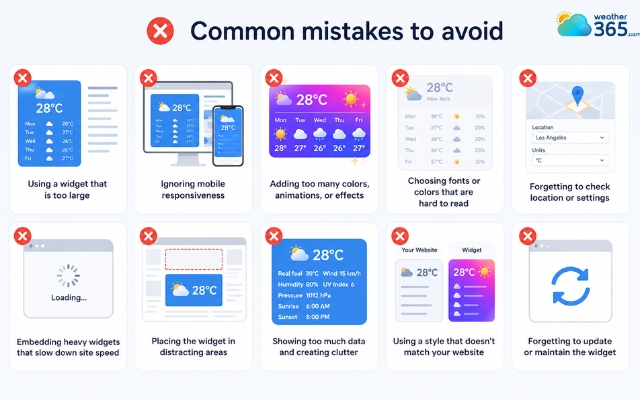
Avoid mistakes to get a perfect live weather show
Final words
5-day weather widget tools are a simple way to make your website more useful, interactive, and user-friendly. With accurate forecasts, customizable layouts, and easy embedding options, they work well for blogs, business sites, and travel platforms alike. Choosing the right widget and setting it up properly can greatly improve the overall visitor experience. Start adding today!
Frequently Asked Questions (FAQs)
Related post
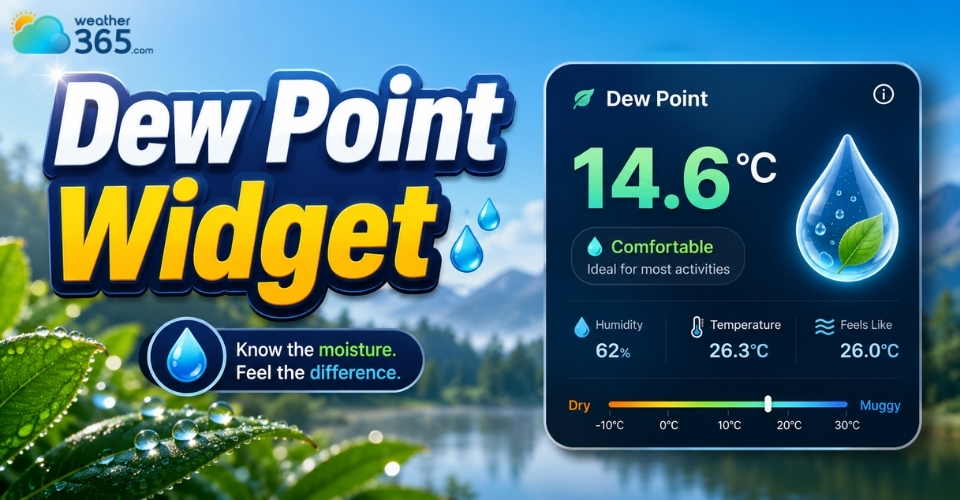
What is Dew Point Widget? Tracking Real-Time Comfort & Moisture
 233
233
 0
0
 5.0
5.0
 14/08/2026
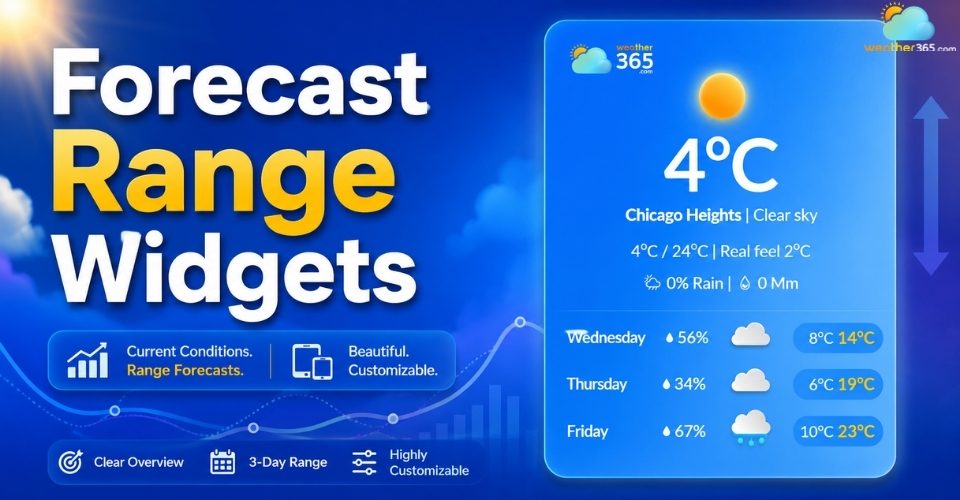
Forecast Range Widgets: Key features, Benefits, How to Add & Best tools
229
0
4.6
11/08/2026
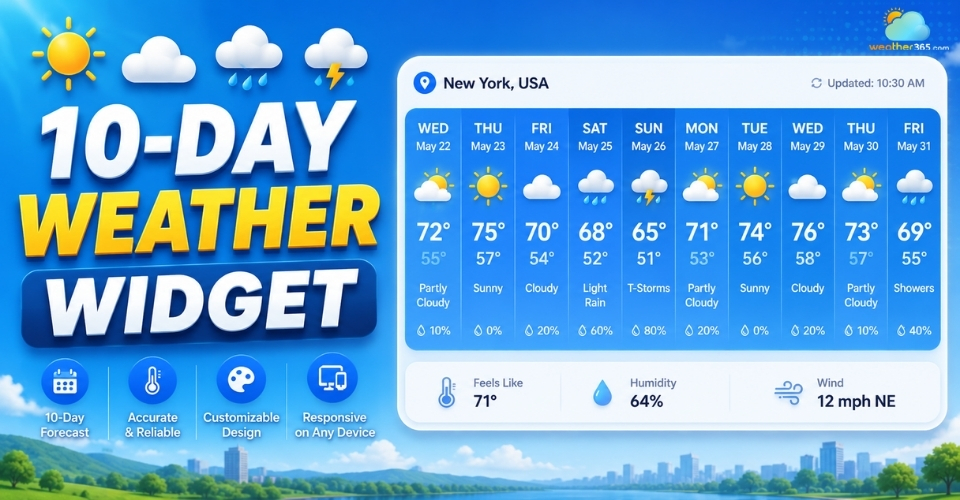
10-Day Weather Widget: Choosing The Best Live Weather for Your Website
219
0
5.0
11/08/2026
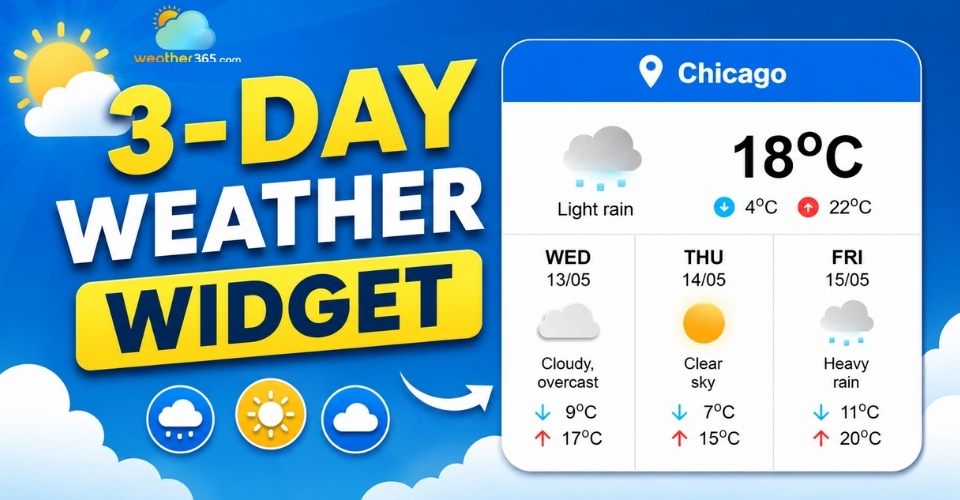
3-day Weather Widget: Accuracy, Customization, and Top Solutions
211
0
4.7
11/08/2026

0 Comment
Leave a comment
Your email address will not be published. Required fields are marked *