




Top Destination Weather Widget for Travel Blogs to Increase Engagement


Planning a trip often starts with checking the forecast, which is why a destination weather widget for travel blogs can instantly make your content more useful and engaging. From real-time updates to smarter travel decisions, the right widget keeps readers exploring longer. Let’s discover how weather tools can improve both user experience and blog performance!
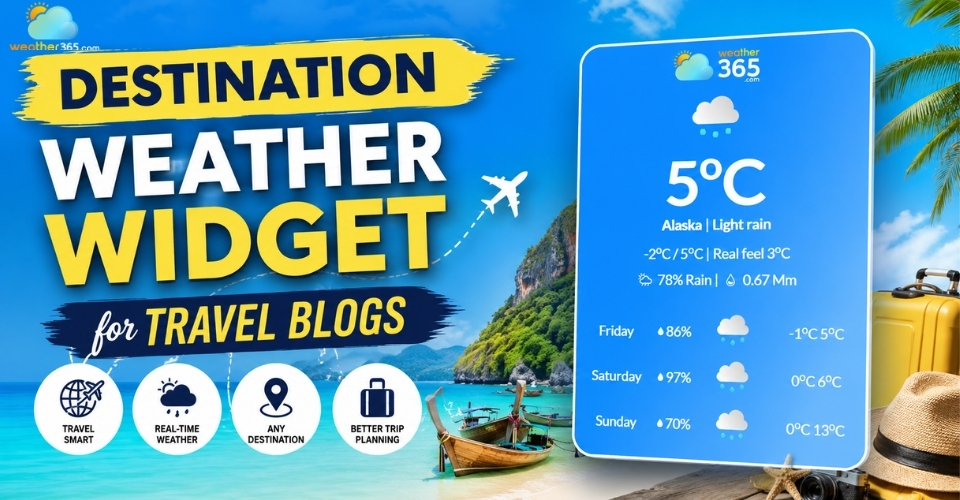
Destination weather widget for travel blogs
Why should use destination weather widget for travel blogs
Travelers rarely book a trip without checking the weather first.
That’s why adding a destination weather widget for travel blogs can make your content far more practical and engaging.
Instead of forcing readers to leave your site to search for forecasts elsewhere, a weather widget gives them instant access to current conditions and short-term updates directly inside your article.
This small feature also helps keep your content fresh.
Even if a blog post was published months ago, live weather data continuously updates the page, making it feel more relevant and useful to visitors.
For travel blogs covering beaches, hiking spots, seasonal destinations, or city guides, this real-time information adds real value.
Travel bloggers can keep readers informed on vacation climates by embedding Florida travel weather cards.
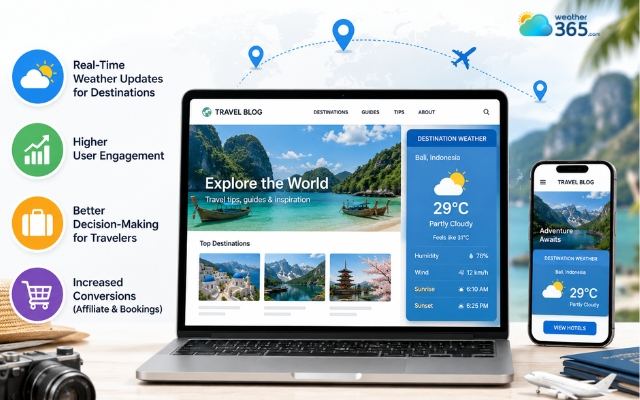
The weather widget makes content more practical and engaging
Another major benefit is user engagement.
Interactive elements like weather widgets naturally encourage readers to stay longer on a page and explore related destinations or activities.
Someone checking the weather in Paris, for example, may continue browsing nearby attractions, hotel guides, or travel itineraries on your site.
Weather widgets also help travelers make better decisions.
Readers can quickly plan outdoor activities, packing lists, or travel dates based on actual conditions rather than guessing.
This reduces uncertainty and improves the overall user experience.
From a business perspective, weather-based content can also support conversions.
You can promote hotels, tours, travel gear, or seasonal offers that match current weather conditions, making affiliate recommendations feel more timely and relevant.
How to choose the right destination weather widget for travel blogs
Choosing the right destination weather widget for travel blogs is important because the widget affects both user experience and the overall look of your website.
A good tool should be accurate, easy to use, and flexible enough for different travel content styles.
Location flexibility
A strong weather widget should allow you to set specific city names or even use latitude and longitude coordinates.
This is especially useful for travel blogs covering beaches, islands, hiking routes, or smaller destinations that may not appear in basic weather tools.
Customization options
The widget should match your blog’s branding and design.
Features like customizable colors, fonts, layouts, and animated or static icons help the weather section feel more natural inside your content instead of looking disconnected.
Multi-city display
If your article includes multiple destinations in one itinerary, a multi-city layout can improve readability.
Readers can compare weather conditions for different locations without leaving the page, making trip planning easier.
For example, an itinerary covering different US destinations could compare the Texas weather forecast with conditions in other states before travelers finalize their plans.
Live weather data
Accurate real-time forecasts are essential for travel content.
A widget with live updates helps keep your blog fresh, relevant, and more useful for visitors planning activities or booking trips.
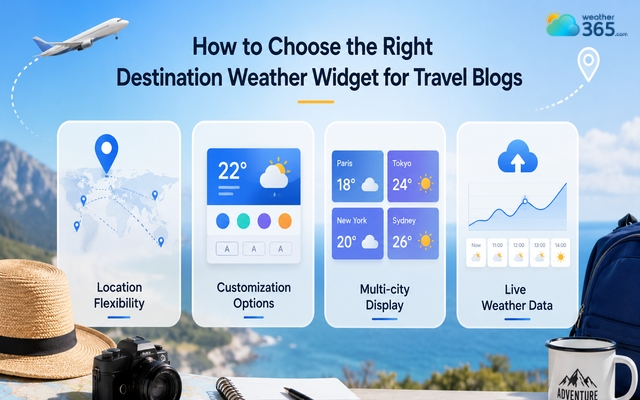
A destination weather widget should be accurate and easy to use
TOP destination weather widget for travel blogs
There are many weather tools available online, but not all of them work well for travel content.
The best destination weather widget for travel blogs should provide accurate forecasts, flexible customization, and a layout that fits naturally into your website design.
Here are some of the top options worth considering.
Location Weather
Location Weather is a highly recommended plugin for WordPress, offering 8 distinct layouts (including horizontal, vertical, and map).
It is ideal for travel blogs because it covers over 200,000 cities worldwide and allows for customization of temperature units, wind speed, and humidity.
It supports live weather for specific locations and allows for multiple city displays on a single post.
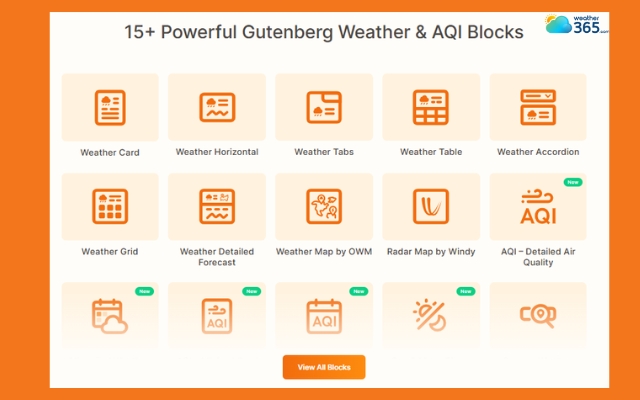
Location Weather supports live weather for specific locations
Weather365 Widget
Weather365 Widget is a strong option for travel blogs targeting international audiences.
Its biggest strength is the auto-detect location feature, which automatically shows weather information based on the visitor’s location.
The widget also supports multiple languages, making it useful for multilingual blogs or global travel websites.
Combined with a clean design and responsive layout, it helps create a more personalized user experience.
You may also like:
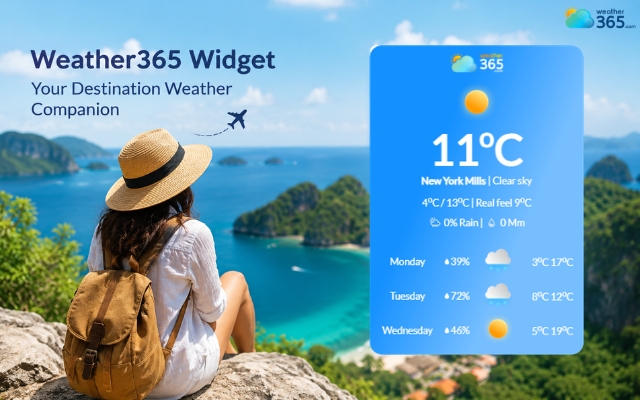
Weather365 widget shows weather information based on the visitor’s location
Indify Weather Widget
Indify Weather Widget is ideal for bloggers using Notion or simple HTML embeds.
It offers an easy iframe integration process without requiring advanced coding knowledge.
The widget includes:
Animated weather icons
Custom background colors
Minimalist layouts
Quick customization options
Because of its clean and lightweight design, it works particularly well for modern travel blogs that prefer a simple visual style.
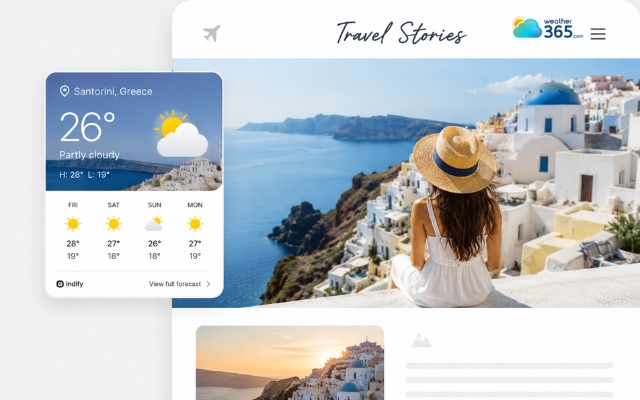
Indify Weather Widget is ideal for bloggers using Notion
How to implement the destination weather widget?
Adding a destination weather widget to your travel blog is usually quick and beginner-friendly.
Most tools support either WordPress plugins or simple HTML embed codes, depending on the platform you use.
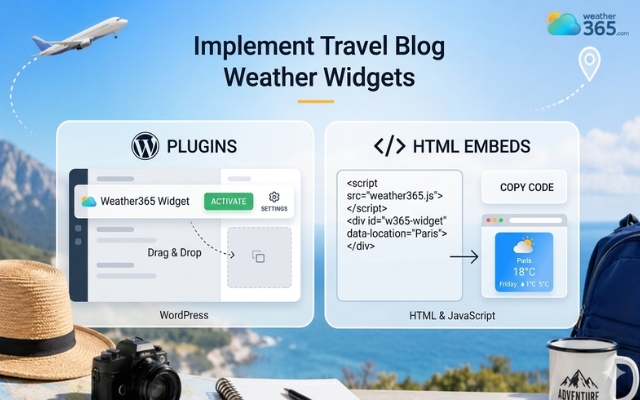
Easily add a destination weather widget for travel blogs
WordPress plugins
If your blog runs on WordPress, you can search for plugins like “Location Weather” or “WeatherBot” directly in the Plugins section.
After installation, most widgets can be added using shortcodes or Gutenberg blocks without needing coding skills.
If you want a more detailed setup process, you can also read our guide on Weather Widget for WordPress.
HTML embeds
Some weather providers offer iframe or HTML embed codes instead of plugins.
In this case, you simply generate the widget, copy the code snippet, and paste it into a Custom HTML block inside your blog editor.
This method works well for Notion websites, custom blogs, or lightweight travel pages.
For step-by-step instructions, check out our tutorial on How to Embed Weather Widget.
In conclusion
Adding a destination weather widget for travel blogs is a simple way to make your content more useful, interactive, and conversion-focused. Real-time forecasts help travelers plan with confidence while increasing engagement and keeping visitors on your site longer. Start adding the Weather365 widget today!
Frequently Asked Questions (FAQs)
◉ Destination pages
◉ Travel guides
◉ “Best time to visit” articles
Related post
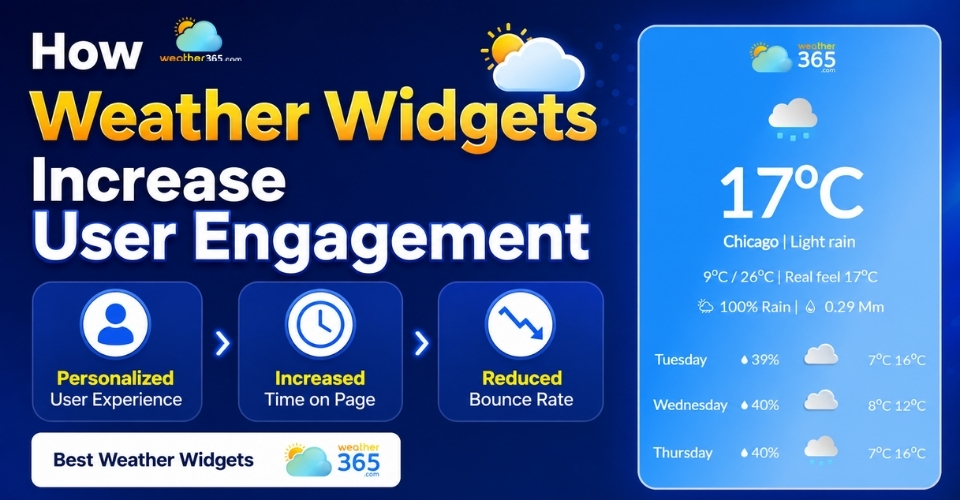
How Weather Widgets Increase User Engagement and Website Value
 181
181
 0
0
 4.9
4.9
 17/08/2026
Weather Widget Conversion Rate Optimization: 5 High-Impact CRO Strategies
95
0
4.6
11/05/2026
Weather-Based Personalization for Websites: Increase Engagement Tip
84
0
5.0
11/05/2026

0 Comment
Leave a comment
Your email address will not be published. Required fields are marked *