




Weather Widget Conversion Rate Optimization: 5 High-Impact CRO Strategies


What if a simple weather update could change how your visitors shop and decide? Weather personalization has been shown to increase conversions by 20–30% in some e-commerce industries. That’s where weather widget conversion rate optimization comes in: turning real-time forecasts into buying triggers that boost engagement and sales. In this guide, you’ll learn practical strategies to improve conversions using weather-driven personalization.
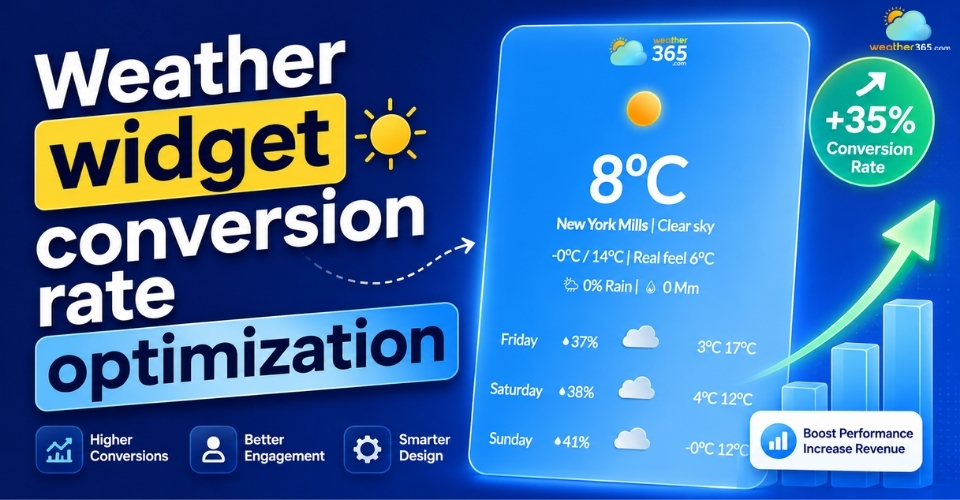
Weather widget conversion rate optimization
What is weather widget conversion rate optimization?
Conversion rate optimization (CRO) is the process of improving a website so more visitors take action, such as making a purchase, signing up, or clicking a CTA.
Weather widget conversion rate optimization applies this idea using real-time weather data. Instead of showing the same content to every visitor, the website adjusts based on local weather conditions.
For example, a rainy day might trigger promotions for indoor products, while sunny weather could highlight travel items or outdoor gear. This makes the experience feel more relevant and timely for users.
In simple terms, weather widgets are no longer just tools that display forecasts.
When connected to personalization strategies, they help increase engagement, improve buying intent, and support higher conversions by matching content with real-world conditions.
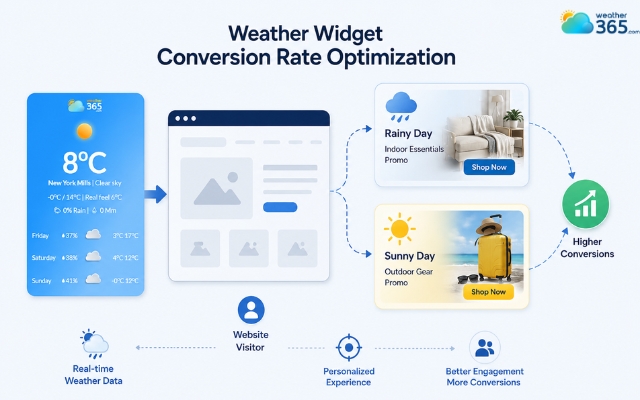
Conversion rate optimization is the process of improving a website
How does weather data impact conversions?
Weather has a bigger influence on online behavior than many businesses realize.
Studies and e-commerce reports show that bad weather can increase online shopping activity by around 15%, while sunny weather often encourages more spontaneous and impulse purchases.
This happens because weather affects how people feel, what they need, and when they are most ready to buy.
When websites use real-time weather data correctly, they can create more relevant experiences that lead to higher engagement and conversions.
Behavioral Triggers
The weather strongly influences mood and buying decisions.
Cold or rainy days often push people toward comfort-focused products, indoor activities, or online shopping from home.
On the other hand, sunny weather usually increases energy, travel planning, and impulse spending.
This creates natural behavioral triggers that businesses can use to guide conversions.
For example, promoting warm drinks during cold weather or outdoor gear on sunny weekends feels more useful and timely to users.
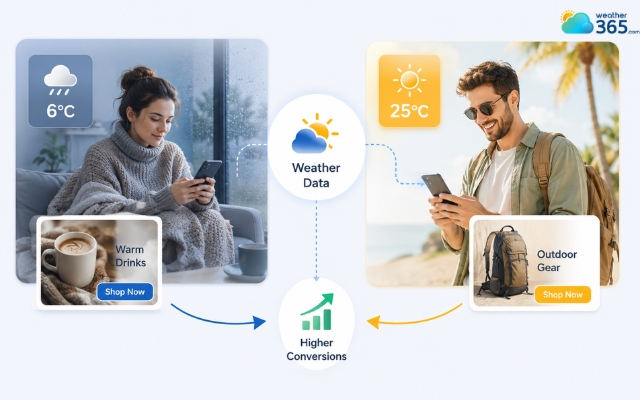
The weather strongly influences mood and buying decisions
Contextual Relevance
People respond better to content that matches their current situation.
If a visitor sees products or offers connected to the weather outside, the experience feels more personalized instead of generic.
For example, showing raincoats during a storm or skincare products during hot weather makes recommendations feel logical and helpful.
This relevance improves engagement because users are more likely to click on content that fits their immediate needs.
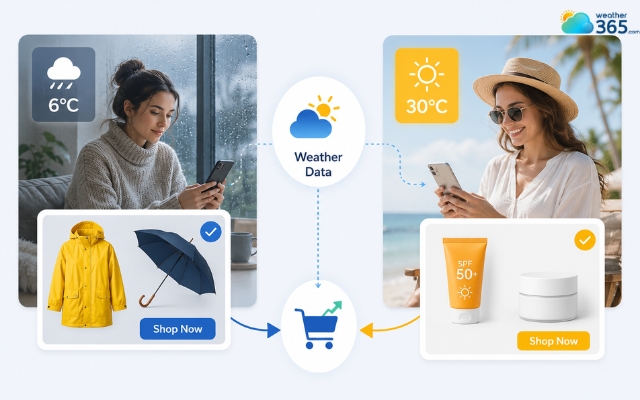
The weather widget makes the experience feel more personalized
Timing and Micro-Moments
Weather also creates short periods of high buying intent known as micro-moments.
A sudden temperature drop, heavy rain, or heatwave can instantly change what users are searching for and ready to buy.
Real-time weather data helps brands react to these moments quickly. Instead of waiting for seasonal campaigns, businesses can adjust offers immediately based on live conditions.
This makes marketing more responsive and increases the chances of converting visitors at the exact moment they need something.
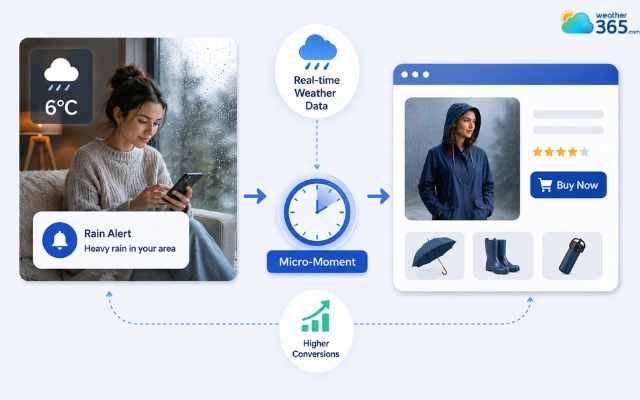
A sudden temperature drop can change people’s purchase decisions
Key weather widget conversion rate optimization strategies
To get real results from weather widget conversion rate optimization, businesses need to use weather data as part of the customer experience instead of just displaying forecasts.
Dynamic Product Recommendations
One of the most effective strategies is showing products based on current weather conditions.
For example, a sunny day in Hanoi could trigger outdoor gear recommendations, while rainy weather might promote indoor products or umbrellas.
This makes shopping feel more relevant and can increase add-to-cart rates because users immediately see products connected to their needs.
Improve Engagement Metrics
Interactive weather widgets can keep users on the site longer by providing useful real-time information.
If you want to understand the broader business and SEO benefits behind this strategy, check out our guide on why add weather widget to your website.
Longer sessions often improve engagement signals and increase the chances of conversion.
Weather-based recommendations also help users make faster decisions by highlighting the most relevant products first, which can improve click-through rates and purchase intent.
Geo-Targeted Personalization
Different locations experience different weather, so personalization should vary by region as well.
A user in rainy weather should not see the same offers as someone in sunny conditions.
This strategy works especially well with local SEO and tools like the “Multi-Location & Auto-Detect Weather Widget,” which automatically adjusts content based on user location and weather conditions.
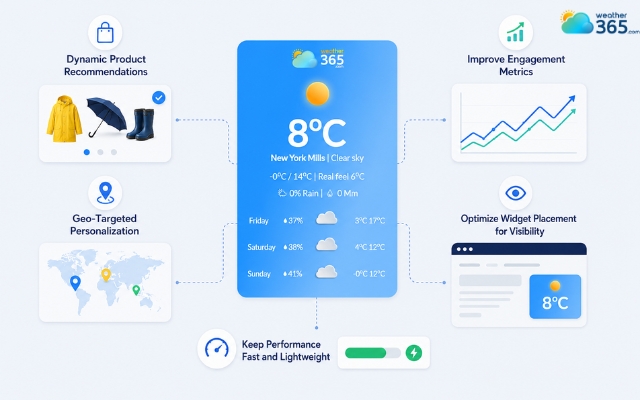
Use weather data as part of the customer experience
Optimize Widget Placement for Visibility
Placement directly affects performance. Weather widgets usually work best above the fold, on product pages, or on landing pages connected to seasonal campaigns.
Showing weather context at the right moment helps users connect products with their real-world situation more quickly.
Keep Performance Fast and Lightweight
Weather widgets should improve user experience without slowing down the site. Using optimized scripts and lazy loading helps maintain fast page speed.
A faster website creates a smoother experience for users, which supports both SEO performance and higher conversions.
Learn more about how weather widgets increase user engagement!
Common mistakes to avoid
Even though weather widgets can improve engagement and conversions, many websites still use them ineffectively.
Avoiding the mistakes below can help you get better results from your weather personalization strategy.
Using weather widgets as display-only features
Many websites only show temperature or forecasts without connecting them to products, offers, or user behavior.
A weather widget should support conversions, not just provide information. Choosing the best weather widget for website matters, but strategy matters even more.
Ignoring localization
Showing the same weather-based content to every visitor reduces relevance.
Users respond better when offers match their actual local conditions. Personalized weather experiences work best when content adapts by location.
Overloading site speed with heavy scripts
Some weather widgets rely on large scripts or too many API requests, which can slow down the website.
Poor loading speed hurts both SEO and conversions, especially on mobile devices.
No clear conversion strategy
Adding a weather widget without a goal often leads to weak performance.
Your widget should support a specific action, such as increasing clicks, improving product discovery, or boosting purchases.
Without a clear conversion strategy, the widget becomes just another visual element on the page.
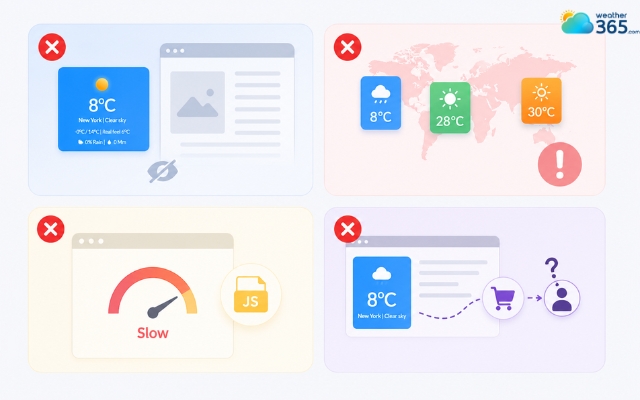
Avoid common mistakes to get better results
Wrap up
Weather widget conversion rate optimization is a practical way to align your website with real human behavior. By using live weather data to personalize content, improve timing, and guide product recommendations, you turn environmental context into measurable revenue growth.
Frequently Asked Questions (FAQs)
Related post
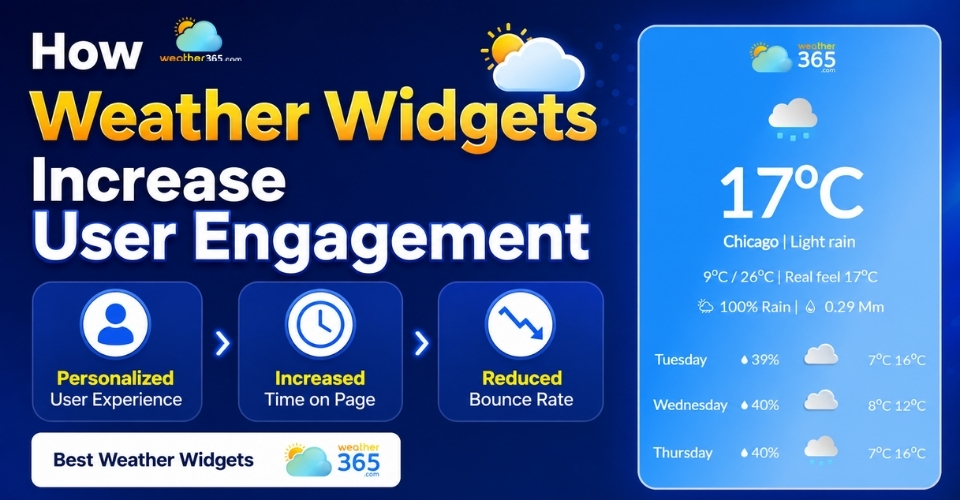
How Weather Widgets Increase User Engagement and Website Value
 181
181
 0
0
 4.9
4.9
 17/08/2026
Top Destination Weather Widget for Travel Blogs to Increase Engagement
92
0
4.8
13/08/2026
Weather-Based Personalization for Websites: Increase Engagement Tip
84
0
5.0
11/05/2026

0 Comment
Leave a comment
Your email address will not be published. Required fields are marked *