




Weather Widgets for Events: Essential Tools for Risk-Free Planning


Weather Widgets for Events are becoming a must-have for modern event websites. Nobody wants unexpected rain, strong winds, or extreme heat ruining an important day. That’s why more organizers now use live weather updates to keep attendees informed and events running smoothly. Let’s explore the best widgets and features worth using!
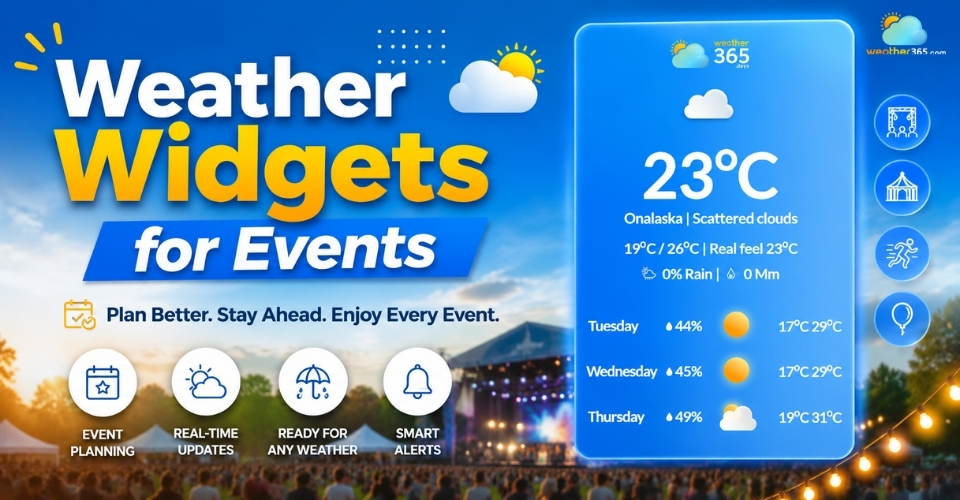
Weather widgets for events
Why Event Websites Need Weather Widgets
Weather affects almost every type of event.
A sudden storm, strong wind, or heatwave can quickly change attendance, schedules, and even safety conditions.
In fact, weather disruptions impact nearly 30% of outdoor events, while real-time weather tools can reduce planning risks by up to 70%.
That’s why more event organizers now add weather widgets directly to their websites.
Outdoor Planning
Outdoor events depend heavily on weather conditions.
A sudden storm can impact stage setups, catering areas, parking, or outdoor seating.
With a weather widget, organizers can monitor real-time forecasts and activate backup plans earlier.
This makes it easier to prepare tents, move activities indoors, or adjust schedules before bad weather becomes a bigger problem.
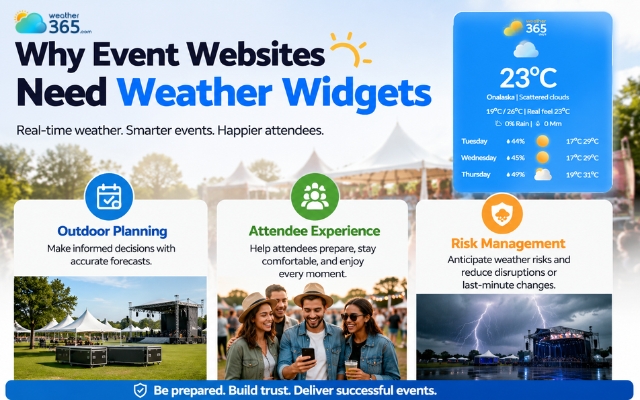
More event organizers add weather widgets to their sites
Attendee Experience
People are more likely to attend an event when they know what weather to expect.
A weather widget gives visitors quick access to temperature, rain chances, wind conditions, and hourly forecasts without leaving the website.
This helps guests decide what to wear, when to arrive, and how to prepare for the event.
For multi-day festivals or destination weddings, this creates a smoother and more convenient experience.
Risk Management
Weather widgets also improve safety and communication during events.
Real-time alerts help organizers respond faster to storms, lightning, or extreme weather conditions.
Instead of reacting at the last minute, teams can delay activities, trigger backup plans, or notify attendees in advance.
That’s why many businesses now include weather monitoring as part of their broader Event Risk Management strategy.
Essential features of weather widgets for events
The best weather widgets for events not only show temperature forecasts, but also help organizers track accurate local weather.
Moreover, it keeps the website design clean and professional.
Hyper-Local GPS Precision
City-level forecasts are not always reliable for event venues.
Weather can vary between different areas, especially during outdoor events in Hanoi or large festival locations.
That’s why modern widgets use hyper-local GPS data to provide more accurate forecasts for the exact venue.
Real-time updates for rain, wind, and temperature help organizers react faster when conditions suddenly change.
Customizable Visuals to Match Event Branding
A weather widget should match your website instead of looking separate from it. Many widgets now allow you to customize colors, fonts, layouts, and icons to fit your event branding.
This creates a smoother user experience and makes the website look more professional.
If you want more design flexibility, you can customize your widget here.
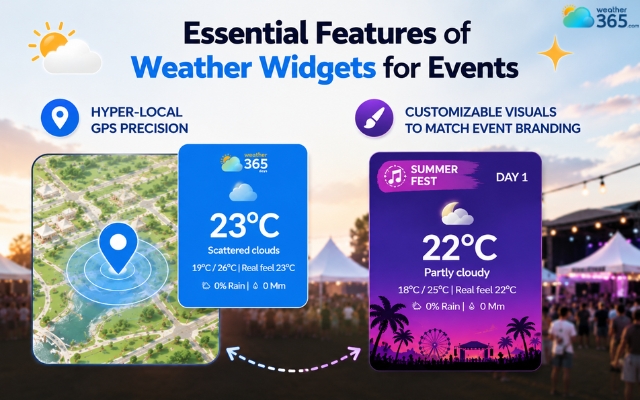
Two notable features of weather widgets for events
Best weather widgets for events
Different events need different types of weather information. Some focus on travel conditions, while others need real-time rain forecasts or weekend updates.
Here are some of the most useful weather widgets for event websites.
Holiday & Christmas Weather Widget
Holiday travel often depends on weather conditions. Snow, rain, or freezing temperatures can affect flights, road trips, and outdoor activities.
That’s why holiday and Christmas weather widgets are popular on travel websites, retail stores, and seasonal event pages.
These widgets usually display snow forecasts, cold weather alerts, and holiday travel conditions to help visitors plan ahead.
Retail websites also use them to support weather-driven shopping behavior during the winter season.
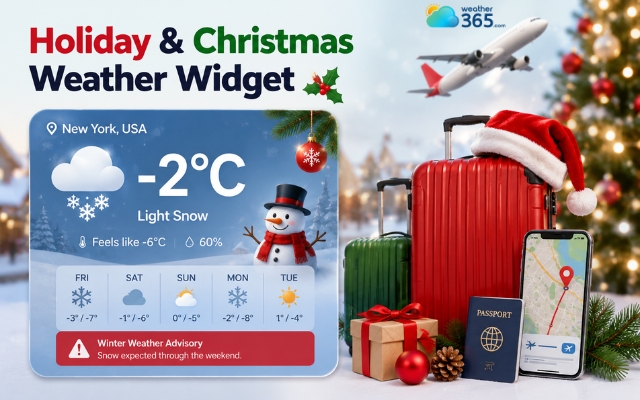
Holiday weather widget is often used for travel websites
Wedding Season Weather Widget
Weather plays a huge role in outdoor weddings. Couples and guests often check forecasts before choosing venues, outfits, or travel schedules.
A wedding season weather widget helps visitors monitor rain chances, temperature, and weekend conditions for the entire wedding event.
Multi-day forecasts are especially useful for rehearsal dinners, ceremonies, and post-wedding activities.
For more setup ideas, you can explore Weather Widget for Wedding Website!
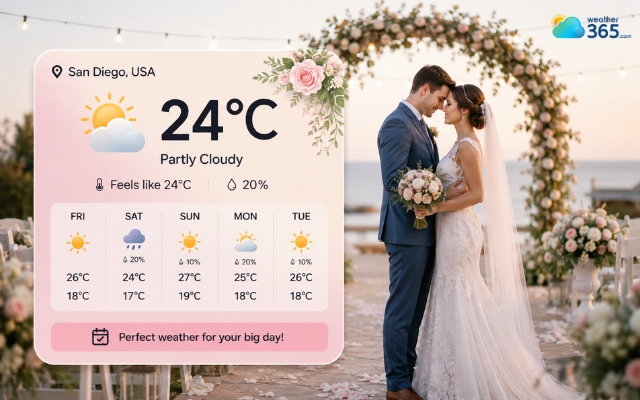
Wedding season weather widget is crucial for outdoor weddings
Super Bowl Weather Widget
Sports events often involve outdoor activities like tailgating, stadium travel, and fan gatherings.
A Super Bowl weather widget helps users track game-day conditions, wind, rain forecasts, and travel weather in the host city.
Sports bars and fan websites also use these widgets to increase engagement before major games.
If you manage a sports-related platform, a Weather Widget for Sports Website can improve the visitor experience even more.
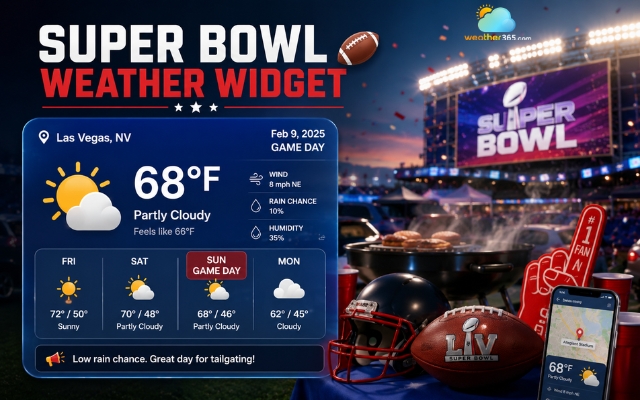
Super bowl weather widget helps users track game-day weather
Back to School Weather Widget
Parents and students check the weather almost every school morning.
A back-to-school weather widget helps families prepare for temperature changes, rainy commutes, or outdoor school activities. It also keeps education websites more useful and engaging during the school season.
Many schools and learning platforms now integrate weather tools directly into their websites.
You can see more examples in the Weather Widget for Education Site.
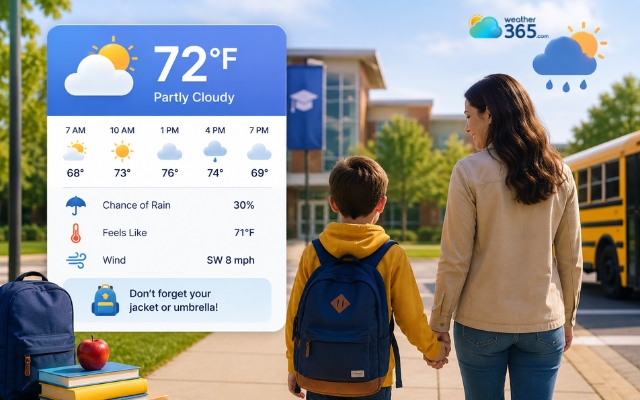
Back-to-school weather widget helps families prepare for temperature changes
Embed Weather365 Widget to Your Website
From live forecasts to severe weather alerts, weather widgets for events become much more valuable when they are fully integrated into your website.
Luckily, adding a Weather365 widget only takes a few simple steps and works with most modern website platforms.
Most widgets come with ready-to-use embed code that works on platforms like WordPress, Shopify, Wix, and Webflow.
Step 1: Choose the Right Widget
Start by selecting a widget that fits your event type.
Wedding websites often use weekend forecasts, while sports or festival pages may focus more on hourly rain and wind updates.
Step 2: Select Important Weather Metrics
Next, choose the weather information you want visitors to see. Common metrics include temperature, rain probability, humidity, wind speed, hourly forecasts, and severe weather alerts.
Showing only the most relevant data keeps the widget clean and easy to read.
Step 3: Customize the Design
Adjust the colors, fonts, and layout so the widget matches your website branding. A seamless design helps the widget feel like part of the website instead of a third-party add-on.
Step 4: Copy and Embed the Code
Once everything is ready, copy the embed code and paste it into your website page, HTML section, or page builder. The widget will automatically display live weather updates on your site.
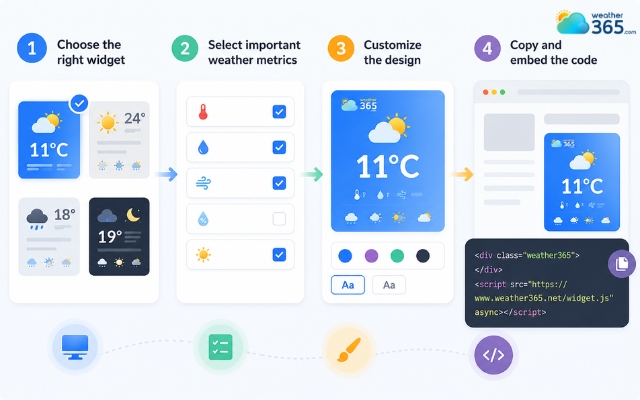
Add a weather
However, many websites still make a few common mistakes when adding weather widgets:
Using general city forecasts instead of venue-specific locations
Displaying too much weather information at once
Placing the widget too far down the page
Forgetting to optimize the widget for mobile users
A clean, easy-to-read widget usually creates the best experience for both organizers and attendees.
Conclusion
Planning an event is already stressful enough without unexpected weather problems. That’s why more websites now use Weather Widgets for Events to provide real-time forecasts, improve communication, and help visitors prepare ahead of time. A simple weather widget can make your event website more useful, professional, and trustworthy.
Frequently Asked Questions (FAQs)
Related post
Weather Widget SEO Benefits: A Complete Guide for Better Rankings
 189
189
 0
0
 4.8
4.8
 12/05/2026

Custom Seasonal Weather Widgets for Every Event & Holiday
100
0
4.6
12/05/2026
Weather Widgets for Every Season: Creative Ideas for Websites
94
0
4.7
19/05/2026

0 Comment
Leave a comment
Your email address will not be published. Required fields are marked *