




Weather Widget SEO Benefits: A Complete Guide for Better Rankings


Weather widget SEO benefits go far beyond displaying today’s forecast. With nearly four in five users relying on Google for local searches and real-time decisions, weather context has become a powerful engagement trigger - helping websites reduce bounce rate, extend session time, and deliver more relevant on-page experiences. Curious how one small widget can influence rankings so much? Let’s break it down!
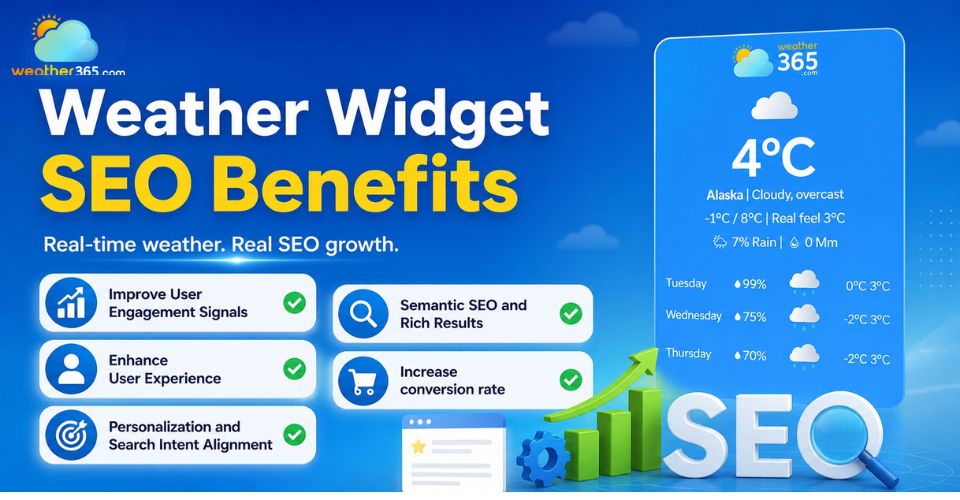
Weather widget SEO benefits
- What is a weather widget?
- Key weather widget SEO benefits
- Improve User Engagement Signals
- Enhance User Experience (UX)
- Personalization and Search Intent Alignment
- Semantic SEO and Rich Results
- Increase conversion rate
- Step-by-step: How to add a weather widget to a website
- Step 1: Choose a Lightweight Weather Widget Provider
- Step 2: Customize and Copy the Embed Code
- Step 3: Place It Where Users Need Weather Information Most
- Step 4: Test Mobile Performance
- Step 5: Connect It With Nearby Calls-to-Action
- Popular Weather Widget Providers Compared
What is a weather widget?
A weather widget is an embedded website tool that displays live or regularly updated weather conditions directly on a webpage.
Instead of forcing visitors to leave your site and check another weather platform, the widget brings useful forecast details right into their browsing journey.
This makes the page feel more helpful, interactive, and current.
Most weather widgets pull information from weather APIs and automatically refresh data based on the visitor’s location or a selected destination.
Depending on the provider, the widget can be displayed as a simple temperature box or as a more advanced forecast panel.
Common features usually include:
current temperature and weather condition
hourly or multi-day forecast
humidity, wind speed, and precipitation
geo-targeted location detection
mobile responsive display
customizable colors, layout, and icons
You’ve probably seen weather widgets on travel blogs, hotel booking websites, event pages, or local business sites where users need quick weather context before making a decision.
For example, someone planning a weekend trip, booking an outdoor activity, or even choosing what to wear often checks the forecast immediately.
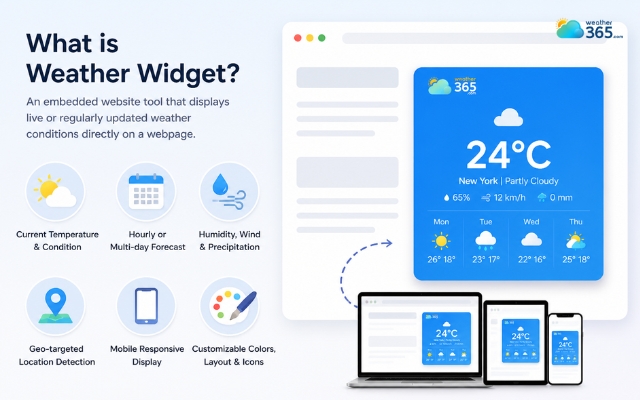
A weather widget makes the page feel more helpful
Key weather widget SEO benefits
Since search engines now pay close attention to user behavior, such as how long visitors stay, interact, or leave, a live weather block can make your page feel more useful and engaging.
That extra interaction often translates into stronger ranking performance over time.
Let’s look at the key weather widget SEO benefits in action.
Improve User Engagement Signals
One of the strongest SEO advantages of a weather widget is that it turns a static page into an interactive one.
Users are naturally drawn to live information. Instead of just reading text, they begin clicking forecast tabs, checking hourly changes, comparing days, or simply pausing to scan the widget.
This small behavior increases what SEO specialists call engaged sessions: the amount of meaningful time users spend interacting with your content.
In fact, SEO engagement studies show that bounce rates above 50% are often a sign that users are not finding enough immediate value, while pages with interactive elements tend to generate noticeably deeper session engagement and better scroll depth.
That means a weather widget helps with:
lower bounce rate because visitors have something useful to do immediately
increased time on page while checking live updates
stronger scroll depth and session engagement
more clicks on nearby CTAs or related content
In simple terms, users stop being passive readers and become active participants.
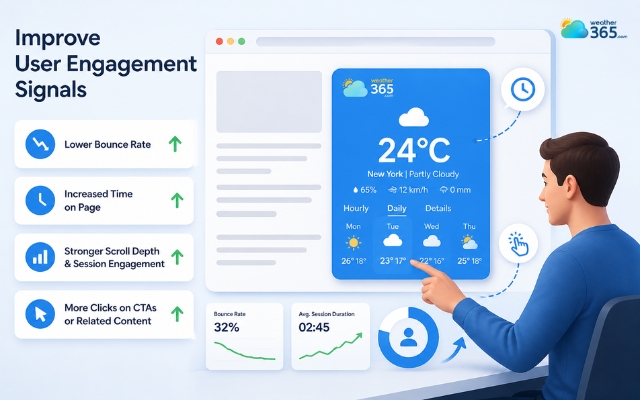
A weather widget turns a static page into an interactive one
Enhance User Experience (UX)
Good SEO today is closely tied to good UX. If a page feels helpful, fast, and easy to use, users stay longer, and search engines notice that.
A modern weather widget improves UX because it gives instant contextual information right where users need it.
Someone visiting a hotel site, destination blog, or local event page does not need to open a new tab just to check if it will rain tomorrow. The answer is already there.
This convenience reduces friction in the browsing journey.
At the same time, lightweight tools are important. Heavy scripts can slow pages down, which hurts Core Web Vitals.
Recent Google-backed mobile speed research shows that 53% of users abandon a website if it takes more than 3 seconds to load, and only around 52% of websites currently pass all Core Web Vitals on mobile.
That is why SEO-friendly platforms such as Weather365 are often preferred. They are built to offer:
lightweight embed code
responsive mobile layouts
stable loading without layout jumps
accessibility-friendly forecast display
So instead of hurting performance, the right widget supports both usability and technical SEO.
If you want to explore this user behavior in more detail, read our guide on How Weather Widgets Increase User Engagement.
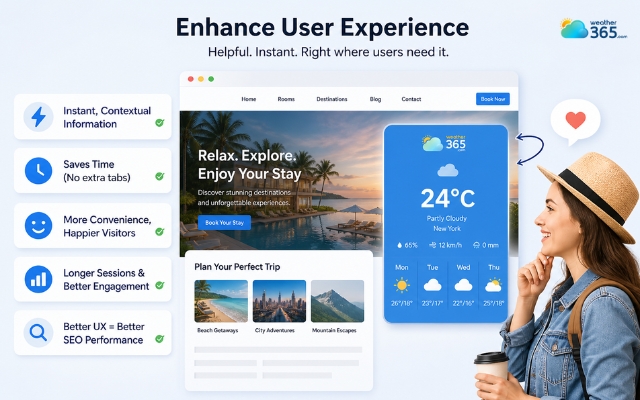
A weather widget gives instant contextual information
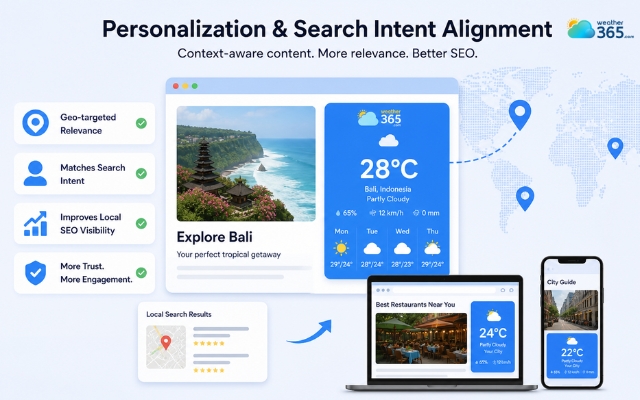
Personalization and Search Intent Alignment
Search engines are increasingly rewarding pages that feel context-aware.
A weather widget automatically adds a layer of real-time relevance based on user location or destination.
This is much more powerful than generic content because visitors instantly feel the page is speaking to their current situation.
For example a travel page showing Bali’s live forecast feels more useful than a plain destination guide, or a local restaurant page with today’s weather feels more timely for outdoor dining decisions.
This kind of geo-targeted weather data helps align your content with real search intent.
It also supports local pack SEO because local landing pages appear more complete, more service-oriented, and more trustworthy to nearby searchers.
Instead of just offering business information, the page now offers decision-making assistance.
And when users find immediate local relevance, they are far less likely to bounce back to search results.
A weather widget also supports local pack SEO
Semantic SEO and Rich Results
SEO is shifting beyond traditional blue-link rankings.
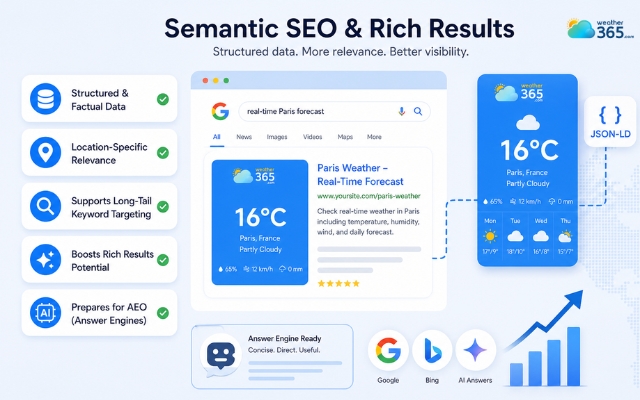
Now Google, Bing, and AI answer engines increasingly favor pages that contain concise, structured, directly useful information blocks.
Weather data fits perfectly into this model because it is factual, location-specific, and easy for algorithms to interpret.
That creates an underrated semantic SEO opportunity.
A weather widget can support long-tail keyword relevance such as “real-time Paris forecast, or destination weather widget searches.
More importantly, it helps prepare your content for AEO (Answer Engine Optimization).
AI-generated search summaries prefer websites that contain instantly extractable data points rather than only long descriptive paragraphs.
A live weather module gives your page another “answerable” information layer that AI systems can associate with weather-related search contexts.
Learn more about the AEO in marketing here!
A weather widget creates semantic SEO opportunity
Increase conversion rate
This is the weather widget SEO benefit many websites underestimate: it can influence not just rankings, but actions.
Weather affects user mood and buying behavior more than most site owners realize.
People make different decisions when it is sunny, rainy, cold, windy, or stormy, and a smart website can respond to that.
Once weather data is visible on the page, businesses can pair it with weather-triggered CTAs such as: “Book indoor tour today” during rainy forecasts.
This creates a much more natural conversion path because the CTA matches the visitor’s real-world condition in that exact moment.
And speed plays a role here too!
Recent performance research shows that every additional second of load time can reduce conversion rates by around 7%, which is why lightweight interactive widgets perform better than heavy third-party modules.
That is why weather widgets are increasingly used in retail websites, travel and tourism pages, hotel booking platforms, and so on.
Step-by-step: How to add a weather widget to a website
Ready to get a weather widget for your site to boost SEO? Follow our guide to add one without hurting your site’s speed or layout!
If you’re wondering what else a weather widget can bring besides SEO benefits, drop by our guide on why add weather widget to your website!
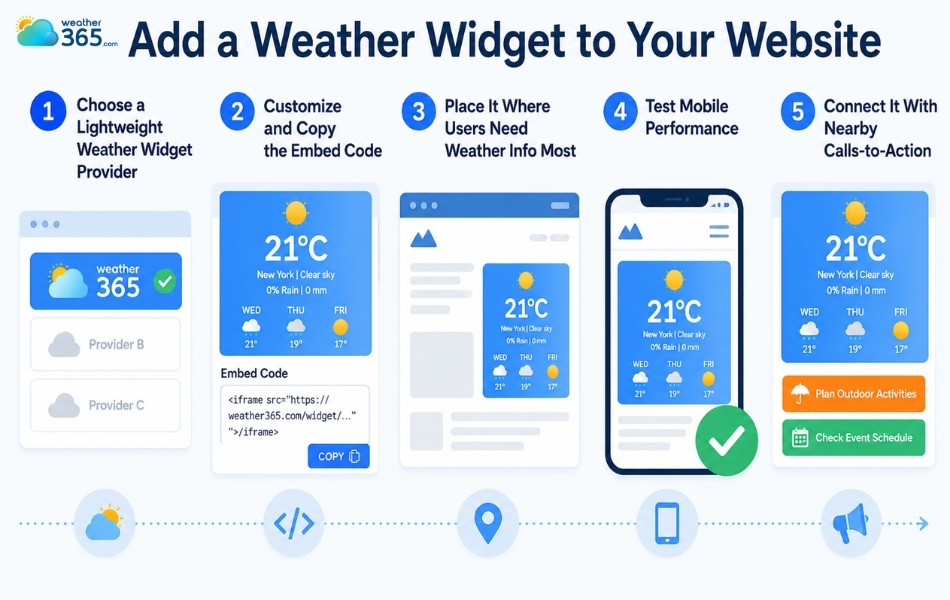
Step 1: Choose a Lightweight Weather Widget Provider
The first step is selecting a widget provider that is fast, mobile responsive, and easy to customize. This matters because some widgets look nice but run heavy scripts that slow down page performance.
SEO-focused options like Weather365 are often preferred because they balance design flexibility with clean loading behavior.
Step 2: Customize and Copy the Embed Code
Once you choose a provider, you can usually set the location, forecast style, colors, and temperature unit directly on the widget dashboard.
After that, the platform will generate a short HTML or JavaScript code snippet for your site.
Do you know that with the Weather365 widget, you can freely customize your own weather widget to match your style?
Step 3: Place It Where Users Need Weather Information Most
A weather widget works best when it appears in a location that feels useful, not random.
Many websites place it near the top of destination pages, booking sections, local business pages, or sidebars so visitors can quickly check conditions while browsing.
Step 4: Test Mobile Performance
After installing the widget, make sure it loads smoothly on both desktop and mobile.
Since mobile traffic now dominates most industries, a slow or unstable widget can easily hurt user experience instead of improving it.
Step 5: Connect It With Nearby Calls-to-Action
To get the most value, do not leave the widget as a standalone visual block.
Pair it with nearby booking buttons, reservation prompts, or weather-related offers so users can take action based on the forecast they see.
Simple steps to add a weather widget
Popular Weather Widget Providers Compared
If you are still deciding which tool to use, here are a few common options worth considering:
Provider | Loading Speed | Mobile Friendly | Best For |
Weather365 | Excellent | Yes | SEO-focused websites |
Weatherwidget.io | Good | Yes | Basic blogs |
OpenWeather Widget | Good | Yes | Flexible API users |
Elfsight Weather | Moderate | Yes | Design-heavy sites |
Tomorrow.io Widget | Moderate | Yes | Advanced integrations |
Discover detailed comparison among best weather widgets here!
Final thoughts
A live forecast may look like a minor detail, but once you look at the bigger picture, the weather widget SEO benefits are hard to overlook. Better engagement, stronger local relevance, and more useful on-page experiences all come from one feature that keeps visitors interacting a little longer.
Frequently Asked Questions (FAQs)
Related post

TOP Real Estate Marketing Tip to Increase Property Sales
 174
174
 0
0
 4.7
4.7
 08/05/2026

What Is Seasonal Marketing? Boost Campaigns with Weather Widgets
173
0
4.6
12/05/2026

Local Pack SEO Guide: Best Weather Widgets & Implementation Tips
128
0
4.8
17/08/2026
What is GEO in marketing? How weather widget improve the GEO strategy
103
0
4.9
12/05/2026

0 Comment
Leave a comment
Your email address will not be published. Required fields are marked *