




Local Pack SEO Guide: Best Weather Widgets & Implementation Tips


If your business isn’t appearing in local search results, you’re likely missing key signals that Google cares about. Local pack SEO can change that! Let’s explore what it takes to improve your visibility and attract more local customers effectively. Diving in!

Local pack SEO
Best weather widgets for local SEO
Before choosing any tool, it’s important to understand that not all weather widgets are created equal, especially when it comes to SEO impact.
Some load faster, some are more customizable, and some simply fit better with local search intent.
In this section, we’ll look at the best weather widgets for local SEO and why they can support your visibility when used correctly.
Weatherwidget.io
Weatherwidget.io is a lightweight and highly customizable weather widget that allows you to embed live weather data into any website using simple HTML code.
One of its biggest strengths is flexibility: you can adjust layout, colors, and location without needing technical skills.
From a local SEO perspective, it helps keep your pages visually dynamic and updated in real time.
This constant refresh of weather data can act as a subtle freshness signal for search engines, while also reinforcing geographic relevance when you display city-specific forecasts like “Hanoi weather” or “local conditions.”
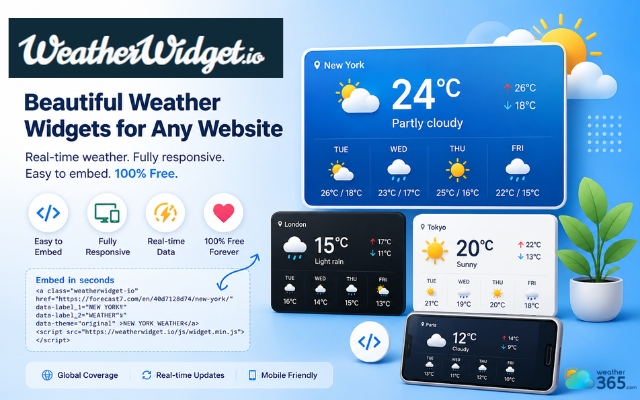
Weatherwidget.io is a well-known widget
Weather365 widget
The Weather365 widget is designed for websites that need consistent and reliable weather updates across different locations.
It focuses on delivering stable, easy-to-integrate weather displays that can be embedded into service pages, blogs, or local landing pages.
For local SEO, its value comes from strengthening location-based context. When you assign specific cities or regions to different pages, it helps reinforce geographic targeting.
This makes it especially useful for businesses that operate in multiple areas and want to support their local visibility strategy in a structured way.
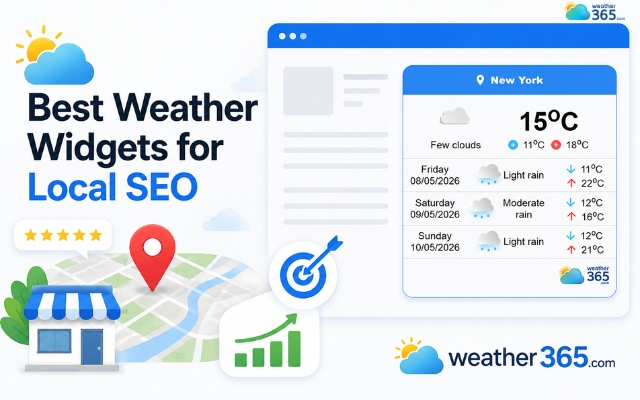
The Weather365 widget is best for local pack SEO
WeatherBug widget
The WeatherBug widget is known for its accurate real-time weather data and strong reputation in weather forecasting.
It provides detailed conditions, forecasts, and location-based updates that can be embedded directly into websites.
In terms of local SEO, WeatherBug is valuable because it enhances trust and engagement.
Users tend to stay longer when they see reliable, real-time information, which improves behavioral signals like dwell time.
At the same time, its location-specific data helps reinforce local relevance, especially for businesses targeting city-level or regional audiences.
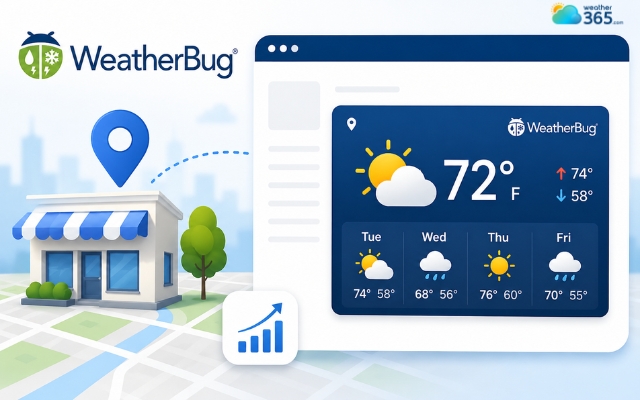
The Weatherbug widget provides a detailed weather forecast
Local SEO Benefits of a Weather Widget
In the context of local pack SEO, a weather widget can support several important ranking signals.
Search engines don’t just look at keywords, they also pay attention to how fresh, relevant, and useful your page is for local users.
To understand the broader value of using this feature, you can read more about why add weather widget to your website can improve both user experience and SEO performance.
Let’s break down why this small feature can make a real difference.
Fresh Content Signals
One of the strongest benefits of a weather widget is that it constantly updates content on your page.
Live weather data changes every few minutes or hours, which means your page is never completely static.
From an SEO perspective, this matters because search engines tend to crawl pages more often when they detect fresh updates.
It signals that the page is “alive” and providing real-time value, not just static information.
Over time, this can help improve indexing frequency and keep your content more visible in search results, especially for location-based queries where timeliness matters.
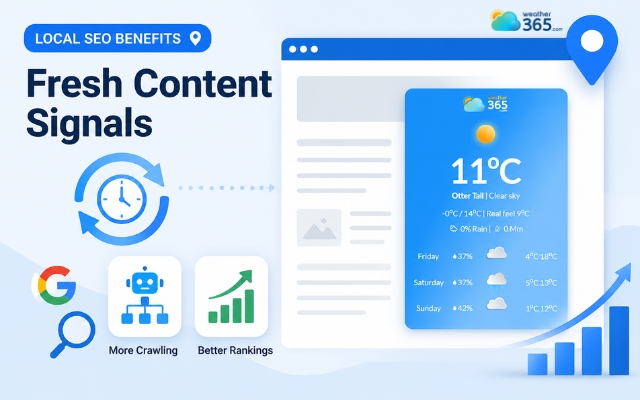
A weather widget instantly updates content on a page
Local Relevance
Local SEO is all about connecting your content to a specific place.
A weather widget naturally reinforces that connection by showing location-based conditions like temperature, humidity, or forecasts.
For example, if your page displays “Hanoi weather” or “Da Nang rainfall forecast,” it strengthens the geographic context of your content.
Localized weather content boosts geo-relevance for local SEO, such as targeting Las Vegas Nevada weather.
This helps search engines better understand where your business is relevant.
Even though it’s a small signal, it supports your overall topical authority for that location, especially when combined with other local SEO elements like Google Business Profile optimization and local keywords.
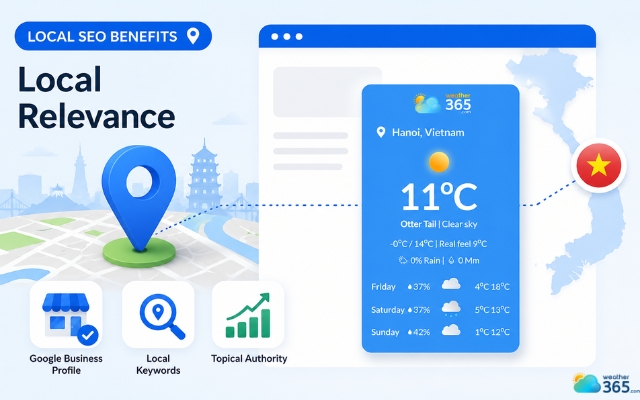
A weather widget reinforces the connection
Increased Engagement
User behavior plays a big role in SEO performance. If visitors quickly leave your page, it can signal that the content isn’t useful.
A weather widget helps solve this by offering immediate, practical value.
People often check weather conditions when planning travel, shopping, or daily activities.
When they find this information directly on your website, they are more likely to stay longer and explore other content.
This improves key engagement metrics such as:
Lower bounce rate
Longer session duration
More page interactions
All of these indirectly support stronger SEO performance because they show that users find your page helpful.
To understand this deeper, you can also explore how weather widgets impact user behavior in detail in this guide on How Weather Widgets Increase User Engagement.
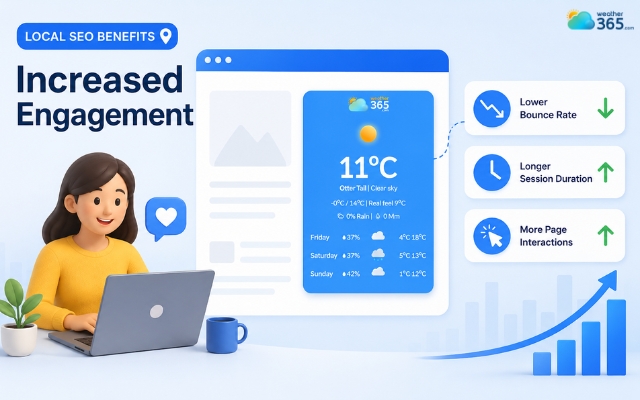
User behavior plays a big role in SEO performance
Schema Markup
Another advanced benefit comes from structured data, also known as schema markup. Some weather widgets or plugins can automatically add weather-related schema to your website.
This helps search engines better interpret the information on your page, such as location, conditions, and time-based updates. When implemented correctly, it can improve how your content appears in search results.
In some cases, structured data can also support richer search features, making your page stand out more visually compared to standard listings.
While this is more technical, it’s a valuable layer that strengthens your overall local pack SEO strategy when combined with good content and proper optimization.
For a broader view of how widgets contribute to SEO performance, you can also read more about weather widget SEO benefits and how they support overall search visibility.
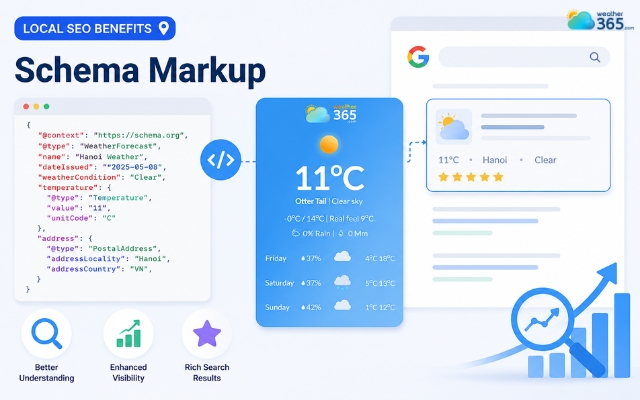
A weather widget improves how content appears in search results
Tips for implementation of the weather widget
Adding a weather widget can support your Local pack SEO, but only if it’s implemented in the right way. Placement, performance, and usability all matter.
If it’s done poorly, it can slow your site or feel irrelevant to users. Here are the key things to keep in mind.
Keep it Relevant
Don’t place the weather widget everywhere just because you can. Instead, focus on pages where it actually adds value.
Good placements include:
Homepage (to immediately signal local context)
Contact page (reinforces location relevance)
Service area pages (supports local targeting for specific regions)
When it aligns with user intent, it also strengthens the page’s local relevance in SEO terms.
For example, a business serving the Southwest could provide a Arizona weather forecast on relevant location pages, while a coastal tourism website might feature North Carolina weather conditions to help visitors plan outdoor activities.
Ensure Fast Loading Speed
Page speed is a critical ranking factor, especially for mobile local searches. A weather widget should never slow your site down.
To avoid issues:
Choose lightweight widgets with optimized scripts
Avoid unnecessary animations or heavy third-party code
Test your page speed after installation
If the widget delays loading, it can hurt both user experience and search rankings, so performance should always come first.
Ensure Mobile Responsiveness
Most local searches happen on mobile devices, often when users are on the go. That means your weather widget must adapt smoothly to smaller screens.
A good widget should:
Resize automatically for mobile layouts
Stay readable without zooming or scrolling
Not break page structure on small screens
If it doesn’t work well on mobile, it can quickly frustrate users and reduce engagement, which indirectly affects your SEO performance.
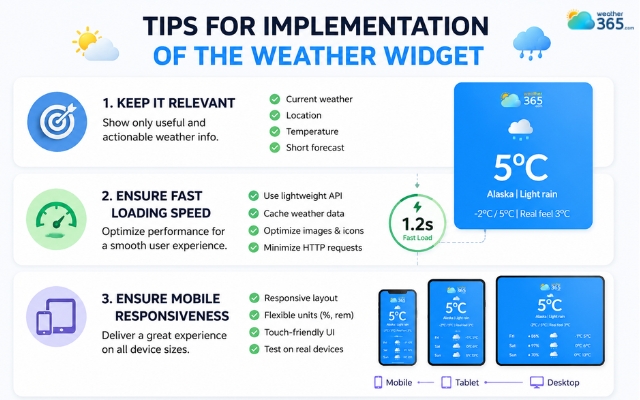
Properly implement a weather widget
Wrap up
In conclusion, Local pack SEO can be strengthened with simple but strategic elements like weather widgets. By improving freshness signals, boosting local relevance, and increasing user engagement, these widgets support overall visibility in local search results. When implemented correctly, they become a small but effective tool to enhance your local SEO performance.
Frequently Asked Questions (FAQs)
◉ Local landing pages
◉ Store location pages
◉ City-specific service pages
◉ Event pages
Related post
Weather Widget SEO Benefits: A Complete Guide for Better Rankings
 185
185
 0
0
 4.8
4.8
 12/05/2026
What Is Seasonal Marketing? Boost Campaigns with Weather Widgets
173
0
4.6
12/05/2026
What is GEO in marketing? How weather widget improve the GEO strategy
103
0
4.9
12/05/2026

0 Comment
Leave a comment
Your email address will not be published. Required fields are marked *