




UV Index Widget: Best Live UV Tracking Tools for Online Platforms


Ready to elevate your website’s user value? Integrating a UV index widget is a vital, real-time health tool that keeps your audience sun-safe and highly engaged. Discover how this simple, free addition can transform your site's utility in our ultimate setup guide below. Diving in!
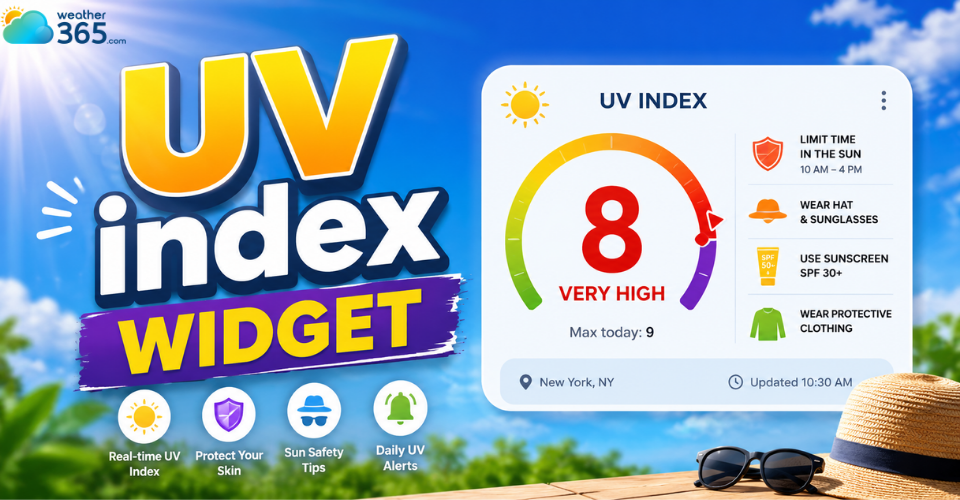
UV index widget
What is UV Index Widget?
The Ultraviolet (UV) Index is an international standard measurement of the strength of sunburn-producing ultraviolet radiation at a particular place and time.
A UV index widget is a compact, dynamic web application embeddable into any website or blog.
It automatically detects or allows users to select a geographic location to display real-time UV intensity, current sun safety levels, and corresponding skin protection recommendations.
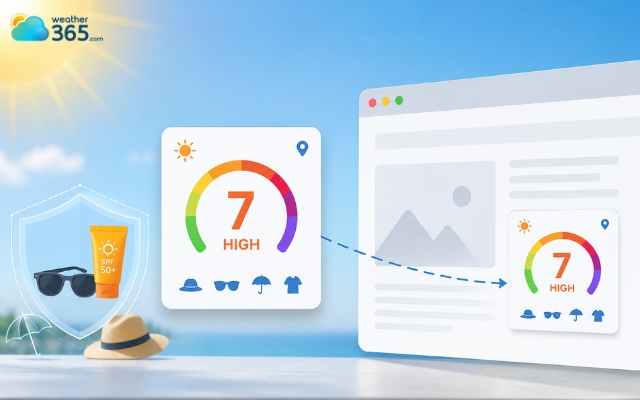
The UV index measures sunburn-producing ultraviolet radiation
UV Index Scale
Understanding the UV scale helps users know when protection becomes necessary.
UV Level | Risk Category | Recommended Action |
0-2 | Low | No protection needed |
3-5 | Moderate | Sunscreen recommended if outside |
6-7 | High | Protection required. Seek shade between 10 AM and 4 PM |
8-10 | Very High | Skin can burn in 15 minutes. Extra precautions required |
11+ | Extreme | Limit sun exposure as much as possible |
The higher the UV number, the faster skin damage can happen. Even short periods outdoors can become risky during extreme UV conditions.
Why Tracking the UV Index is Crucial
Adding a UV index widget to your website helps visitors make safer outdoor decisions and encourages awareness about sun protection.
Many people underestimate how dangerous UV radiation can be, especially on cloudy or cooler days.
High UV levels can lead to sunburn, skin aging, eye damage, and long-term health risks such as skin cancer.
A UV widget supports health awareness and outdoor safety.
Some important benefits include:
Encouraging sunscreen use during high-risk hours
Helping families protect children during outdoor play
Supporting safer exercise schedules for athletes and runners
Reducing overexposure during beach trips, hikes, or gardening
Improving awareness about skin and eye protection
For health-focused websites, adding UV data can also increase user trust because visitors see practical and useful information in real time.
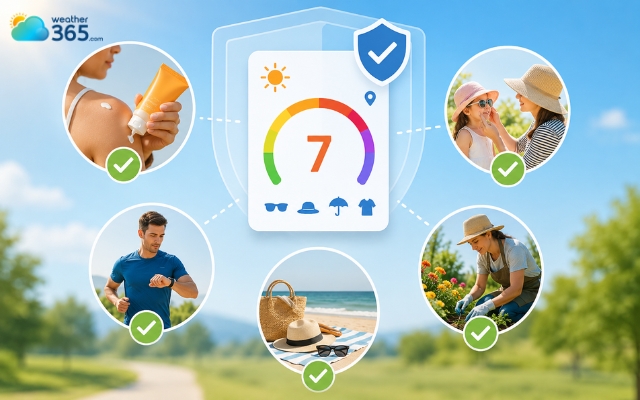
A UV widget supports health awareness and outdoor safety
Who Needs a UV Widget Most?
While almost anyone can benefit from UV tracking, some audiences gain even more value from it, especially parents and caregivers, outdoor enthusiasts, and websites in health, wellness, or travel.
Parents and caregivers
Children have more sensitive skin and can burn faster than adults.
Parents often check weather conditions before outdoor activities, school events, or vacations, and a UV widget provides quick visibility into sun safety.
Outdoor enthusiasts, athletes, and gardeners
People who spend long periods outdoors need accurate UV information to avoid overexposure. Runners, cyclists, hikers, gardeners, and sports communities often rely on UV forecasts to plan activities.
Many outdoor-focused websites also combine UV tracking with a Sunrise Sunset Widget so visitors can better plan activities around daylight hours and peak sun exposure.
Websites in the health, wellness, travel, or parenting niches
If your audience frequently searches for outdoor advice, travel tips, weather updates, or wellness content, a UV widget becomes a practical feature that improves engagement and usability.
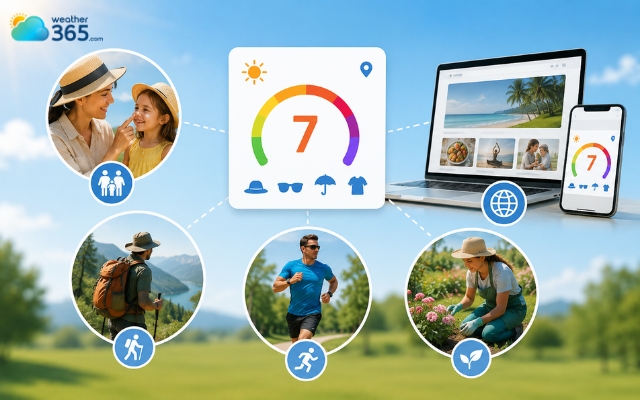
The UV index benefits most people
Criteria for a Good UV Index Widget
Criteria for a good UV index widget are its responsiveness, accuracy, load speed, and customization.
Responsiveness
A good UV index widget should work smoothly across desktops, tablets, and smartphones.
Responsive widgets automatically adjust their layout and size without breaking the website design.
Accuracy
The widget should pull data from reliable weather providers and update regularly. Accurate UV readings are essential for health and safety.
Load speed
Heavy scripts and poorly optimized widgets can slow down your website. Lightweight widgets improve performance and user experience.
Customization
Many website owners want widgets that match their branding.
Useful customization options include color themes, widget size, font styles, transparent backgrounds, dark or light mode, layout variations,..
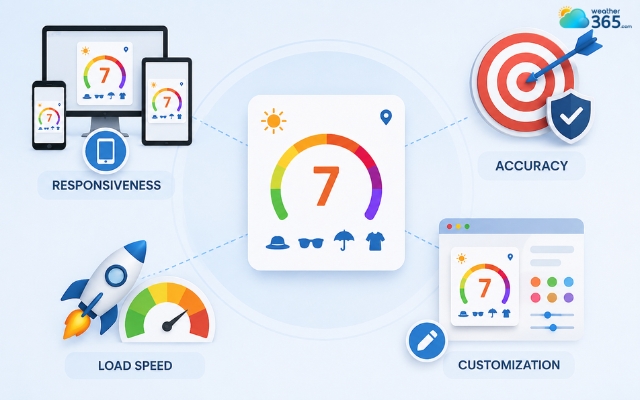
Quality of a good UV index widget
Top Free UV Index Widget for Websites and Blogs
The top free UV index widgets include SunSmart, WeatherAPI.com, and OpenWeatherMap.
If you’re also interested in tracking other weather metrics, check out our Weather Metric Widgets article to see different options for your site.
SunSmart
SunSmart offers a dedicated UV widget designed to promote public health and sun safety awareness.
It is one of the simplest solutions for websites that want to display clear and reliable UV information without complicated setup.
The widget features a clean, minimal design that works well on both desktop and mobile devices.
It also provides official UV guidance and safety recommendations, making it especially useful for schools, healthcare websites, parenting blogs, and wellness platforms.
Because the embed process is straightforward, even beginners can add it to their websites quickly.
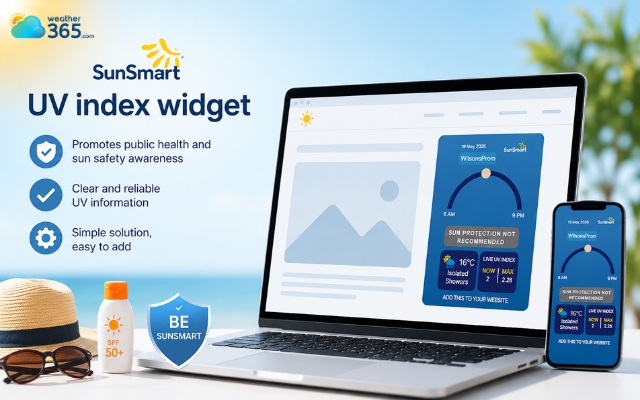
SunSmart provides official UV guidance
WeatherAPI.com
WeatherAPI.com combines UV data with broader weather forecasting features, making it a popular option for website owners who want more flexibility and customization.
In addition to real-time UV levels, the platform supports detailed weather data and forecast integrations. Its responsive design and flexible API system allow developers to customize how information is displayed on their websites.
This makes WeatherAPI.com a strong choice for modern websites that already use weather-related tools or need more advanced functionality alongside UV tracking.
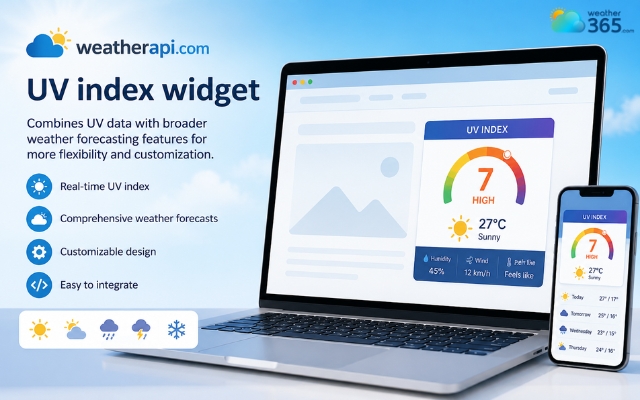
WeatherAPI.com is a popular option
OpenWeatherMap
OpenWeatherMap is widely recognized for its powerful weather APIs and global forecasting coverage.
While the setup process may require slightly more technical knowledge, it provides extensive flexibility for advanced weather integrations.
The platform supports detailed UV forecasts, reliable data updates, and strong developer documentation.
It is particularly suitable for users who want greater control over how weather and UV information are presented on their websites or custom dashboards.
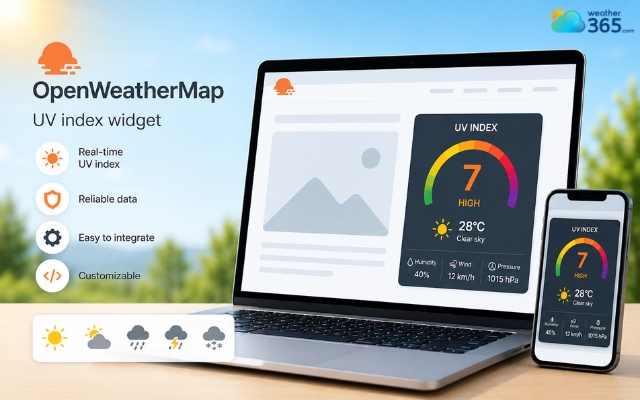
OpenWeatherMap gives great control over the UV index widget
Feature | SunSmart | WeatherAPI.com | OpenWeatherMap |
Free Tier Limit | Generous for basic widget use | Limited API requests on free plan | Limited free API usage |
Design Customization | Basic | High | Medium |
Page Speed Impact | Lightweight | Moderate | Moderate |
UV Data Visibility | Excellent | Excellent | Good |
Ease of Installation | Very easy | Easy | Moderate |
Best For | Health and wellness sites | Modern websites and developers | Advanced weather integrations |
How to Install a UV Index Widget on Your Website (Step-by-Step)
Installing a UV widget is usually easier than many people expect. Most providers generate ready-to-use embed code that only takes a few minutes to add.
Now follow these steps to get a UV index widget today!
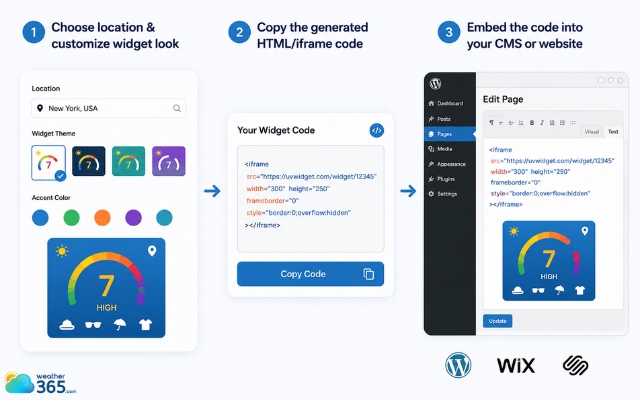
Easily add a UV index widget
Step 1: Choosing your location and customizing the widget look
Start by selecting the location you want to display.
Most widget platforms allow you to search by city name, use GPS-based location, or select regions manually.
After choosing the location, customize the appearance like the widget size, background color, text color, layout style,…
For more environmental tracking features, explore our guides on Air Quality Widgets to enrich your website with additional live data.
Choose a design that matches your website branding while keeping the UV information easy to read.
Step 2: Copying the generated HTML/iframe code
Once customization is complete, the platform usually generates a small embed code.
Copy the entire code snippet provided by the widget service.
Step 3: Embedding the code into your CMS (WordPress, Wix, Squarespace, or raw HTML)
The installation process depends on your website platform.
WordPress
Open the page or post editor
Add a Custom HTML block
Paste the widget code
Save and preview
Wix
Use the Embed Code feature
Paste the iframe or script
Resize the widget placement
Publish changes
Squarespace
Add a Code Block
Paste the embed code
Save and preview the widget
Raw HTML websites
Paste the widget code directly into your HTML where you want the UV display to appear.
Always test the widget on both desktop and mobile devices after installation.
You may also like:
Too complicated? Check right on Weather365
If coding feels overwhelming, some platforms simplify the process even further.
Weather365 offers an easier setup experience for users who want quick weather and UV widgets without advanced configuration.
Navigate to Weather365.com
Search for your location
Enter your city or region to generate local weather and UV information.
Look for the UV index below the temperature
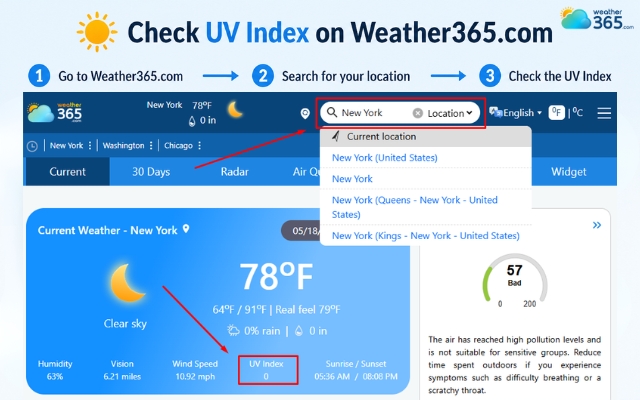
Check the UV index on Weather365
Sum up
A UV index widget may seem like a small website feature, but it provides meaningful value for visitors who spend time outdoors or care about sun safety. By displaying real-time UV conditions, your website becomes more practical, informative, and engaging. It can also improve user trust by offering timely health-related guidance.
Frequently Asked Questions (FAQs)
1. Choose a weather or UV widget provider
2. Select your location
3. Customize the design
4. Copy the embed code
5. Paste it into your website editor
Some platforms also offer mobile app widgets for Android and iPhone devices.
Related post
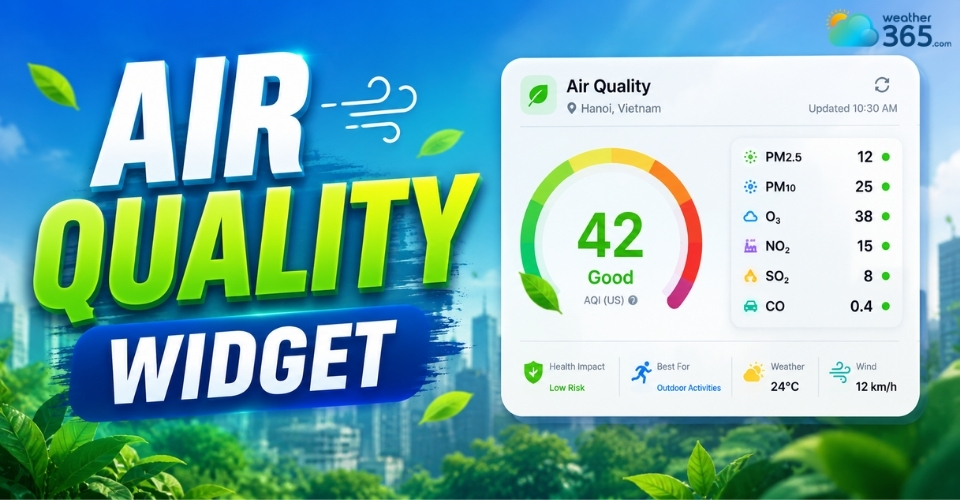
Air Quality Widget: Complete Guide to Embed Live AQI on Your Website
 157
157
 8
8
 5.0
5.0
 13/08/2026
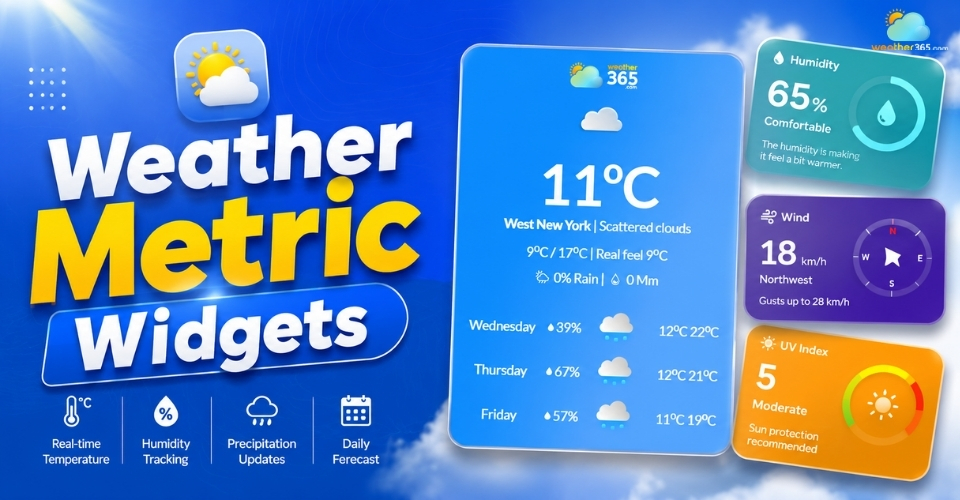
Weather Metric Widgets – Must-have Tools for Modern Websites
122
8
4.6
13/05/2026
How to Embed a Live Pollen Count Widget on Your Website
122
8
5.0
21/05/2026

8 Comment
Calvin Nelson
What UV index level should I be concerned about when planning an outdoor activity?
weather365
Sun protection is generally recommended when the UV index reaches 3 or higher. At higher levels, seek shade when possible and use protective clothing, sunglasses, and sunscreen.
Landon Gill
This is a useful idea for travel blogs. Visitors could check UV conditions before planning beach trips, hiking, or other outdoor activities
weather365
Absolutely! A UV index widget can give readers practical information at a glance and help them make better-informed decisions about outdoor activities.
Jack Young
Can I add a UV index widget to a WordPress website without knowing how to code?
weather365
Yes! You can usually add one through a Custom HTML block. Simply copy the embed code provided by your chosen widget service, paste it into the block, and preview the page before publishing.
Brianna King
I never paid much attention to the UV index before, but this article helped me understand why it matters even on cloudy days. The scale and recommendations are especially useful.
weather365
Thanks for reading! UV levels can still be significant when the sky looks cloudy, so checking the index before spending time outdoors is a helpful habit.
Leave a comment
Your email address will not be published. Required fields are marked *