




How to Embed a Barometric Pressure Widget on Your Website?


Integrating a live barometric pressure widget is the fastest way to turn a static webpage into an interactive weather portal. Data shows that adding real-time environmental data metrics can boost page-dwell time by up to 35% on niche outdoor and health blogs. This guide breaks down exactly how to choose, customize, and install your own script in under 5 minutes. Let's dive in!
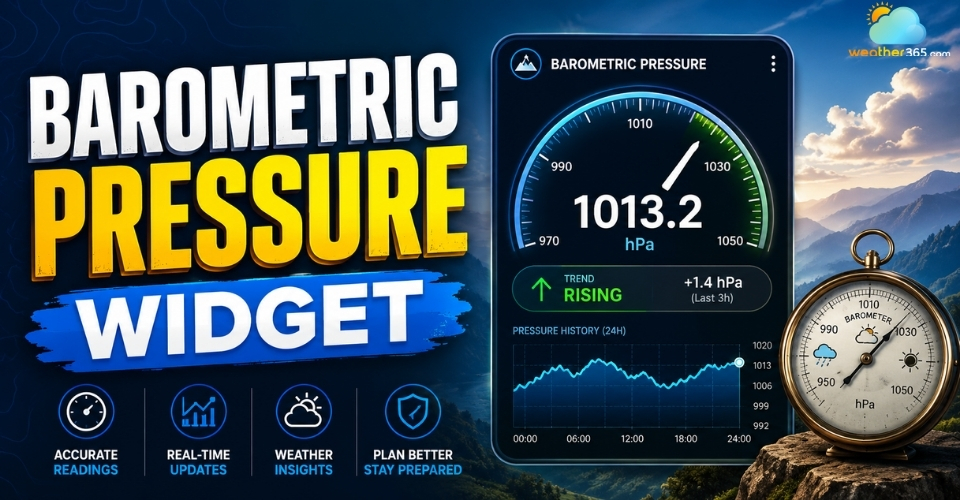
Barometric pressure widget
- What is barometric pressure widget?
- Why You Need a Reliable Barometric Pressure Widget
- Better Weather Forecasting
- Health Monitoring and Comfort Tracking
- Outdoor Activities and Safety
- Types of Barometric Pressure Widget Options for Web Developers
- Ready-to-Use HTML iFrame Barometric Pressure Widget
- JavaScript & Custom API Barometric Pressure Widget
- CMS Plugins for a Barometric Pressure Widget
- Step-by-Step Guide: Installing a Barometric Pressure Widget
- Troubleshooting Your Barometric Pressure Widget
What is barometric pressure widget?
Barometric pressure is the weight of the atmosphere pressing down on the Earth’s surface. It changes constantly depending on weather systems, altitude, and temperature.
Meteorologists use barometric pressure readings to predict storms, clear skies, and sudden weather changes.
A barometric pressure widget is a digital tool that pulls live atmospheric pressure data from weather APIs and displays it directly on a webpage.
Instead of checking weather apps separately, website visitors can instantly monitor local pressure conditions in real time through an embedded widget.
Most modern widgets collect data automatically from weather services and visualize it using interactive charts, icons, and trend indicators.
This makes weather information easier to understand for casual users, outdoor enthusiasts, and businesses that rely on environmental conditions.
Visitors can also compare local atmospheric conditions with forecasts for destinations such as Hawaii or New York weather when planning trips or monitoring changing weather systems.
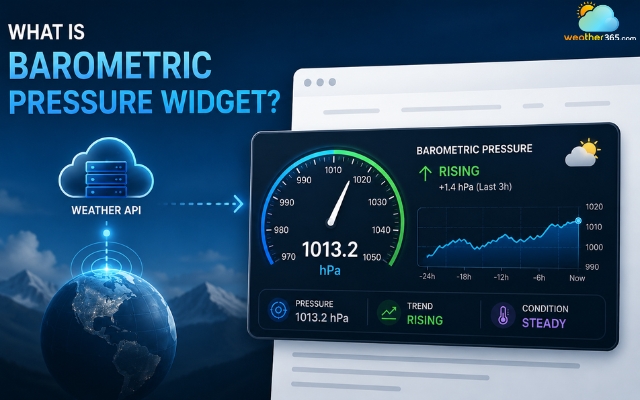
A barometric pressure widget pulls data from weather APIs
Features of a Barometric Pressure Widget
Most barometric pressure widgets include several useful functions designed to improve readability and user engagement:
Real-time atmospheric pressure updates
Pressure trend arrows showing rising or falling conditions
24-hour or 7-day pressure history graphs
Unit switching between hPa, mb, and inHg
Automatic geolocation support
Mobile-responsive layouts
Dark mode and custom color themes
Integration with broader weather dashboards
Some advanced widgets also combine pressure readings with humidity, air quality, UV index, and pollen count for a more complete weather monitoring experience.
This is why many developers combine a barometric pressure widget with larger environmental tracking systems or weather dashboards.
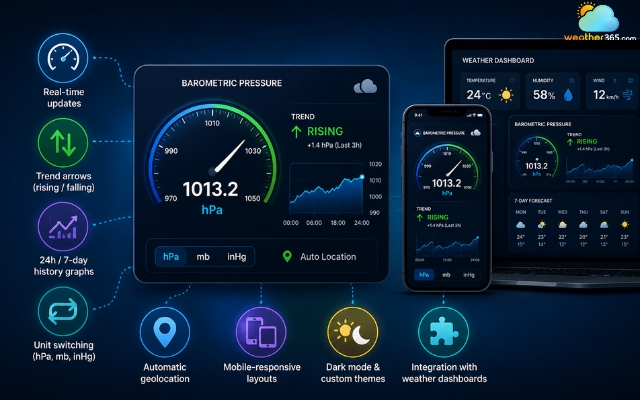
Important features of a barometric pressure widget
You may also like:
Why You Need a Reliable Barometric Pressure Widget
A reliable barometric pressure widget improves user experience, increases engagement, and provides practical real-world value across multiple industries.
Better Weather Forecasting
Barometric pressure is one of the most important indicators used in weather prediction.
When pressure drops rapidly, it often signals incoming storms, rain, or unstable weather conditions.
Rising pressure usually indicates improving weather and clearer skies. By displaying these changes visually, your website becomes more informative and useful for daily visitors.
Weather blogs, local news platforms, and forecast websites benefit especially from real-time pressure tracking because users tend to revisit frequently for updated conditions.
You can also pair this tool with broader environmental monitoring systems like weather metric widgets to create a more complete weather experience for users.
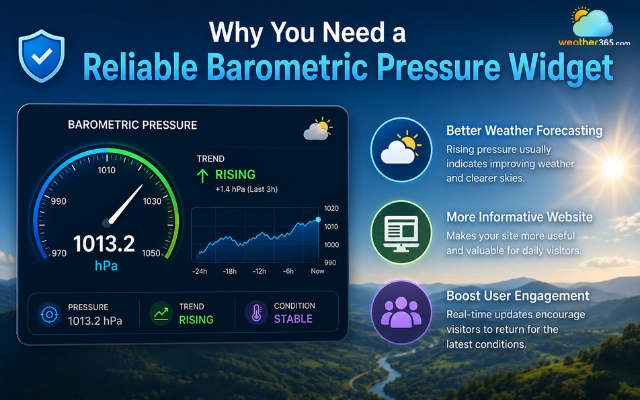
Use a barometric pressure widget for better weather forecasting
Health Monitoring and Comfort Tracking
Many people associate changing atmospheric pressure with physical discomfort.
Pressure fluctuations are commonly linked to:
Migraines and headaches
Arthritis flare-ups
Joint stiffness
Sinus pressure
Fatigue
Although medical responses vary from person to person, many users actively monitor pressure changes to better manage symptoms.
A barometric pressure widget gives them instant access to that information without leaving your site.
Health blogs, wellness platforms, and senior-focused websites often use these widgets to improve informational value and audience retention.
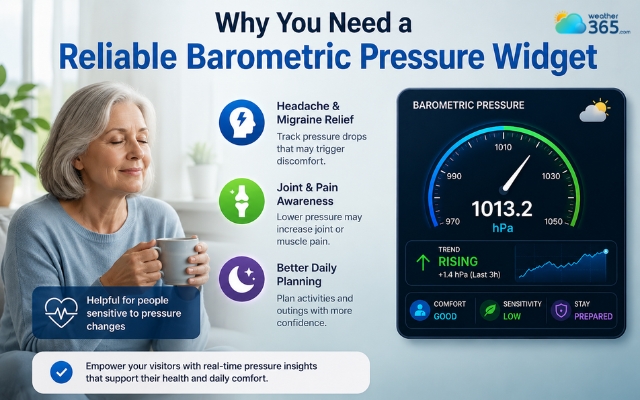
The barometric pressure widget is often on health blog websites
Outdoor Activities and Safety
Outdoor enthusiasts rely heavily on atmospheric pressure data.
For example:
Fishermen use pressure trends to predict fish behavior
Hikers monitor pressure changes before mountain trips
Pilots and aviation communities depend on accurate pressure readings
Campers use pressure trends to anticipate storms
A live barometric pressure widget can therefore become a highly valuable feature for travel blogs, outdoor recreation sites, marine websites, and aviation platforms.
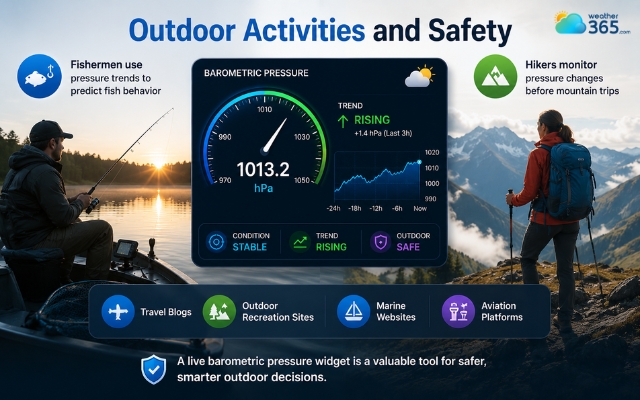
Barometric pressure is crucial for the safety of outdoor activities
Types of Barometric Pressure Widget Options for Web Developers
There are several ways to add a barometric pressure widget to a website, and the best option depends on your technical skills, customization needs, and website platform.
Some solutions are beginner-friendly and ready in minutes, while others give developers full control over design and functionality.
Ready-to-Use HTML iFrame Barometric Pressure Widget
An HTML iFrame barometric pressure widget is the easiest option for beginners. You simply copy and paste the provided embed code into your website without handling any backend setup.
Most iframe widgets already include live pressure updates, responsive layouts, and basic styling. This solution is best for blogs, small websites, or simple sidebar weather displays.
The setup is quick, but customization is usually limited.
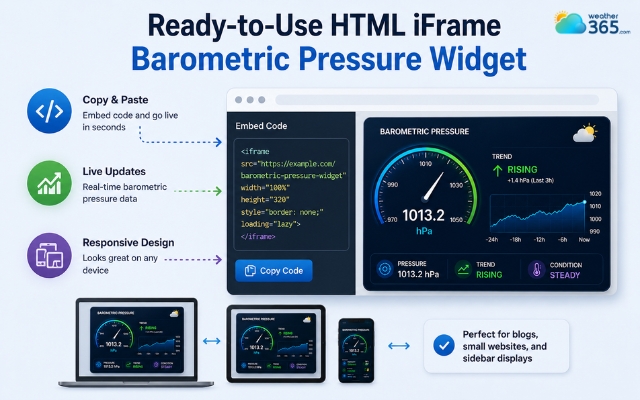
An HTML iFrame is the easiest option
JavaScript & Custom API Barometric Pressure Widget
A JavaScript and custom API solution gives developers more control over design and functionality.
Instead of using a pre-made widget, you pull live weather data from APIs like OpenWeatherMap and build your own interface.
This allows custom styling, interactive charts, and better integration with other weather tools.
This option is ideal for custom dashboards, apps, and advanced websites, but it requires coding knowledge and API management.
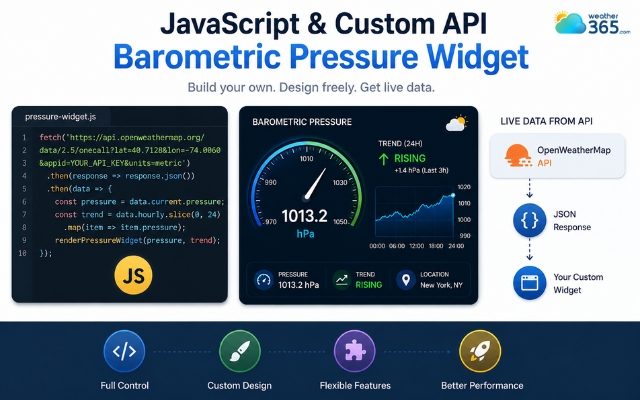
Custom API barometric pressure widget offers more control
CMS Plugins for a Barometric Pressure Widget
CMS plugins are designed for platforms like WordPress, Wix, and Joomla. You can install them directly from the platform marketplace and customize settings without coding.
These plugins are popular because they are simple to manage and work well for blogs, business sites, and content platforms.
However, plugin quality may vary, so choosing a lightweight and regularly updated plugin is important for good website performance.
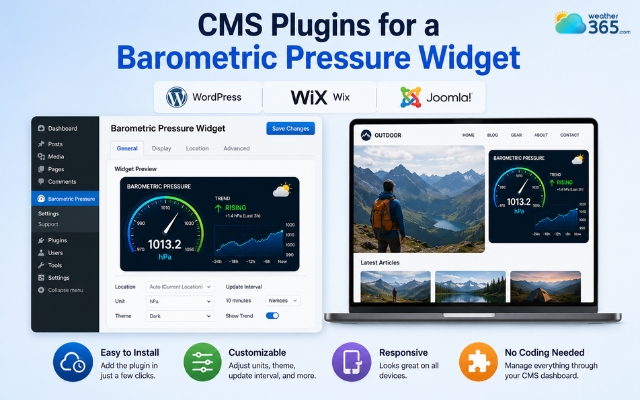
CMS Plugins are simple and popular
Widget type | Technical effort | Best for |
HTML iFrame Code | Zero Coding (Plug-&-Play) | Basic Blogs / Sidebars |
CMS Plugins (WordPress/Wix) | No Code (Install App) | Standard CMS Platforms |
JavaScript & Weather API | High (Requires Dev) | Custom Apps & Unique UI |
Step-by-Step Guide: Installing a Barometric Pressure Widget
Adding a barometric pressure widget to your website usually only requires choosing a provider, customizing the design, and pasting the embed code into your site.
Now let’s break down each step!
Step 1: Choosing Your Barometric Pressure Widget Source
Start by selecting a reliable weather data provider. A good provider should offer accurate pressure updates, fast loading speed, and stable uptime.
Before choosing a provider, you can review location-specific data such as Colorado barometric pressure to see how atmospheric pressure information is presented.
If you want a quick setup, choose a ready-made iframe widget. For more flexibility and custom styling, a weather API solution may be a better option
Step 2: Customizing the Barometric Pressure Widget Design
Next, customize the widget to match your website design. Most widgets let you adjust colors, layout size, themes, and pressure units.
Make sure the widget is mobile-friendly so it displays properly on all screen sizes.
Step 3: Embedding the Barometric Pressure Widget Code
Finally, copy the embed code and paste it into your website. You can add it to HTML pages, sidebars, footer sections, or CMS widget areas.
After installation, test the widget on desktop and mobile devices to ensure it loads correctly and shows live pressure data.
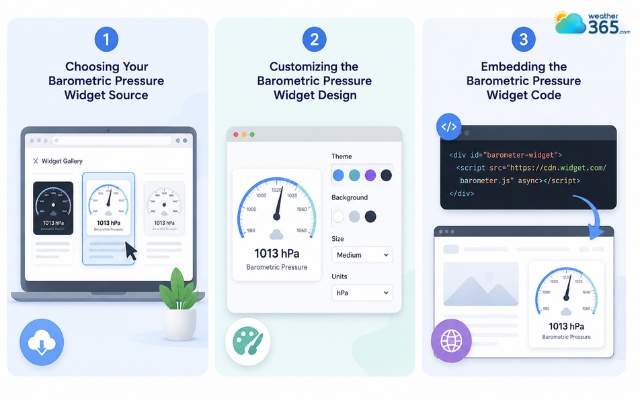
Simple steps to add a barometric pressure widget
Troubleshooting Your Barometric Pressure Widget
Incorrect embed settings, slow external scripts, or location detection errors cause most barometric pressure widget problems.
Fortunately, many of these issues are easy to fix with a few quick checks.
Why is My Barometric Pressure Widget Showing a Blank Space?
A blank widget is often caused by HTTP and HTTPS conflicts, blocked scripts, or server downtime from the widget provider.
You should also check whether browser ad-blockers are preventing the widget from loading properly.
How to Fix a Barometric Pressure Widget Loading Too Slowly?
Slow loading usually happens because of heavy external scripts or poor optimization.
Moving the widget script to the footer, enabling browser caching, or using a faster CDN can help improve performance.
Why is the Location Wrong on My Barometric Pressure Widget?
Incorrect locations usually happen because the widget relies on IP-based geolocation.
Allowing users to select a location manually or enabling browser geolocation permissions can improve accuracy.
Why is My Barometric Pressure Widget Showing Inaccurate Data?
Check whether your widget provider is serving Sea-Level Pressure (adjusted for elevation) versus Station Pressure (raw reading).
Ensure the caching interval on your server isn't set too high (e.g., caching weather data for 24 hours instead of 30–60 minutes).
How to Fix a Barometric Pressure Widget Overlapping Other Elements?
Resolve CSS conflicts by ensuring the widget container uses proper ‘box-sizing: border-box’; and setting relative positioning.
Adjust the ‘z-index’ if it is accidentally rendering on top of your website's main navigation menu.
Why Did My Barometric Pressure Widget Stop Working Suddenly?
Verify if you have exceeded the free monthly call limits of your weather API tier.
Check if the widget provider updated their source script URL, which requires you to update the script source (src) in your embedded HTML code.
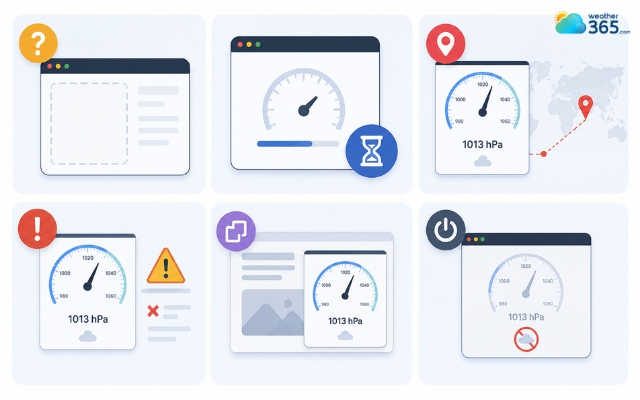
Common problems when using a barometric pressure widget
Sum up
A barometric pressure widget is an easy way to make your website more interactive and informative. With live atmospheric data, visitors can quickly check weather conditions, pressure trends, and local changes without leaving your site, helping improve both engagement and user experience.
Frequently Asked Questions (FAQs)
Related post
UV Index Widget: Best Live UV Tracking Tools for Online Platforms
 229
229
 8
8
 4.7
4.7
 23/07/2026
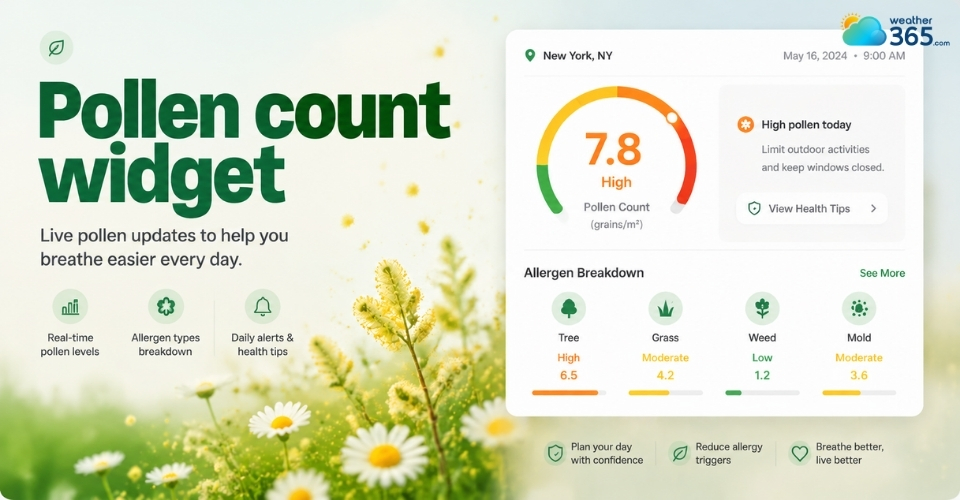
How to Embed a Live Pollen Count Widget on Your Website
123
8
5.0
21/05/2026
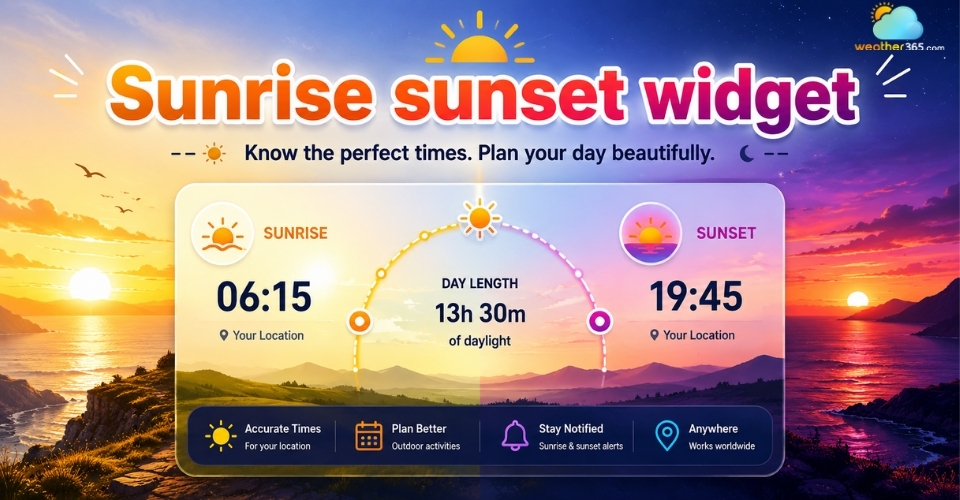
Enhance Your Website with a Customizable Sunrise Sunset Widget
100
8
4.9
21/05/2026

8 Comment
Alivia Holmes
Can I show barometric pressure in both hPa and inHg? My audience includes visitors from different countries.
weather365
That’s worth checking when selecting a widget. Common pressure units include hectopascals (hPa), millibars (mb), and inches of mercury (inHg). Choose a provider that supports the units your audience is most familiar with.
Gwendolyn Schultz
Would a barometric pressure widget be useful for a fishing website? Many anglers pay attention to pressure changes when planning a trip.
weather365
Yes, it could be a useful addition to a fishing website. You can display pressure readings alongside wind and weather forecasts to give visitors more information when planning their trips. Pressure alone, however, cannot reliably predict fish activity.
Londyn Gibson
What is the difference between station pressure and sea-level pressure? I noticed that some weather sources show different readings for the same area.
weather365
Station pressure is the actual atmospheric pressure measured at a specific location, while sea-level pressure is adjusted to sea level to make comparisons between locations at different elevations easier. Checking which value a widget displays can help explain differences between readings.
Harley Wood
I never realized barometric pressure could be such a useful addition to a weather website. Showing pressure trends alongside regular forecasts could help visitors understand when conditions might be changing.
weather365
Thanks for sharing! Pressure trends can provide useful context about changing weather conditions. They work best alongside other information, such as wind, precipitation, and the local forecast.
Leave a comment
Your email address will not be published. Required fields are marked *