




Weather Widgets vs Weather Dashboards: Key Differences & Best Use Cases


Weather Widgets vs Weather Dashboards - which one do you really need? Many websites add weather information without thinking much about the tool behind it, yet the right choice can influence user experience, data visibility, and even day-to-day business decisions. Before you install the first weather solution you find, it is worth understanding which option truly fits your goals. Diving in!
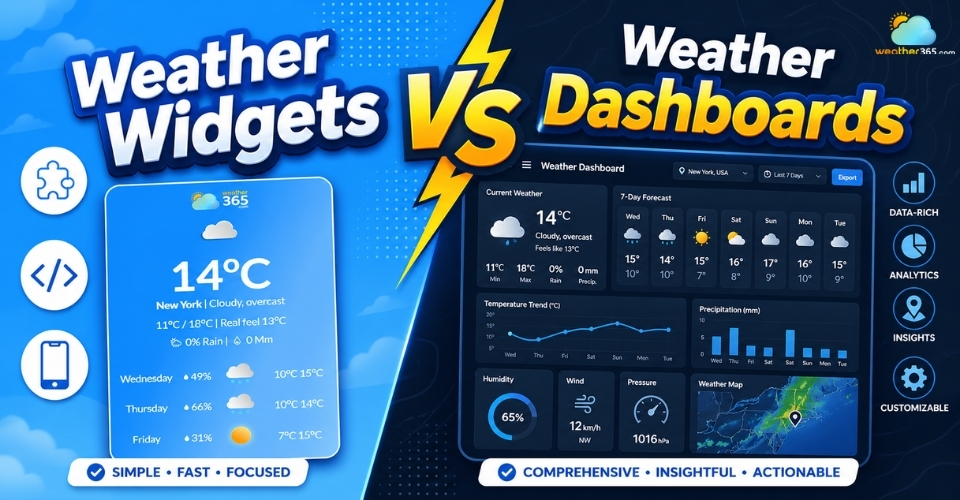
Weather widgets vs weather dashboards
- What is Weather Widgets?
- What is Weather Dashboards?
- Weather Widgets vs Weather Dashboards: A Side-by-Side Comparison
- Size and interface complexity
- Purpose and user intent
- Setup and technical requirements
- Cost and maintenance
- Data depth and customization
- When to Opt for a Weather Widget?
- When Your Business Needs a Professional Weather Dashboard
What is Weather Widgets?
In simple terms, a weather widget is a small embedded weather display that shows live forecast information directly on a webpage.
Instead of sending users to a separate weather app or forecast page, it gives them instant access to essential conditions right where they are browsing.
Most widgets automatically pull fresh meteorological data from external weather providers, so the information stays updated without any manual work from the website owner.
This is exactly why weather widgets are popular on travel sites, hotel booking pages, tourism blogs, event websites, local business pages, and even personal dashboards.
They offer visitors one useful piece of live information without forcing them to leave the page or search elsewhere.
Common features of a weather widget
Modern weather widget providers typically include features such as responsive layout, automatic location updates, theme customization, and live forecast syncing to keep the display both functional and visually clean.
Some of the most common features include:
current temperature and weather condition icons
hourly or daily forecast summaries
humidity, wind speed, or precipitation chance
location-based automatic weather display
mobile-friendly responsive design
customizable colors, fonts, and widget sizes
easy embed code installation
Still, these are only the common features people expect, not every weather widget on the market can deliver all of them smoothly in one place.
Some look good but offer limited forecast depth, while others provide data but feel outdated or hard to customize.
If you want a weather widget that combines visual flexibility, rich live data, and easy integration, Weather365 widget is one solution worth exploring.
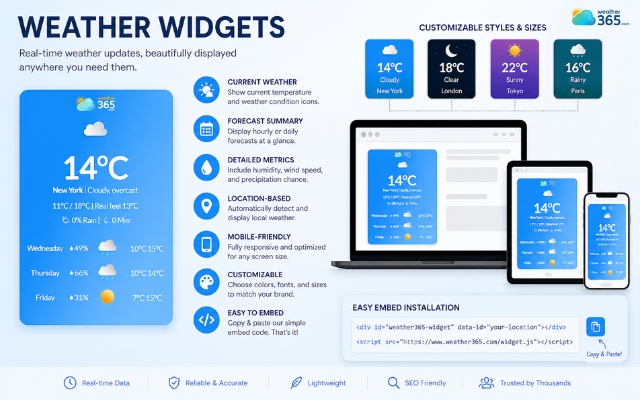
Notable features of a weather widget
What is Weather Dashboards?
A weather dashboard is not just a small forecast box placed on a webpage. It is a centralized weather monitoring interface built to collect, organize, and visualize large amounts of weather information in one screen.
Instead of showing only today’s temperature or tomorrow’s rain chance, it helps users track patterns, compare multiple weather variables, monitor risks, and make informed decisions based on live meteorological data.
Modern business weather dashboards are often designed as analytics platforms that combine forecasts, historical records, alerts, and visual reporting tools in one place.
Main Components Inside a Weather Dashboard
Since weather dashboards are built for analysis and monitoring, they usually contain far more elements than a standard widget.
Some of the most common components include:
live weather maps with radar or precipitation layers
hourly and multi-day forecast charts
wind, humidity, pressure, and rainfall tracking
severe weather warnings and alert panels
historical weather comparison reports
location-based monitoring across multiple regions
trend graphs and KPI-style visual summaries
customizable data modules for different teams
What makes these components useful is not just the amount of information, but the way the data is organized.
Good dashboards turn complex meteorological numbers into readable visuals: graphs, color indicators, movement maps, timelines, and automated alerts, so businesses can react faster without manually digging through raw forecasts.
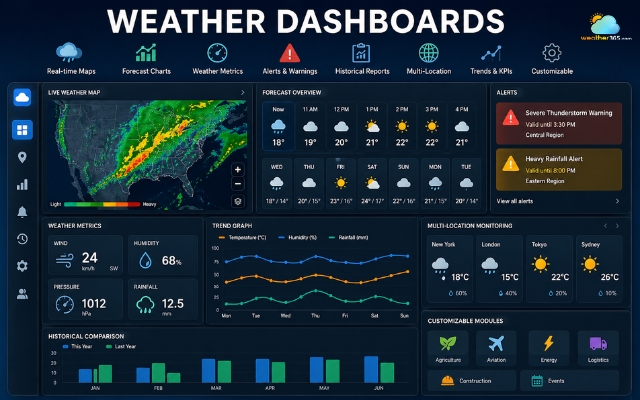
A weather dashboard contains far more elements than a standard widget
Weather Widgets vs Weather Dashboards: A Side-by-Side Comparison
Instead of looking at weather widgets vs weather dashboards as “small vs big,” let’s compare weather widgets and weather dashboards side by side in the areas that matter most.
Size and interface complexity
The first and most visible difference is interface size.
A weather widget is intentionally compact. It is designed to fit neatly inside a website sidebar, homepage banner, booking page, or app screen without taking over the user experience.
The layout usually contains only a few forecast elements: temperature, icons, maybe a short multi-day outlook, and everything is built for quick reading.
A weather dashboard, on the other hand, is much larger and far more layered. It often includes multiple panels, charts, maps, filters, and live data boxes on one screen.
Users are expected to spend time reading and interpreting the information rather than glancing at it for two seconds.
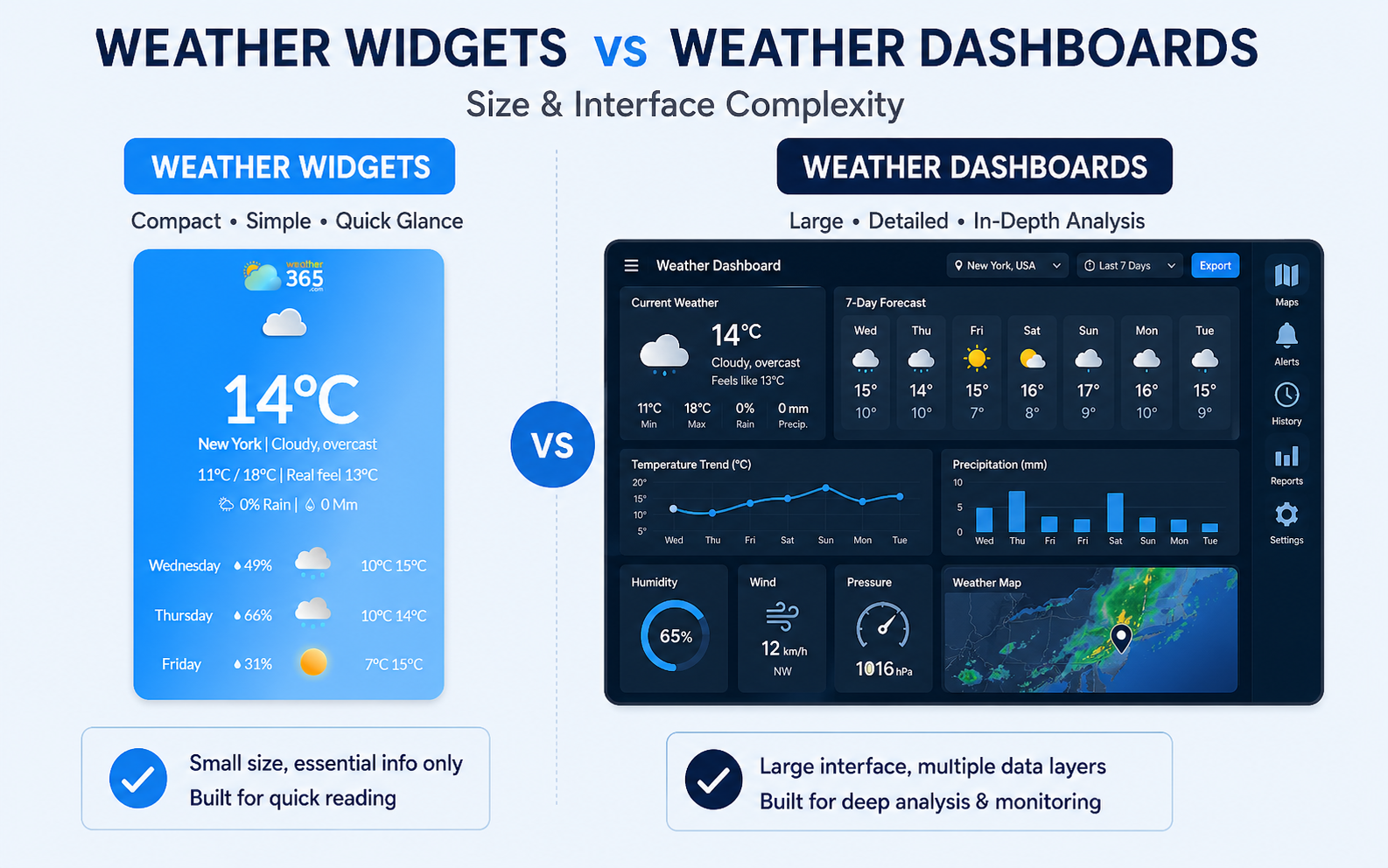
Weather widgets vs weather dashboards differ in interface size
Purpose and user intent
Weather widgets are built for website visitors.
Their main purpose is to provide helpful weather information quickly, improve on-page experience, and keep users engaged with something useful. In short, they are audience-facing.
Weather dashboards are built for internal use and decision support.
Their purpose is not simply to show weather, but to help businesses monitor changes, assess weather-related risks, and plan around incoming conditions.
According to enterprise weather monitoring platforms, dashboards are commonly used where weather affects scheduling, safety, logistics, or productivity.
That means the user intent is completely different:
widget = quick convenience for readers
dashboard = strategic weather visibility for teams
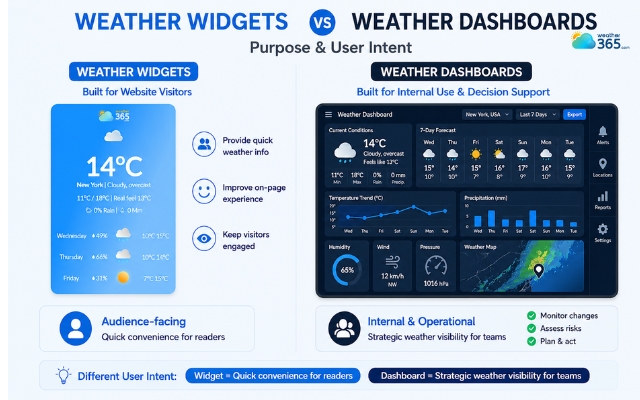
The purpose of each type is different
Setup and technical requirements
If ease of installation matters, weather widgets are the clear winner.
Most weather widgets are built as plug-and-play tools. Website owners usually only need a short embed code, a CMS plugin, or a small JavaScript snippet to get them running. Styling can often be adjusted without touching any backend system.
Weather dashboards require much more technical involvement.
Since they pull and process larger sets of data, they often depend on API connections, database syncing, custom visual modules, automated alerts, and sometimes internal software integration.
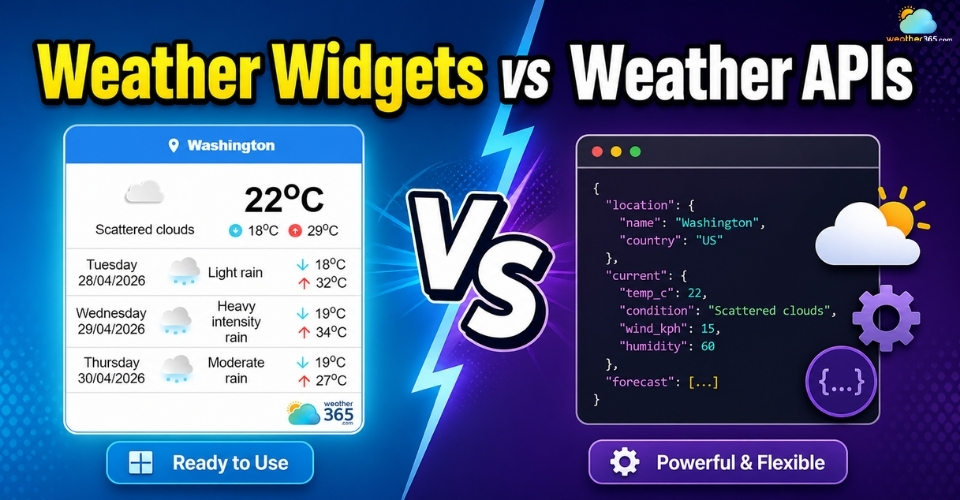
If you are still unsure how embedded weather tools differ from backend data delivery systems, this breakdown of Weather Widgets vs Weather APIs can help clarify why widgets are simpler for display while APIs are built for deeper custom development.
Many professional dashboards are either custom-built or configured through business intelligence tools.
So if a widget feels like adding a simple website feature, a dashboard feels more like deploying a weather monitoring system.
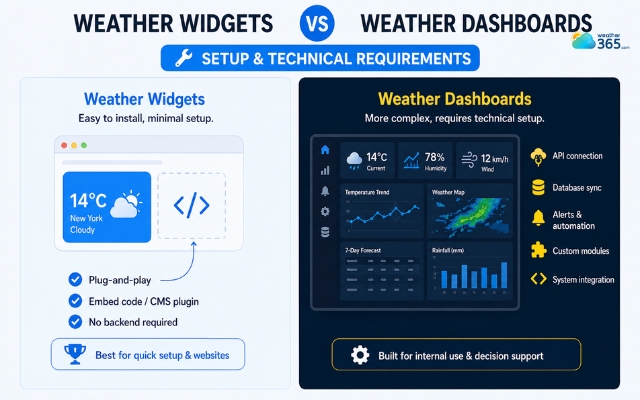
Most weather widgets are built as plug-and-play tools
Cost and maintenance
Because weather widgets are simpler in both design and infrastructure, they are usually inexpensive to run.
Many providers offer free plans or low monthly subscriptions, and maintenance is minimal because forecast data updates automatically in the background.
Once embedded, there is rarely much operational work involved.
Weather dashboards come with a very different cost profile.
Beyond subscription or development expenses, they may involve data licensing, API usage fees, system monitoring, software customization, and occasional staff training.
More data means more moving parts, and more moving parts always mean more maintenance.
This does not automatically make dashboards a bad investment. It simply means they are built for businesses that expect measurable operational return from weather intelligence.
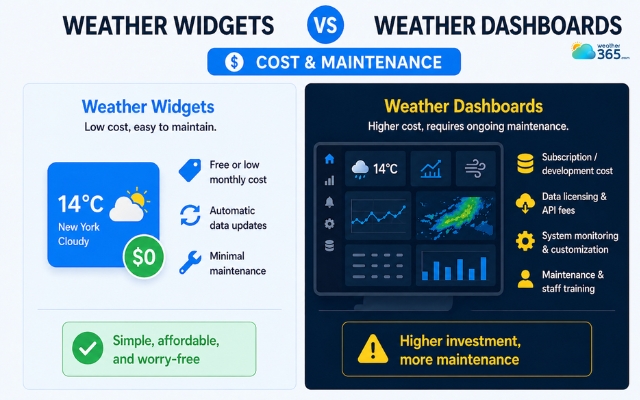
Weather widgets are usually inexpensive to run
Data depth and customization
This is perhaps the biggest difference of all.
Weather widgets provide surface-level weather information.
They focus on showing only what a visitor needs at a glance: current conditions, a short forecast, and maybe a few extra details like humidity or wind.
Weather dashboards go much deeper.
They can display layered weather variables, radar tracking, historical comparisons, severe weather alerts, route-specific conditions, and long-range forecast trends all in one place.
Many dashboards also allow teams to customize which weather metrics appear depending on their industry needs.
In other words:
widgets deliver weather visibility
dashboards deliver weather analysis
And that single difference often decides which one is actually worth using.
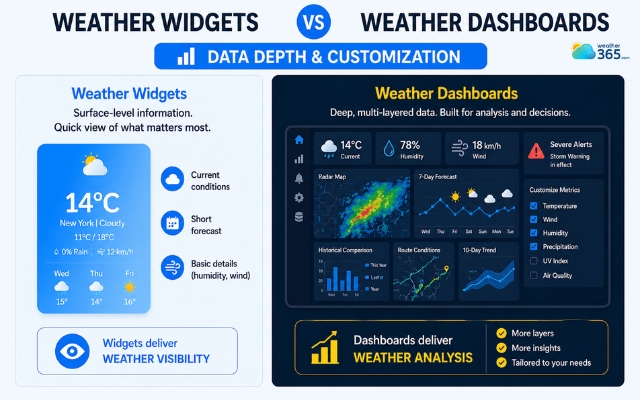
Weather dashboards display layered weather variables
When to Opt for a Weather Widget?
A weather dashboard may offer deeper analytics, but that does not mean every website needs one.
In many cases, a weather widget is the more practical option because it gives visitors useful forecast information without adding technical complexity.
Here are the situations where a weather widget makes the most sense.
For Quick Forecast Display
If users only need to check today’s temperature, rain chance, or a short forecast, a weather widget does the job perfectly.
It delivers instant weather updates in a simple format without overwhelming the page.
For User-Focused Websites
Weather widgets are ideal for travel sites, hotel pages, tourism blogs, local services, and event platforms where visitors benefit from seeing live weather while browsing.
It adds convenience and makes the page feel more informative.
This is also what separates a built-in website widget from a standalone forecast application.
If you want to see that distinction more clearly, drop by our guide on Weather Widgets vs Weather Apps.
For Easy Setup and Maintenance
Most weather widgets are plug-and-play tools.
Website owners can usually install them with a small embed code and let the forecast update automatically, with little technical work afterward.
For Lower Budget Needs
Compared with a full dashboard, weather widgets are much more affordable.
Many providers offer free or low-cost plans, making them a smart choice for businesses that want weather functionality without enterprise-level spending.
For Better Visual Integration
Because widgets are compact and customizable, they fit naturally into sidebars, landing pages, booking sections, or mobile screens.
They support the website design instead of making it look crowded.
Simply put, a weather widget is best when your goal is to improve visitor experience with fast, clean, and accessible weather information.
Of course, once you decide a widget is the right fit, the next challenge is choosing one that looks modern, loads fast, and offers reliable live forecasts.
Drop by this guide to find the best weather widget for website!
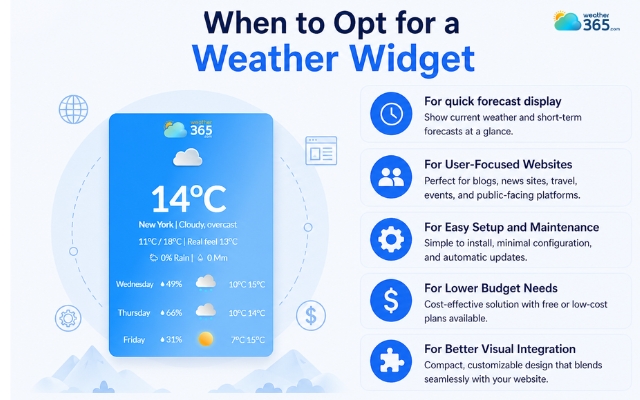
Situations where a weather widget is the best choice
When Your Business Needs a Professional Weather Dashboard
While weather widgets are great for visitor convenience, some businesses need weather data for much more than display.
When weather conditions directly affect scheduling, safety, delivery, staffing, or revenue, a simple widget is no longer enough.
This is where a professional weather dashboard becomes valuable.
Here are the situations where investing in a dashboard makes more sense.
For Weather-Sensitive Operations
Industries like logistics, agriculture, construction, aviation, and outdoor event planning often depend heavily on weather conditions.
A sudden storm, temperature drop, or high wind warning can disrupt operations quickly, so businesses need a system that helps them monitor risks in advance.
For Real-Time Data Monitoring
Unlike widgets that show only basic forecasts, dashboards allow businesses to watch live changes across multiple weather variables at once: rainfall, wind, radar movement, pressure, and severe alerts.
This kind of constant visibility helps teams respond faster when conditions shift.
For Forecast-Based Planning
Many businesses plan around the weather. Delivery scheduling, crop protection, construction timelines, and outdoor staffing often rely on upcoming forecasts.
A weather dashboard makes that planning easier by organizing predictive weather data in one place.
For Team-Wide Visibility
A professional dashboard is also useful when multiple departments need access to the same weather information.
Managers, coordinators, dispatchers, and field teams can all work from one shared monitoring screen instead of checking separate sources.
For Long-Term Operational Value
Beyond daily forecasts, dashboards help businesses analyze patterns over time.
Historical weather trends, repeated seasonal risks, and performance comparisons can all support smarter long-term decisions.
That is why many companies see dashboards as an operational investment, not just a weather display tool.
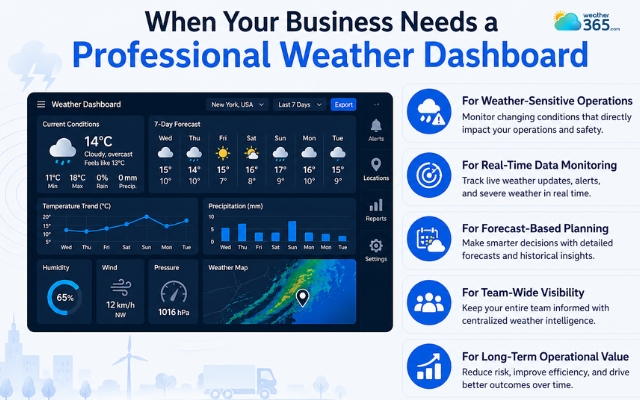
Weather dashboards are usually for weather-sensitive operations
Final thought
Now are you clear about the difference between weather widgets vs weather dashboards? One is designed to give visitors fast, simple forecast access, while the other helps businesses monitor weather as part of daily operations. The best choice depends on whether you need user-friendly display or deeper weather intelligence behind the scenes.
Frequently Asked Questions (FAQs)
Related post
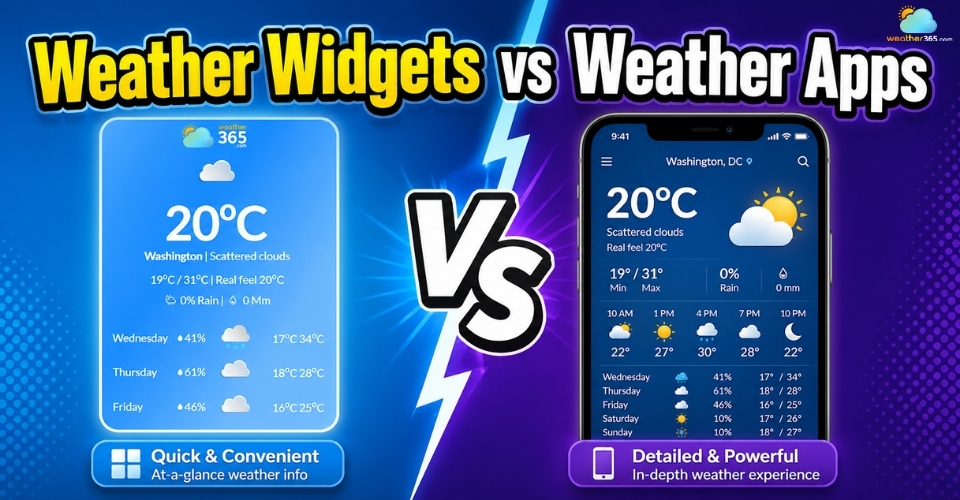
Weather Widgets vs Weather Apps: Pros, Cons & Best Use Cases
 223
223
 0
0
 4.9
4.9
 04/05/2026
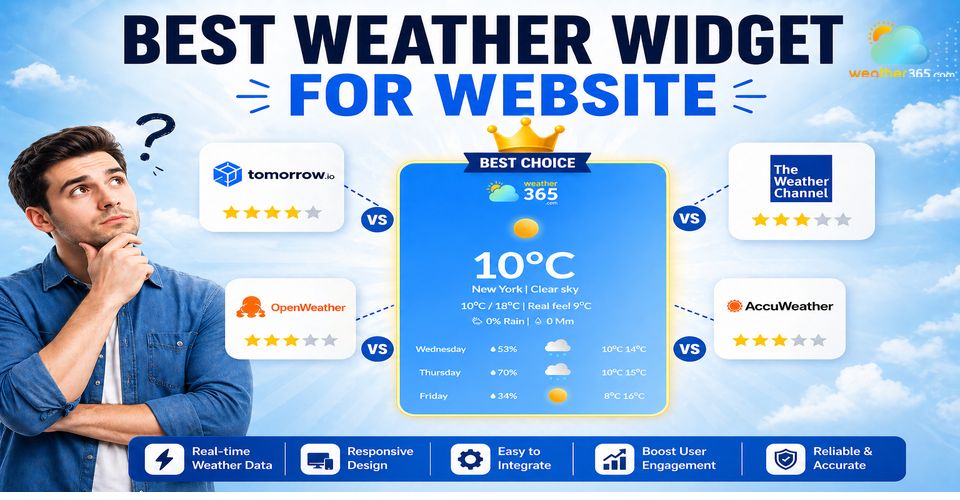
Best Weather Widget for Website: Weather365 vs Top Alternatives
212
0
4.9
13/08/2026
Weather Widgets vs Weather APIs: A Comprehensive Comparison
190
0
4.8
05/05/2026

0 Comment
Leave a comment
Your email address will not be published. Required fields are marked *