




Weather Widget for European Cities: Display Real-Time Forecasts Across Europe


Are you looking for a weather widget for European cities? If your website attracts visitors from across Europe, a live weather feed for them is crucial! This tiny add-on can make your content more useful and engaging. Scrolling down, and we’ll help you learn how to quickly embed your own weather widget on your site without technical skills!
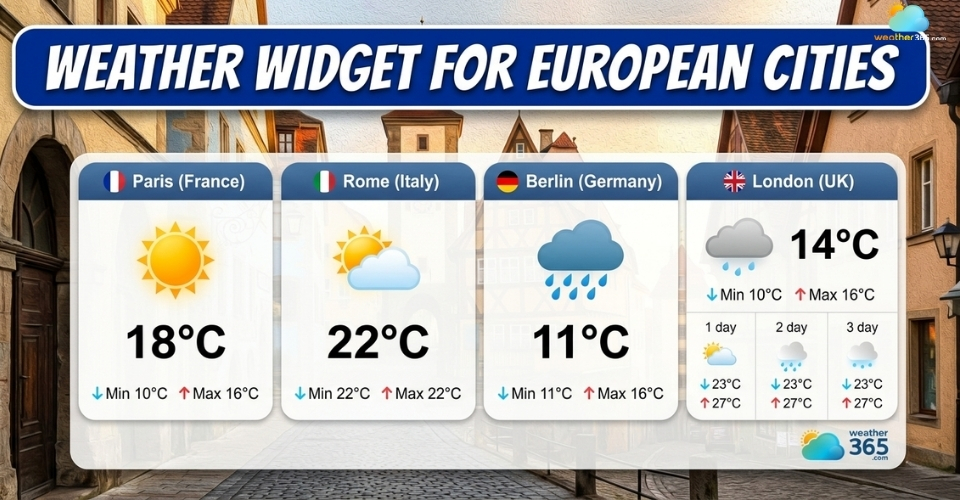
Weather widget for European cities
- Live Weather Widget for European Cities
- Meteomatics
- Weather365
- Windy
- Features of a Widget
- How To Add Weather Widget for European Cities
- Step 1: Choose a Reliable Widget Provider
- Step 2: Select Your European Cities
- Step 3: Customize the Widget Settings
- Step 4: Copy the Embed Code
- Step 5: Add the Code to Your Website
- Step 6: Preview and Adjust if Needed
- Customize your widget
Live Weather Widget for European Cities
When choosing a weather widget for European cities, the provider behind it matters more than you might think.
Different platforms use different data sources, update speeds, and display styles, so the experience you deliver to your visitors can vary quite a bit.
Below are three popular tools worth considering, each with its own strengths depending on what your website needs.
Meteomatics
Meteomatics offers a powerful weather widget designed with high-precision data in mind.
It’s widely used in professional environments, which says a lot about the level of accuracy and reliability it delivers.
What makes Meteomatics stand out is its data depth.
Instead of just basic forecasts, it provides detailed weather insights powered by advanced models.
This can be especially valuable if your website targets users who need more than just temperature, such as travelers, planners, or businesses.
At the same time, the widget remains flexible enough to embed into a website.
While it may feel more “data-driven” than simpler tools, it adds a strong sense of credibility and professionalism to your content.
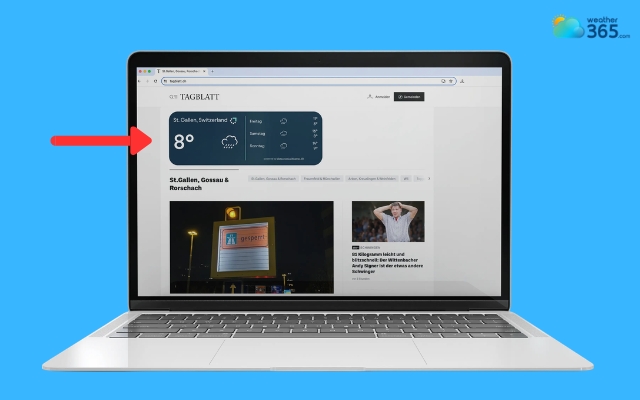
Meteomatics offers a powerful weather widget
Weather365
Weather365 widget is a website-focused solution designed with simplicity and flexibility in mind, especially when displaying weather for European cities.
Unlike traditional weather apps, it integrates smoothly into web pages, making it a great choice if you care about both performance and clean design.
One of its biggest strengths is customization.
You can easily adjust colors, layout, and displayed data so the widget fits your branding instead of looking like an add-on. This is particularly useful for blogs or business websites targeting European audiences, where consistency matters.
It’s also lightweight, so it won’t slow down your page - a key factor for both SEO and user experience. Visitors can check real-time weather for European cities instantly, without delays.
If you’re looking for a balance between functionality, speed, and ease of use, Weather365 is one of the most practical options available.
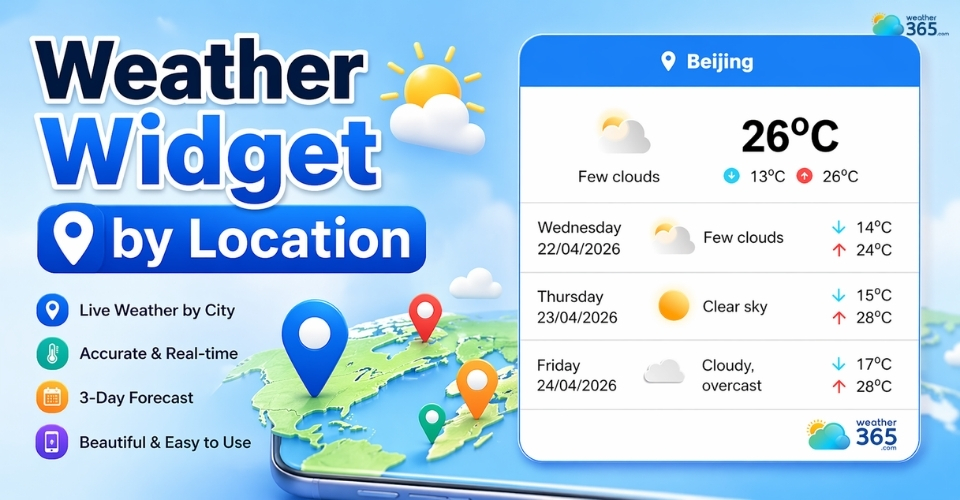
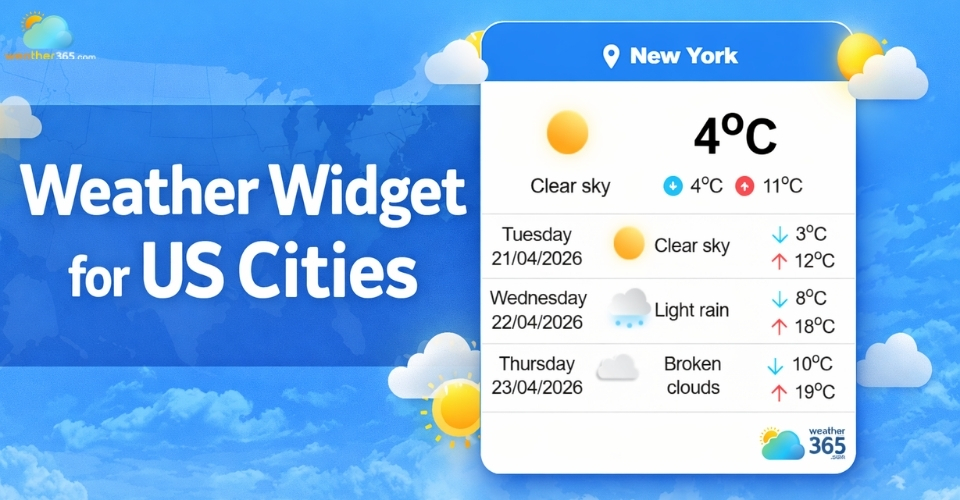
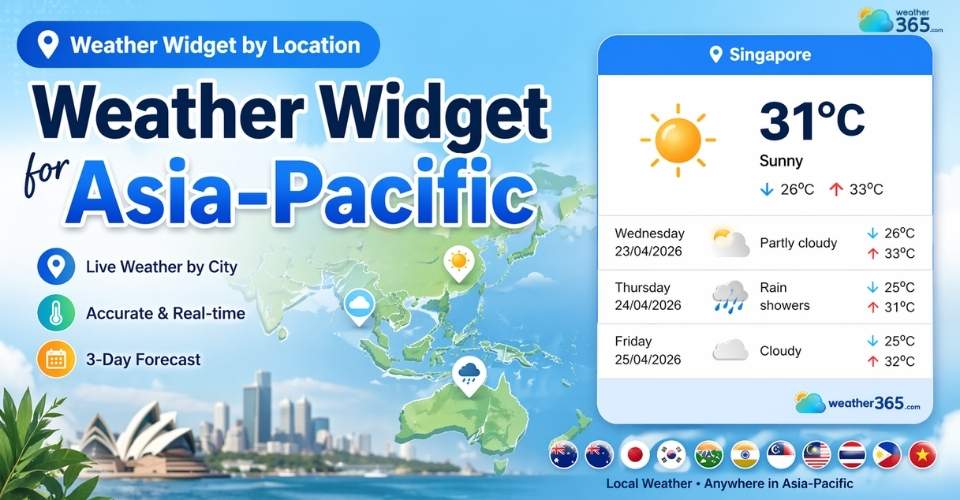
Beyond Europeans cities, Weather365 also offers a weather widget for multiple locations, from US cities to the Asia-Pacific.
Learn the details about the weather widget by location here!
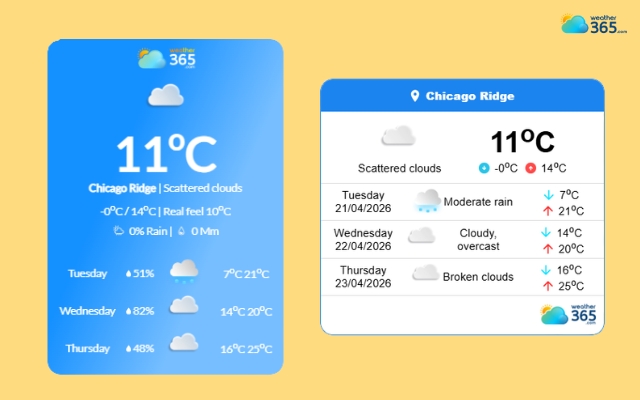
Weather365 is designed with simplicity and flexibility
Windy
Windy takes a slightly different approach by focusing on visualization.
Instead of just showing numbers, it uses interactive maps to display wind patterns, temperature changes, and weather systems across Europe.
This makes it particularly useful for more advanced users, like travelers, outdoor enthusiasts, or even professionals who need deeper insights into weather conditions.
On a website, embedding a Windy-based widget can make your content feel more dynamic and engaging.
However, with that extra power comes a bit more complexity.
The interface is richer and sometimes heavier than simpler widgets, so it may not be the best fit if you’re aiming for a minimal, fast-loading page.
But if your audience values detailed, visual weather data, Windy can really elevate the experience.
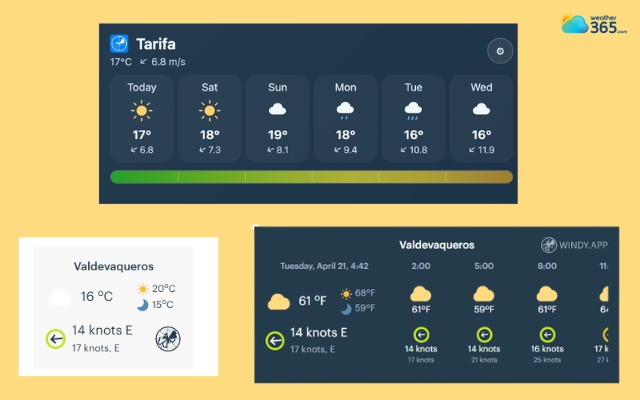
The windy weather widget displays detailed weather information
Read more:
Features of a Widget
When people talk about adding a weather widget for European cities, they often focus on how it looks.
But in reality, the real value lies in what the widget can do.
A well-built widget is a functional tool that improves user experience, keeps visitors on your site longer, and even supports your SEO performance.
Let’s break down the key features that actually matter, so you know what to look for before choosing one.
Real-Time and Accurate Data
A good widget should update automatically and show reliable forecasts so users always see the latest weather without refreshing the page.
Tools like Weather365 focus on delivering stable, real-time data that’s easy to trust.
Multi-City Flexibility
The ability to display or switch between multiple European cities helps you serve a wider audience.
This is especially useful for travel or international websites.
Clean and Responsive Design
A widget should look simple, modern, and adapt smoothly to all screen sizes. Users should understand the weather instantly without dealing with cluttered layouts.
Customization Options
You should be able to adjust colors, layout, units, and language so the widget fits your website’s style.
This makes it feel like a natural part of your page.
Lightweight and Fast Loading
A fast-loading widget keeps your site smooth and improves user experience. It also helps reduce bounce rates and supports better SEO performance.
Easy Integration
Most widgets come with a simple embed code, allowing you to add them to your site in just a few minutes.
No technical skills are required, which makes the process quick and hassle-free.
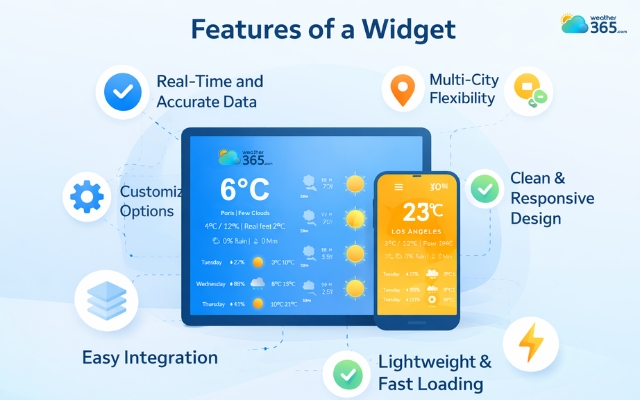
Significant features of a weather widget
How To Add Weather Widget for European Cities
Ready to add a weather widget for European cities? It’s not as hard as you think, just follow our guide below, and you will quickly get yourself one!
Step 1: Choose a Reliable Widget Provider
Start by selecting a platform that offers accurate data and easy integration. Not all widgets are the same: some focus on design, others on data depth or speed.
With Weather365, the advantage is simplicity. You don’t need to sign up for complex APIs or deal with technical setup.
Everything is ready to use, which makes it ideal if you want a quick solution without extra hassle.
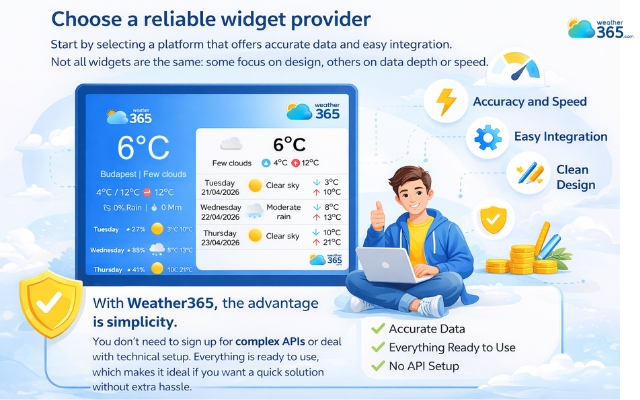
Remember to choose a reliable weather widget provider
Step 2: Select Your European Cities
Once you’re on the platform, the next step is choosing which cities to display. Think about your audience here.
If your visitors are mostly from one country, you can focus on a single city.
But if your website targets a broader European audience, it’s better to include multiple cities or allow users to switch between them.
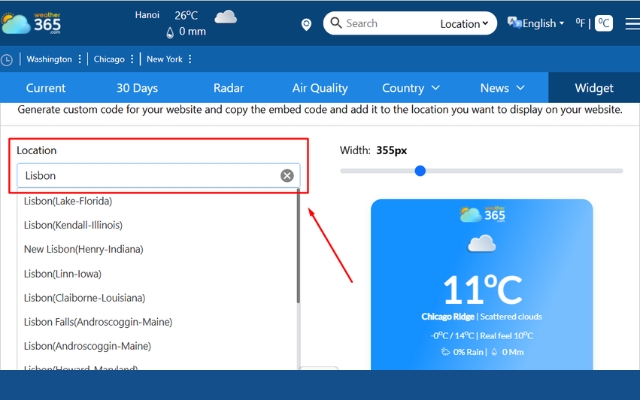
Choose a European city you want to show on the weather widget
Step 3: Customize the Widget Settings
Before generating the code, you’ll usually have a chance to adjust how the widget looks and behaves.
You can tweak things like layout, colors, temperature units, and language.
With Weather365, this step is very intuitive; what you see in the preview is exactly what will appear on your site.
Taking a minute to customize helps the widget blend naturally into your design instead of standing out awkwardly.
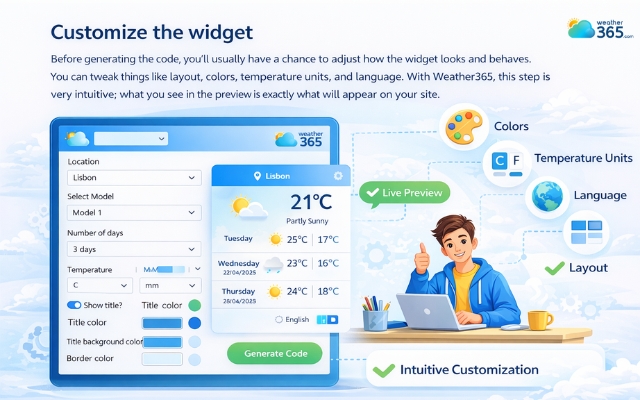
Adjust how the widget looks
Step 4: Copy the Embed Code
After customization, the platform will generate a short piece of code. This is what you’ll use to add the widget to your website.
Don’t worry if you’re not technical; this code is ready to use. You don’t need to edit or understand it. Just copy it exactly as provided.
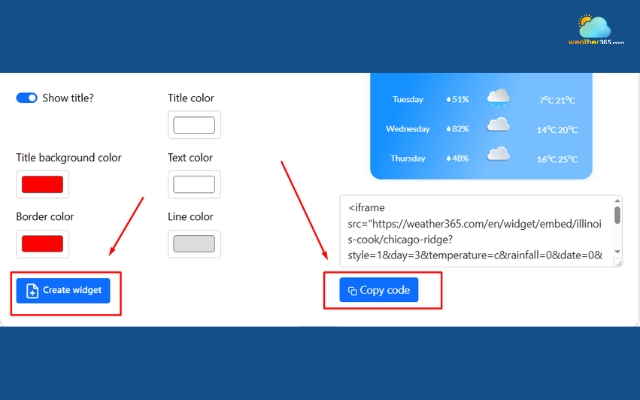
Copy the generated code
Step 5: Add the Code to Your Website
Now go to your website’s backend or editor and paste the code where you want the widget to appear.
This could be in a sidebar, footer, or within a blog post.
Most website builders like WordPress, Wix, or Shopify make this step very straightforward.
Once you save or publish the page, the widget will instantly show up and start working.
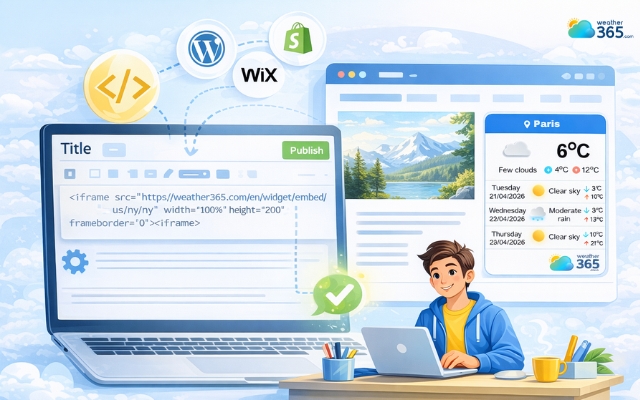
Paste the code into the editor block
Step 6: Preview and Adjust if Needed
Finally, take a quick look at your live page. Check if the widget fits well with your layout and whether the information is easy to read.
If something feels off, like size, color, or placement, you can always go back to Weather365, adjust the settings, and update the code. It only takes a few seconds to refine.
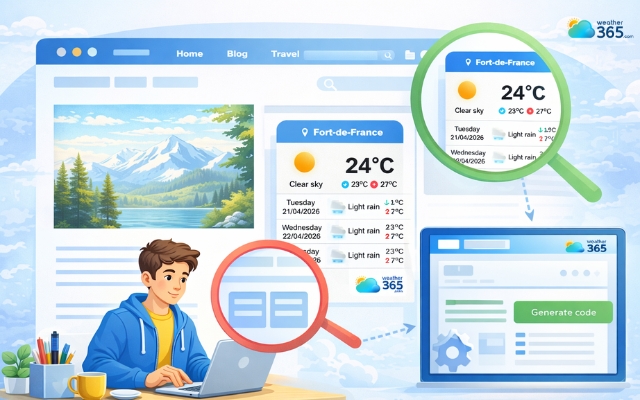
Preview the weather widget
Customize your widget
Customizing your weather widget for European cities helps it feel more relevant and visually consistent with your website.
Instead of using default settings, a few small adjustments can make a big difference.
While some widget providers limit design customization, Weather365 gives you much more flexibility - allowing you to fully adjust colors, layout, and display settings.
Now let’s see what you can do with a Weather365 widget!
Location
Choose the city (or cities) that match your audience. A well-targeted location makes the widget more useful and engaging.
Select Forecast Model
Some widgets let you choose the weather model. Picking one optimized for Europe can improve forecast accuracy.
Number of Forecast Days
You can display short-term or extended forecasts. Fewer days keep things clean, while more days add extra value for users.
Temperature & Precipitation Units
Set units like Celsius or millimeters to match user expectations. This makes the data easier to understand at a glance.
Date Format
Using the right format (such as day/month in Europe) avoids confusion and improves readability.
Color Customization
Adjust elements like title, text, lines, background, and borders to match your site’s design.
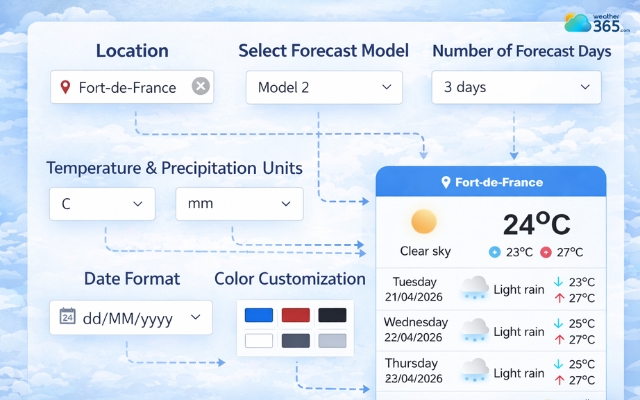
Freely make changes to the weather widget with Weather365
Sum up
Now, did you add a weather widget for European cities? If not, it’s a simple upgrade that can instantly improve your site. With tools like Weather365, you can add real-time forecasts, customize the design, and create a more useful, engaging experience for your visitors in just a few minutes.
Frequently Asked Questions (FAQs)
Related post
Weather Widget by Location: Easy & Accurate Forecasts for Your Website
 252
252
 0
0
 4.8
4.8
 22/04/2026
Weather Widget for US Cities: Display Accurate Local Forecasts On Your Site
110
0
4.9
22/04/2026
Weather Widget for Asia-Pacific: Live Weather for Multiple APAC Locations
109
0
4.9
22/04/2026

0 Comment
Leave a comment
Your email address will not be published. Required fields are marked *